
Sourcebot
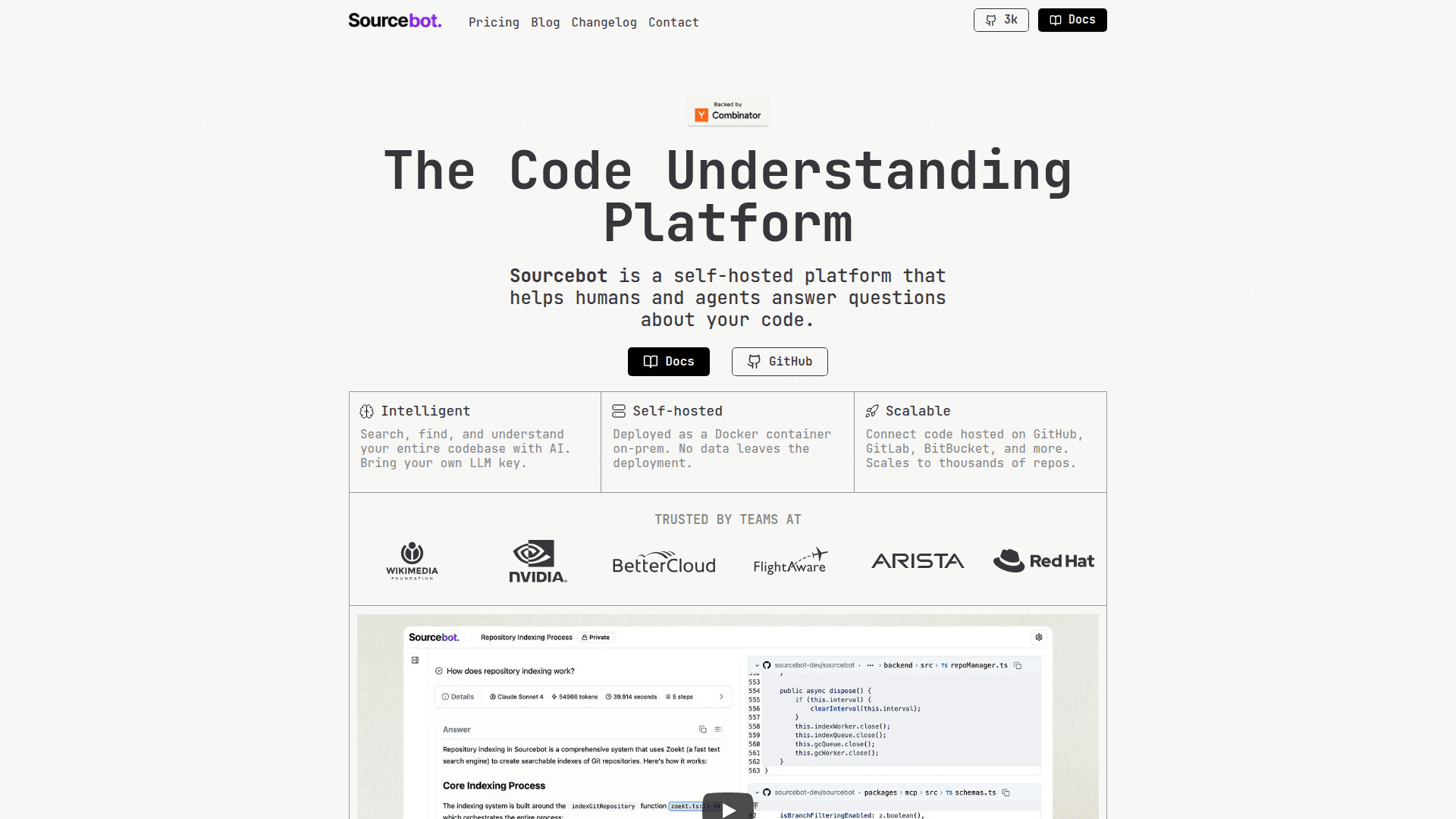
A self-hosted code understanding platform that helps humans and agents answer questions about your codebase using AI-powered search.
At a Glance
About Sourcebot
Sourcebot is a self-hosted code understanding platform designed to help developers and AI agents answer questions about codebases. It combines intelligent search capabilities with AI-powered analysis, allowing teams to navigate, understand, and explore large codebases efficiently. Deployed as a single Docker container on-premises, Sourcebot ensures that no data leaves your infrastructure while providing enterprise-grade code search and navigation features.
-
Agentic Search enables users to ask questions in plain English, with the LLM automatically searching, navigating, and finding relevant code context across the entire codebase, providing summarized answers with inline citations.
-
Blazingly Fast Code Search offers precise code search with support for search filters, boolean operators, multi-branch search, and symbol search to quickly locate code across thousands of repositories.
-
Self-Hosted Deployment runs as a single Docker container on-premises, ensuring complete data privacy with no code leaving your deployment environment.
-
Multi-Code Host Support connects to code hosted on GitHub, GitLab, Bitbucket, Azure DevOps, Gerrit, and Gitea, scaling to thousands of repositories.
-
Bring Your Own LLM supports multiple LLM providers including OpenAI, Anthropic, Amazon Bedrock, Google Vertex, DeepSeek, Azure OpenAI, Mistral, OpenRouter, and xAI.
-
MCP Server provides Model Context Protocol integration for enhanced AI agent capabilities and code understanding workflows.
-
Code Navigation (Enterprise) offers advanced navigation features to explore and understand code relationships across repositories.
-
Search Contexts (Enterprise) allows teams to define and share search scopes for more focused code exploration.
-
Enterprise Security includes SSO, OAuth, IAP support, permission syncing with code hosts, access controls, and audit logs.
To get started, deploy Sourcebot using Docker Compose following the deployment guide in the documentation. Connect your code repositories from supported hosts, configure your preferred LLM API key, and begin asking questions about your codebase or performing precise code searches.
Community Discussions
Be the first to start a conversation about Sourcebot
Share your experience with Sourcebot, ask questions, or help others learn from your insights.
Pricing
Community Edition (CE)
Self-host Sourcebot for free on your own infrastructure
- Single docker image deploy
- Agentic search with any supported model provider
- Blazingly fast precise code search
- MCP server
- GitHub, Gerrit, Bitbucket and Gitlab connections
Enterprise Edition (EE)
Enterprise-grade support, navigation and security features
- All Community Edition features
- SSO, OAuth, and IAP support
- Analytics dashboard
- Code navigation
- Search contexts
- Dedicated support
Capabilities
Key Features
- Agentic search with AI-powered code understanding
- Precise code search with filters and boolean operators
- Multi-branch search
- Symbol search
- Search contexts
- Code navigation
- MCP server integration
- File explorer
- Blob/tree URLs
- Share links
- Usage analytics
- SSO, OAuth, and IAP support
- Permission syncing with code hosts
- Access controls
- Audit logs
- Multi-code host support
- Bring your own LLM key
- Single Docker container deployment