Spec Kit
An open-source toolkit for spec-driven development that structures how AI coding agents build software through specifications, plans, and task breakdowns.
At a Glance
Fully open-source under MIT license with all features included.
Engagement
Available On
Alternatives
Updated May 2026
About Spec Kit
Spec Kit is an open-source toolkit from GitHub that introduces a structured, specification-driven development workflow for AI coding agents. Rather than relying on ad-hoc prompts and vibe coding, Spec Kit provides a multi-phase process where developers first define what they want to build through detailed specifications, then create technical implementation plans, break those plans into actionable tasks, and finally let the AI agent execute the implementation.
The toolkit centers around the Specify CLI, a command-line tool that bootstraps projects with the necessary scaffolding for spec-driven development. Once initialized, developers interact with their AI coding agent through a series of slash commands that guide the workflow. The /speckit.constitution command establishes governing principles and development guidelines. The /speckit.specify command captures functional requirements and user stories. The /speckit.plan command creates a technical implementation plan based on the chosen tech stack. The /speckit.tasks command generates an ordered task breakdown with dependency management and parallel execution markers. Finally, /speckit.implement executes all tasks according to the plan.
Spec Kit is agent-agnostic by design, supporting a wide range of AI coding environments including GitHub Copilot, Claude Code, Gemini CLI, Cursor, Windsurf, Codex CLI, Amazon Q Developer CLI, Amp, Roo Code, Kilo Code, opencode, Qwen Code, IBM Bob, and others. Because it works by scaffolding files and prompts within the project repository, it integrates into existing workflows without vendor lock-in. The CLI downloads templates from the GitHub repository and sets up agent-specific configurations automatically.
The development methodology supports three primary phases. Greenfield development starts from scratch with high-level requirements and generates production-ready applications. Creative exploration enables parallel implementations across different technology stacks and architectures. Brownfield modernization handles iterative feature addition and legacy system upgrades. Additional optional commands like /speckit.clarify help resolve ambiguities before planning, /speckit.analyze performs cross-artifact consistency checks, and /speckit.checklist generates quality validation checklists.
Spec Kit requires Python 3.11 or later and uses uv for package management. It runs on Linux, macOS, and Windows, with both shell and PowerShell script variants available. The toolkit supports Git-based feature branching workflows where each feature gets its own specification directory, and also provides an environment variable override for non-Git repositories. Projects are organized with a .specify directory containing memory, scripts, specs, and templates subdirectories.
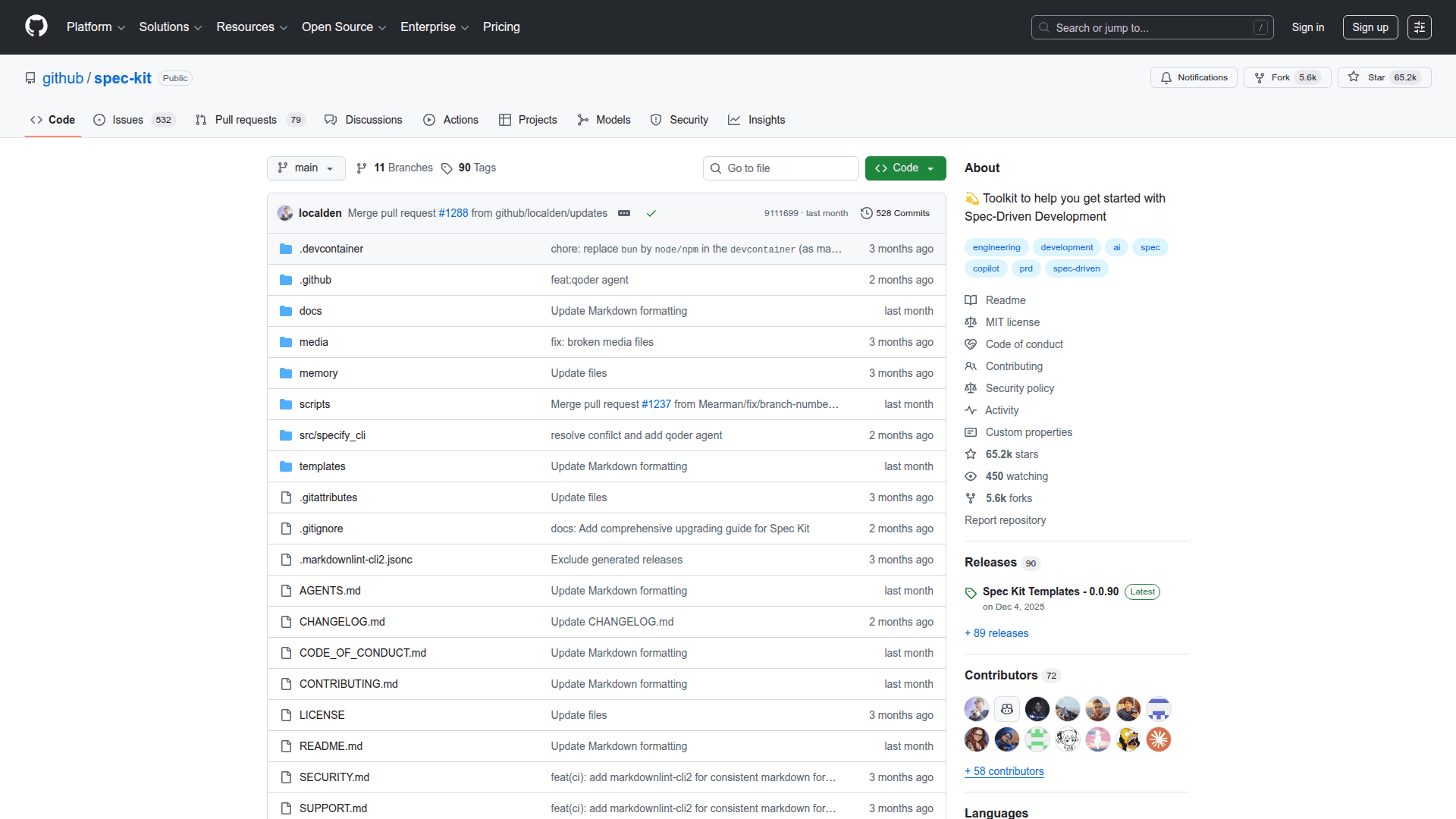
The project has gained significant traction in the developer community with over 74,000 GitHub stars and more than 6,000 forks. It also supports an extension system that allows community-contributed workflow additions and customizations beyond the core spec-driven development commands.
Community Discussions
Be the first to start a conversation about Spec Kit
Share your experience with Spec Kit, ask questions, or help others learn from your insights.
Pricing
Open Source
Fully open-source under MIT license with all features included.
- Specify CLI for project scaffolding
- All slash commands for spec-driven development workflow
- Support for 18+ AI coding agents
- Template system with extension and preset support
- Community extensions catalog
Capabilities
Key Features
- Specify CLI for bootstrapping spec-driven development projects
- Slash commands for structured development workflow (/speckit.constitution
- /speckit.specify
- /speckit.plan
- /speckit.tasks
- /speckit.implement)
- Agent-agnostic design supporting 18+ AI coding environments
- Multi-phase development methodology covering greenfield
- creative exploration
- and brownfield scenarios
- Git-based feature branching with automatic branch and spec directory management
- Template system with project-local overrides and community extension support
- Structured specification creation with functional requirements and user stories
- Technical implementation planning with tech stack and architecture constraints
- Automated task breakdown with dependency ordering and parallel execution markers
- Cross-artifact consistency analysis via /speckit.analyze command
- Quality checklist generation for requirements validation via /speckit.checklist
- Ambiguity clarification workflow via /speckit.clarify command
- Extension and preset system for community-contributed workflow additions
- Shell and PowerShell script variants for cross-platform support
- Project constitution for establishing governing principles and development guidelines
Integrations
Demo Video