
Squad
Human-led AI agent teams for any project, powered by GitHub Copilot. One command scaffolds a persistent team of specialists that live in your repo as files.
At a Glance
Fully free and open-source under the MIT License. Free to use, modify, and distribute.
Engagement
Available On
Alternatives
Listed May 2026
About Squad
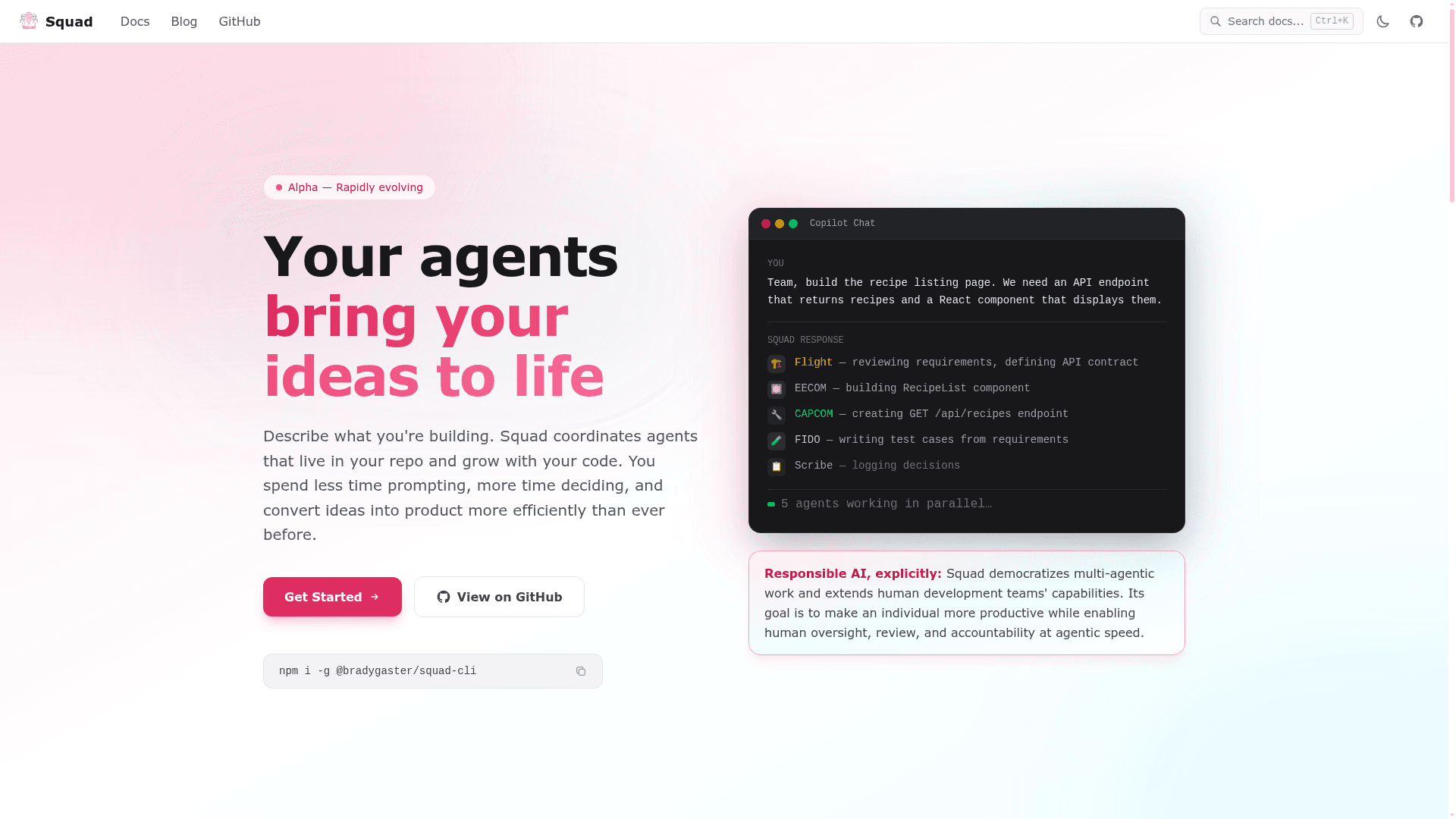
Squad gives you a human-directed AI development team through GitHub Copilot, letting you describe what you're building and get a team of specialists — frontend, backend, tester, lead — that persist across sessions as files in your repository. Each team member runs in its own context, reads only its own knowledge, and writes back what it learned so the work stays inspectable and auditable. Squad is a productivity tool for humans, not a replacement for engineers: people stay accountable for priorities, approvals, and final changes while Squad handles coordination, repetition, and parallel execution. It is open-source under the MIT License and installable via npm.
squad init— Scaffold Squad in any git repo with one command; creates.squad/directory with team roster, routing, and decision files.- Persistent AI team members — Each agent has a
charter.md(identity/expertise) andhistory.md(project-specific learnings) committed to git, so knowledge compounds across sessions. - Parallel agent execution — The coordinator launches all relevant agents simultaneously — frontend, backend, tester, scribe — while you retain oversight and final approval.
- Watch mode (Ralph) — Continuously polls GitHub Issues, auto-triages, and dispatches Copilot agents to handle actionable work with a 4-tier error recovery escalation strategy.
- SDK-first mode — Define your team in TypeScript using
defineSquad,defineTeam, anddefineAgentbuilder functions; runsquad buildto generate all markdown files automatically. - 17 CLI commands — Covers init, upgrade, status, triage, export/import, plugin marketplace management, context hygiene (
squad nap), and observability (squad aspire). - State persistence backends — Choose in-memory,
git-notes, or orphan-branch strategies for watch-mode state that survives restarts. - Decision logging — Every agent decision is recorded in
decisions.mdand an orchestration log, giving a full breadcrumb trail for review. - Responsible AI design — Built to amplify a human operator with GitHub Copilot, keeping governance close to the code and humans in the loop at all times.
Community Discussions
Be the first to start a conversation about Squad
Share your experience with Squad, ask questions, or help others learn from your insights.
Pricing
Open Source (MIT)
Fully free and open-source under the MIT License. Free to use, modify, and distribute.
- All 17 CLI commands
- Persistent AI agent teams in git
- Parallel agent execution
- Watch mode with automated issue triage
- SDK-first TypeScript configuration
Capabilities
Key Features
- Human-led AI agent teams
- Persistent agents stored as git files
- Parallel agent execution
- Watch mode with automated issue triage (Ralph)
- 17 CLI commands
- SDK-first TypeScript configuration
- Decision logging and orchestration audit trail
- 4-tier error recovery escalation
- State persistence backends (git-notes, orphan-branch)
- Context hygiene compression (squad nap)
- Plugin marketplace management
- Export/import squad snapshots
- Aspire dashboard observability
- PII scrubbing
- Custom tools and hook pipelines