
Stiro
AI onboarding and customer success agent that lives inside a SaaS web app and performs setup tasks for users by clicking, typing and navigating the real interface.
At a Glance
Try it on your own app, free for as long as you like. 50 runs a month, up to 5 a day; stops there and never bills.
Engagement
Available On
Alternatives
Listed Nov 2026
About Stiro
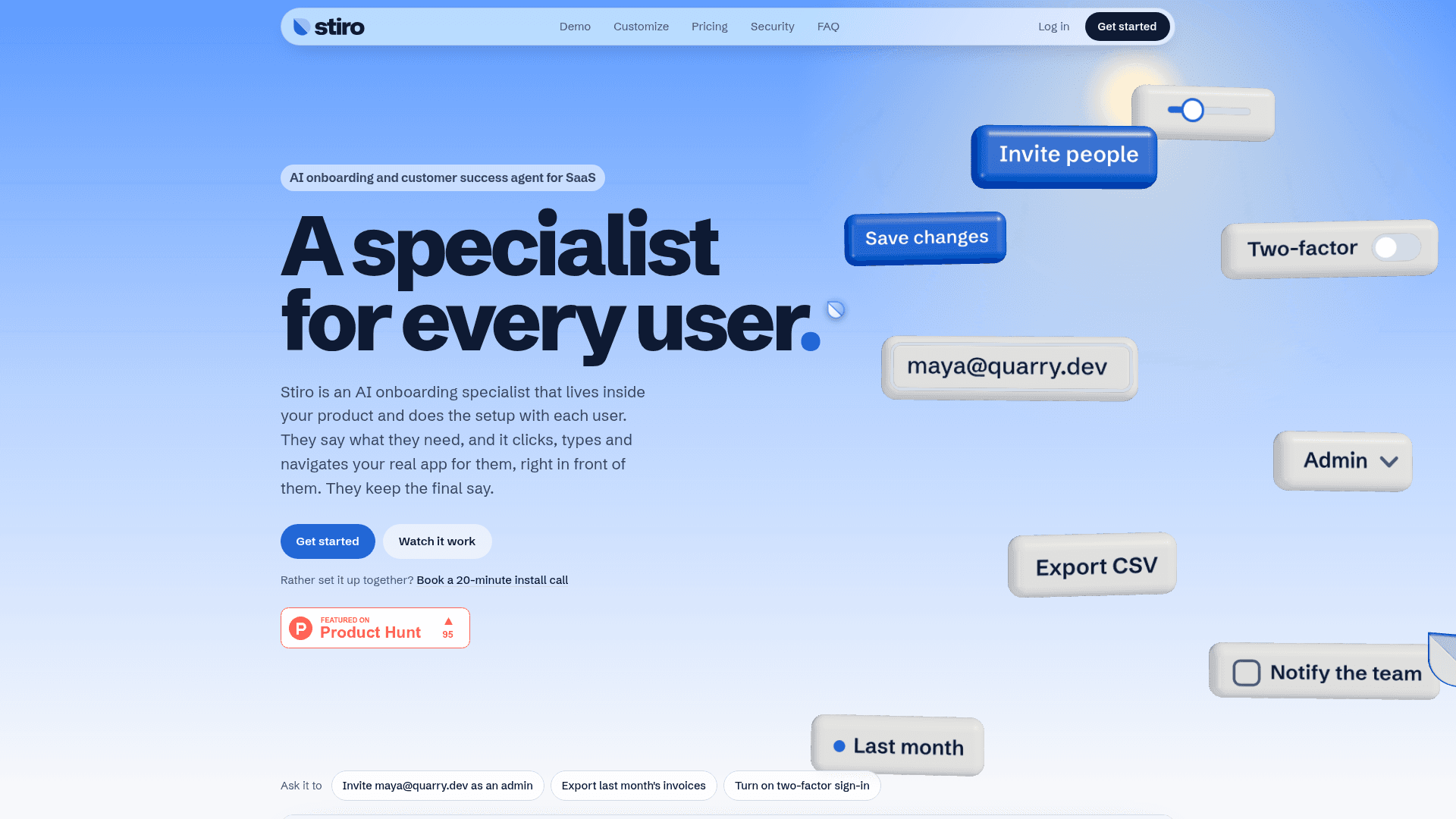
Stiro is an AI onboarding and customer success agent for SaaS and web apps, built and run independently in India. It is added to a product with a single script tag, and users can type or speak requests in plain words. Stiro then carries out the steps in the live interface while the user watches, and hands back anything that sends, spends or deletes for them to confirm.
What It Is
Stiro works as an in-app onboarding specialist. Instead of showing a product tour or explaining how to do something, it clicks, types and navigates the existing interface to complete the request, or points out where a feature is. Example requests on the site include inviting a teammate as an admin, exporting invoices, turning on two-factor sign-in and connecting a Slack workspace. The site says it works with any web app that runs in a browser, including React, Vue, Svelte, Angular, Rails, Phoenix LiveView or plain HTML.
Setup and Customization
Setup involves adding the site's domains in an account and pasting one script tag into the app; the vendor says there are no flows to record or maintain and no backend work. On paid plans, teams can set colours for light and dark mode, font, corner rounding, cursor style (Stiro's mark, arrow, dot or a custom image) and the assistant's name, and the Powered by Stiro badge is removed. On every plan, one attribute can pass page and user context, launcher placement can be chosen, and daily per-user limits can be set. When Stiro cannot finish a task, the user can message the team from the panel, or the request can be handed to a helpdesk such as Intercom or Zendesk.
Safety, Privacy and Controls
Stiro acts only with the permissions the user already has, and is designed to wait for the user before anything that sends, charges, deletes or asks for a password. Users can stop it at any moment. According to the vendor, password, card and ID field values it recognises never leave the browser, and its AI providers do not train on the data. Keys are tied to listed domains, and signed user ids can be required using a site secret. The vendor states it does not browse other sites, solve CAPTCHAs or bypass access controls.
Benchmark Claims
Stiro publishes a cold-start benchmark in which it reports completing 44 of 44 everyday requests in three open-source apps it had not seen before: Twenty (CRM), Plane (project tracking) and Cal.com (scheduling). Results are said to be verified in each app's own database. These figures are vendor-published.
Community Discussions
Be the first to start a conversation about Stiro
Share your experience with Stiro, ask questions, or help others learn from your insights.
Pricing
Developer
Try it on your own app, free for as long as you like. 50 runs a month, up to 5 a day; stops there and never bills.
- 50 runs a month, up to 5 a day
- Runs on localhost and one staging address
- Every feature of the assistant, in Stiro's look
- No card needed
- Small "Powered by Stiro" badge
Starter
Your first app in production.
- 2,000 tasks a month
- $0.075 a task
- One production app
- Your own look: colours, font, cursor and name
- Daily limits per signed-in user
- Stuck requests go to your team or helpdesk
- Requests over up to 25 items at once
- Stops at its tasks, never bills past them
Growth
Products where users ask all day.
- 10,000 tasks a month
- $0.06 a task
- Three apps
- Faster calls
- Everything in Starter
Enterprise
For teams that answer to procurement. Priced to your volume, from about $0.04 a task.
- A yearly pool of tasks, by contract
- SLA and custom terms
- Data Processing Addendum
Capabilities
Key Features
- Performs in-app tasks by clicking, typing and navigating the real interface
- Typed or spoken requests
- Single script tag installation
- Hands back sends, spends and deletes for user confirmation
- User can stop the agent at any time
- Custom branding, name and cursor on paid plans
- Page and user context via one attribute
- Per-user daily limits and domain-bound keys
- Signed user ids with site secret
- Handoff to team messaging or existing helpdesk
- Request log in dashboard with placeholders for filled values
- Password, card and ID field values stay in the browser