
Stitch
AI-powered UI design tool by Google that transforms text prompts and images into mobile and web application designs.
At a Glance
About Stitch
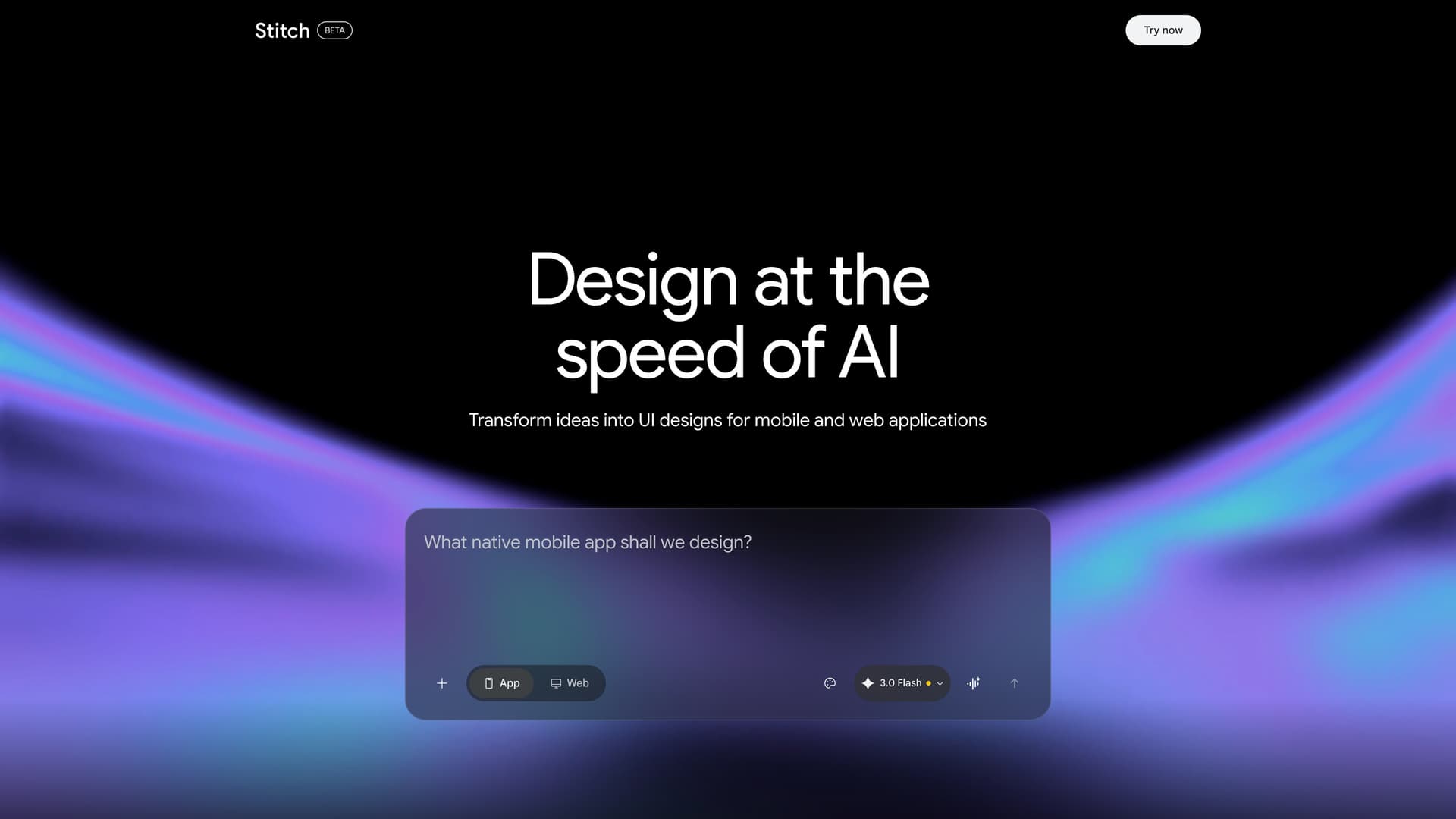
Stitch is an AI-powered design tool from Google that transforms ideas into UI designs for mobile and web applications. Built on Gemini from Google DeepMind, it enables users to create professional interface designs by writing prompts, speaking commands, or attaching images, making UI creation accessible regardless of design expertise.
The platform centers on an AI-native infinite canvas that accepts images, code, and product requirement documents as creative seeds. This spatial workspace lets you reason across multiple content types simultaneously, arranging and connecting design artifacts in a node-based layout. An integrated Agent Manager helps you work on many ideas in parallel, keeping tasks organized and letting you jump directly to relevant screens with a click.
- Smarter Design Agent - A context-aware design agent understands your entire canvas, enabling actions like swapping images with uploads, generating product briefs from existing screens, conducting interactive design interviews, and mixing mobile and desktop screens on the same canvas
- Voice Mode (Preview) - Design with your voice as Stitch sees your canvas and selected screens in real time, providing design critiques, making concurrent updates from spoken instructions, and navigating the canvas completely hands-free
- Instant Prototypes - Click Play to instantly preview your interactive app flow with automatically assessed screen ordering and connections, auto-generated next screens based on click targets, shareable prototype links and mobile QR codes, and screen state views like logged-in versus logged-out
- Design Systems and DESIGN.md - Every new design starts with a cohesive design system for greatly improved consistency, with the ability to edit the system and update all associated screens, extract a design system from any URL, and export or import design rules via a DESIGN.md file compatible with other tools and codebases
- Code Export - Export static HTML code that matches your design, ready to use in your projects
- Figma Export - Export designs directly to Figma for further refinement and collaboration with design teams
- MCP Integration - Connect Stitch to AI agents via Model Context Protocol to automate design workflows and integrate with development pipelines
- Commercial Use - Own your original generations and use them as you see fit, including for commercial purposes
To get started, visit the Stitch website and begin with a prompt describing your desired UI, attach reference images, or speak your ideas using voice mode. The tool generates multiple design variants on the canvas that you can iterate on in parallel using the Agent Manager. When ready, preview your flow as an instant prototype, then export to code or Figma. Use DESIGN.md to maintain consistency across projects or share design rules between tools.
Community Discussions
Be the first to start a conversation about Stitch
Share your experience with Stitch, ask questions, or help others learn from your insights.
Pricing
Free
Full access during Google Labs beta period
- 350 generations per month in Standard mode
- 200 generations per month in Pro mode
- AI-native infinite canvas
- Voice mode (Preview)
- Instant prototypes
Capabilities
Key Features
- AI-powered UI generation from text prompts
- Image-to-UI design transformation
- Design iteration and editing
- HTML code export
- Figma export
- Multiple device type support
- Design modes
- MCP integration for AI agents
- Gemini 3 Flash AI model
- Commercial use allowed