
Termius MCP
Community MCP adapter that lets AI clients read Termius terminals, run commands, and track SFTP uploads on macOS Termius 9.38.1.
At a Glance
Community MCP adapter for macOS Termius 9.38.1, released under the MIT license. It is not an official Termius integration and does not include the Termius application.
Engagement
Available On
Alternatives
Listed Oct 2026
About Termius MCP
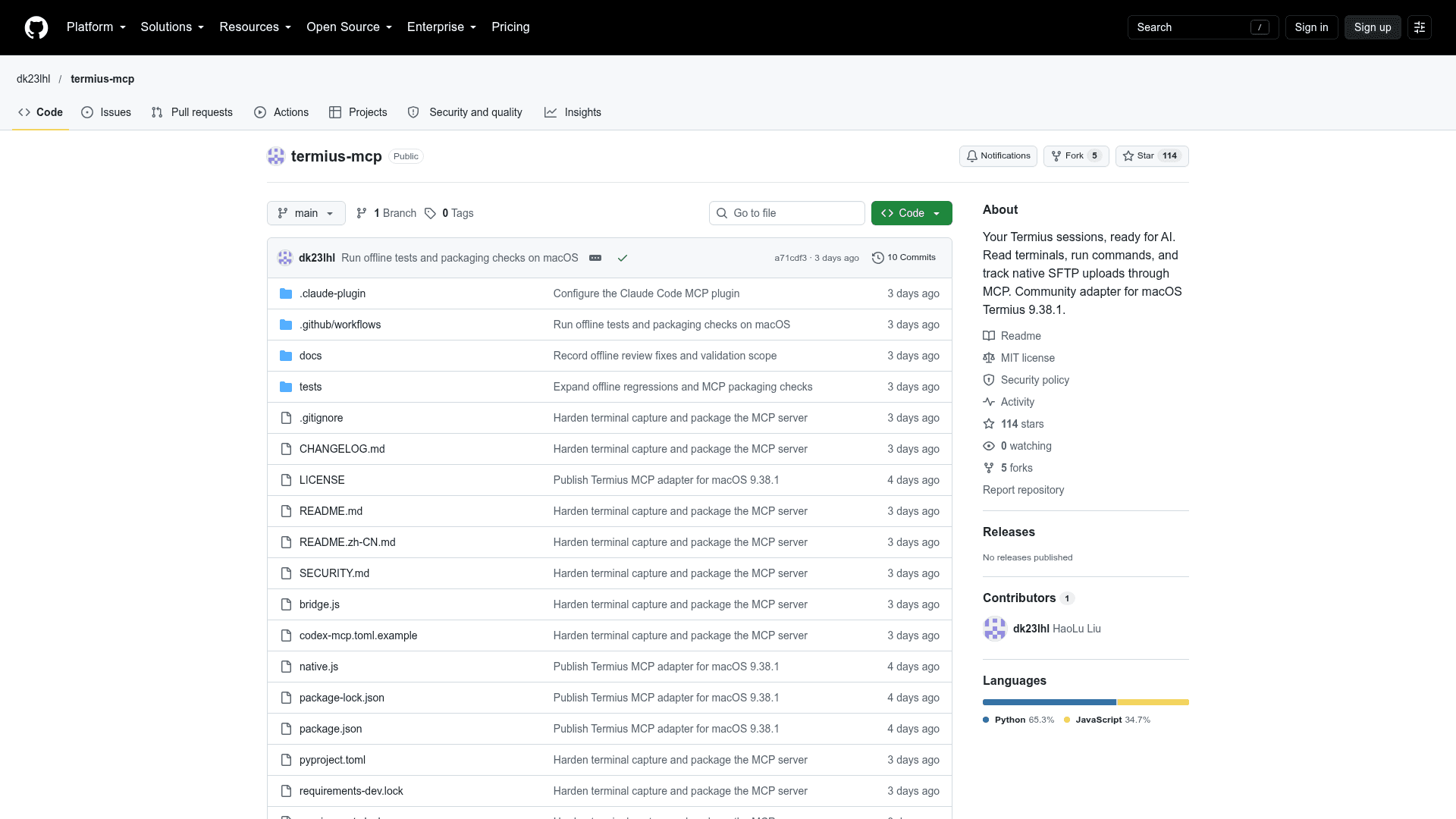
Termius MCP is a community adaptation of deltaguita/termius-mcp that exposes the Termius desktop app to MCP clients such as Codex and Claude Code. It targets macOS Termius 9.38.1 and is not an official Termius integration. It lets an agent read terminal text, run commands, switch sessions, and follow native SFTP uploads.
What It Is
Termius MCP is a Python MCP server that works through Termius's local debugging interface. It uses the sessions, saved hosts, and native transfer queue already in the Termius app rather than creating a separate SSH/SFTP client. A running Termius reporting another version is rejected before anything is injected, and Windows and Linux desktop support are not implemented.
Tools and Workflow
The default set of 14 tools covers listing saved hosts and terminal sessions, reading terminal output, connecting a saved host, claiming and releasing terminals, running commands, sending text or keys, switching or closing terminals, and SFTP upload with transfer status. Reads use explicit session IDs and xterm buffer text, capped at 200 lines, with warnings when history is lost. A list_keychain tool is registered only when TERMIUS_ENABLE_KEYCHAIN=1 is set.
For SFTP, the user opens an SFTP view in Termius and the agent uploads one regular file to a chosen remote directory. Progress is tracked by a transfer ID using native queue progress, error, and end events. A wait timeout leaves the upload available for follow-up via sftp_transfer_status.
Setup and Safety Notes
Setup involves cloning the repository, installing pinned Python dependencies, and starting Termius with a loopback remote debugging port. The README warns that other processes on the Mac can access that debug interface, so the port should be open only while needed. Configuration examples are provided for Codex and Claude Code, including a plugin marketplace option. Connection and upload limits can be set with TERMIUS_CONNECT_ALLOW and TERMIUS_UPLOAD_ROOTS. Uploads refuse directories, symbolic links, and credential stores such as ~/.ssh.
Community Discussions
Be the first to start a conversation about Termius MCP
Share your experience with Termius MCP, ask questions, or help others learn from your insights.
Pricing
Open Source (MIT)
Community MCP adapter for macOS Termius 9.38.1, released under the MIT license. It is not an official Termius integration and does not include the Termius application.
- MIT-licensed adapter code and tests
- 14 default MCP tools
- Read terminal output, run commands, switch sessions
- Track native SFTP uploads
- Optional list_keychain tool enabled with TERMIUS_ENABLE_KEYCHAIN=1
Capabilities
Key Features
- Read terminal output from the xterm buffer with history-loss warnings
- Run commands and send text or keys to explicit session IDs
- List saved hosts and open terminal sessions
- Connect saved hosts with dry-run and host-key confirmation
- Claims and cross-process locks for cooperating MCP callers
- Switch and close terminal sessions
- SFTP upload with native transfer progress, error, and completion tracking
- Upload root and connect allow-list restrictions
- Optional keychain metadata listing
- Claude Code plugin and Codex configuration