
The Last SaaS
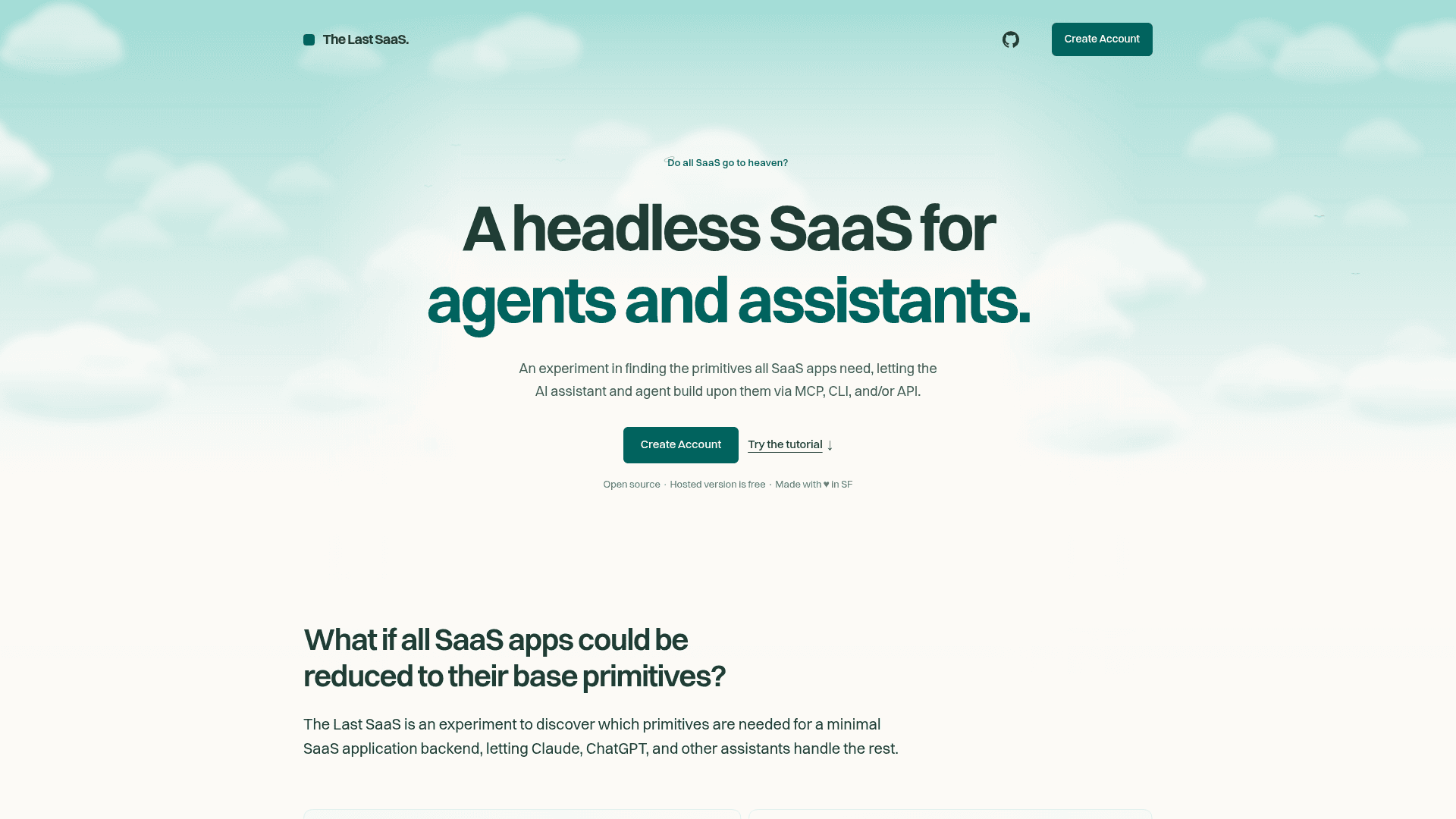
An open-source headless SaaS backend that AI assistants and agents use through MCP, CLI, or API for records, files, accounts, permissions, notifications, and audit logs.
At a Glance
Open-source MCP server, API and CLI under the MIT license; self-host the core product at no cost.
Engagement
Available On
Alternatives
Listed Oct 2026
About The Last SaaS
The Last SaaS is an open-source experiment by Mike Lay that identifies the primitives a minimal SaaS backend needs and exposes them to AI assistants and agents through MCP, a CLI, and an HTTP API. A hosted version is available, and the project can also be self-hosted under the MIT license.
The backend is written in TypeScript, runs on Bun, and supports SQLite (mostly for development and evaluation) and PostgreSQL (preferred).
What It Is
The Last SaaS is a headless backend rather than a finished application. It provides records, files, accounts, permissions, notifications, and audit logs, and lets assistants such as Claude, ChatGPT, Codex, Claude Code, Cursor, and Gemini CLI build on top of them. The homepage describes it as an experiment in finding the primitives all SaaS apps need.
The Primitives
- Records: collections with typed fields (text, number, date, and others) that are validated on save. Assistants can change fields, filter and sort records, and compute counts, totals, or averages.
- Files: upload and download files organized by path, with name, type, size, upload date, and uploader retained.
- Accounts: invite teammates as members or administrators, change roles, cancel pending invitations, and remove access. Each person can connect an assistant that acts through their account.
- Permissions: read, write, delete, and manage rules per user or role, with record and field restrictions that also apply when an assistant acts for the user.
- Notifications: immediate, scheduled, or recurring messages with email delivery, in-workspace retention, and user delivery preferences.
- Audit logs: a filterable history of record edits, file uploads, membership changes, and permission updates, with the responsible account and a timestamp.
Connecting an Assistant
After creating an account and an organization in the web app, users connect an assistant over MCP (for example, a custom connector pointed at the hosted MCP server URL) or through the saas CLI for tools with local terminal access. A guided tutorial is started by asking the connected assistant to walk through the getting-started tutorial.
Self-Hosting and Development
The repository is a monorepo containing the server (HTTP API, MCP, authentication, storage, and background jobs), the CLI client, and shared types. Local development requires Bun 1.2 or later. Builds produce a CLI binary and a server binary, with separate server builds for SQLite and PostgreSQL. Password authentication can be disabled, leaving Google (when configured) and magic-link sign-in. The server includes a bounded in-memory metadata cache for collection definitions and permission rules, intended for single-process deployments. The homepage says data can be exported with one command.
Current Status
The latest listed GitHub release is v0.1.0, published 2026-08-20.
Community Discussions
Be the first to start a conversation about The Last SaaS
Share your experience with The Last SaaS, ask questions, or help others learn from your insights.
Pricing
Self-hosted (Open Source)
Open-source MCP server, API and CLI under the MIT license; self-host the core product at no cost.
- MIT License
- Self-hosted single binary
- Runs on Bun with SQLite or PostgreSQL
- Records, files, accounts, permissions, notifications, audit logs
- Data export with one command
Hosted
Hosted version at app.thelastsaas.com is stated as free.
- Hosted service
- Accessible via MCP, CLI and API
Capabilities
Key Features
- Records collections with typed fields and validation
- File storage organized by path
- Team accounts with member and administrator roles
- Role- and user-based permissions with record and field restrictions
- Immediate, scheduled, and recurring notifications
- Filterable audit logs
- MCP server, HTTP API, and CLI access
- Self-hostable with SQLite or PostgreSQL
- Guided getting-started tutorial
- Data export