
theORQL
theORQL is a vision-enabled AI debugging extension for VS Code that maps UI to code, auto-reproduces frontend failures, and iterates fixes in the browser until they stick.
At a Glance
About theORQL
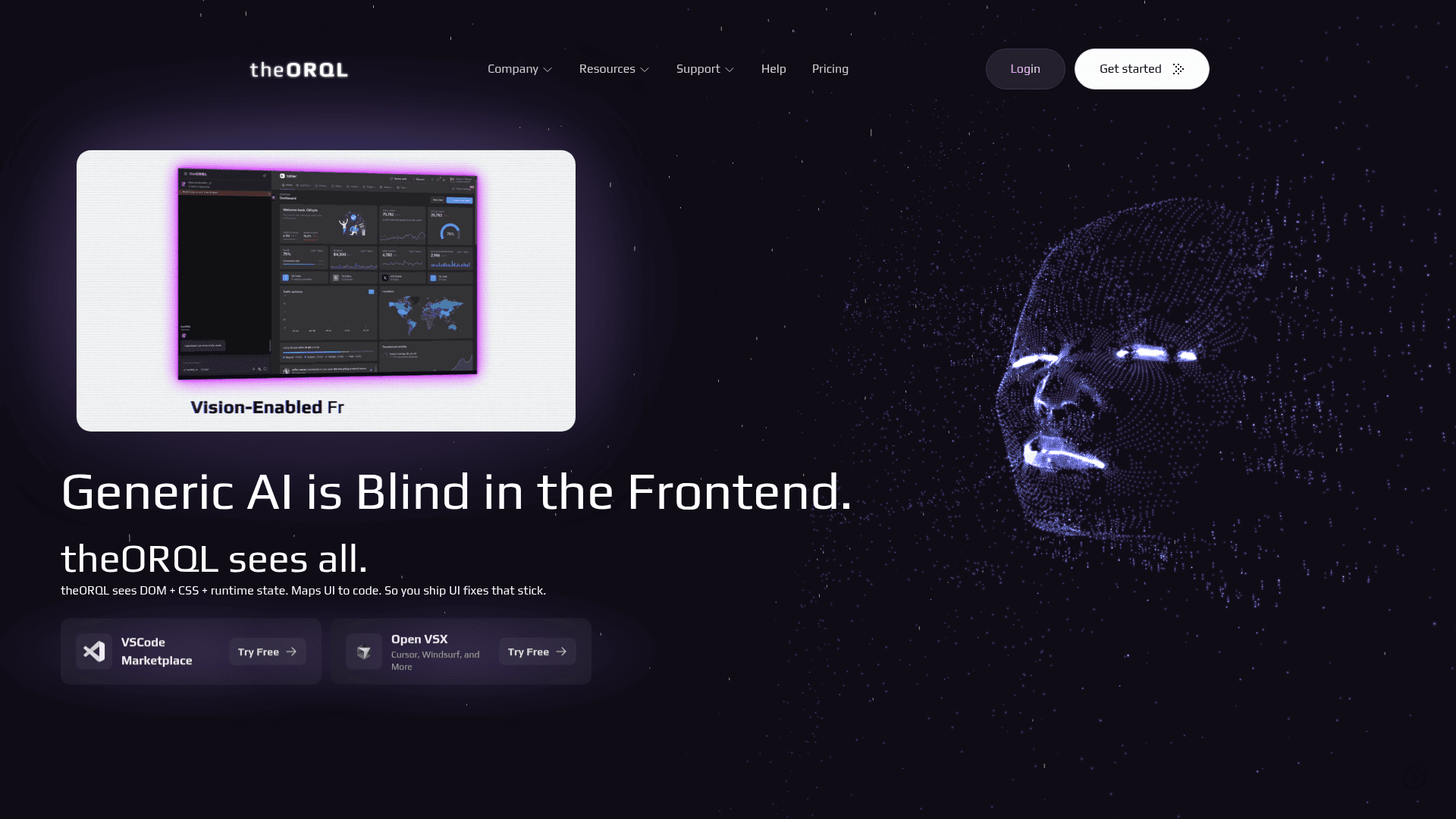
theORQL is a runtime-aware AI debugging tool that integrates directly into VS Code and Cursor, giving developers full visibility into DOM, CSS, console, network, and runtime state — the signals that generic AI coding tools miss. It captures frontend failures in Chrome, automatically reproduces them, applies targeted patches, and re-runs the repro loop until the fix is verified, then hands you a reviewable diff. Unlike text-only tools like Copilot or Cursor, theORQL uses visual evidence (screenshots) alongside runtime signals to confirm that UI changes actually render correctly, not just compile.
Key Features:
- Vision-Enabled Debugging — Uses screenshots and runtime evidence (DOM, computed CSS, state) to verify that fixes match what actually renders in the browser, not just what compiles.
- Auto Repro → Fix Loop — Drives Chrome to reproduce the exact failure, applies a patch, and reruns the repro sequence until it passes, then delivers a verified diff for review.
- Chrome ↔ VS Code Sync — Seamlessly synchronizes Chrome DevTools runtime data with your editor in real time, eliminating context switching.
- Runtime Error Capture — Automatically captures stack traces, console logs, DOM state, network requests/responses, and local variables at the moment of failure.
- UI-to-Code Mapping — Select any broken element in the browser and jump directly to the owning component in your codebase — no file spelunking required.
- Deployment/Build Ingest — Routes Vercel and Netlify deployment errors directly into VS Code so you never have to hunt through dashboards.
- Multi-Modal Reasoning — Leverages advanced AI models with image understanding to reason over visual and runtime evidence simultaneously.
- Agentic Chat — Ask questions, generate patches, and iterate with full runtime context baked into every response.
To get started, install the theORQL extension from the VS Code Marketplace or Open VSX (for Cursor, Windsurf, and others), sign in, and point it at your local dev server (e.g., http://localhost:3000). theORQL will begin capturing runtime signals and is ready to reproduce and fix bugs immediately.
Community Discussions
Be the first to start a conversation about theORQL
Share your experience with theORQL, ask questions, or help others learn from your insights.
Pricing
Free
Try theORQL free with basic model access and core debugging features.
- Basic vision-enabled coding + debugging
- Basic model access
- Agentic chat (coding + debugging)
- Chrome ↔ VS Code sync
- Runtime vision (DOM + CSS + state)
Pro
Full vision-enabled frontend coding and debugging for professional developers.
- $19 in AI Credits monthly
- Full vision-enabled coding + debugging
- Full agentic layer
- Agentic chat (coding + debugging)
- Chrome ↔ VS Code sync
- Multi-modal reasoning
- Runtime vision (DOM + CSS + state)
- Auto Repro → Fix loop
- Runtime error capture (Chrome)
- Deployment/build ingest (Vercel/Netlify)
- Runtime-verified fixes
- Full support
Ultra
Heavy usage plan for power users requiring maximum AI credits and all features.
- $99 in AI Credits monthly
- Full vision-enabled coding + debugging
- Full agentic layer
- Agentic chat (coding + debugging)
- Chrome ↔ VS Code sync
- Multi-modal reasoning
- Runtime vision (DOM + CSS + state)
- Auto Repro → Fix loop
- Runtime error capture (Chrome)
- Deployment/build ingest (Vercel/Netlify)
- Runtime-verified fixes
- Auto-refine/auto-clean
- Full support
Capabilities
Key Features
- Vision-enabled coding and debugging
- Auto Repro → Fix loop
- Chrome ↔ VS Code sync
- Runtime error capture from Chrome
- UI-to-code mapping
- DOM + CSS + runtime state visibility
- Deployment/build ingest (Vercel/Netlify)
- Runtime-verified fixes
- Multi-modal AI reasoning with image understanding
- Agentic chat with runtime context
- Auto-refine/auto-clean
- Screenshot-based visual verification
- Stack trace and console log capture
- Network request/response capture