
TinyCld
A self-hosted, open-source productivity suite and developer platform offering mail, calendar, contacts, drive, documents, and spreadsheets in a single Docker container.
At a Glance
Free forever, self-hosted on your own server. No per-seat pricing, no premium tiers.
Engagement
Available On
Alternatives
Listed May 2026
About TinyCld
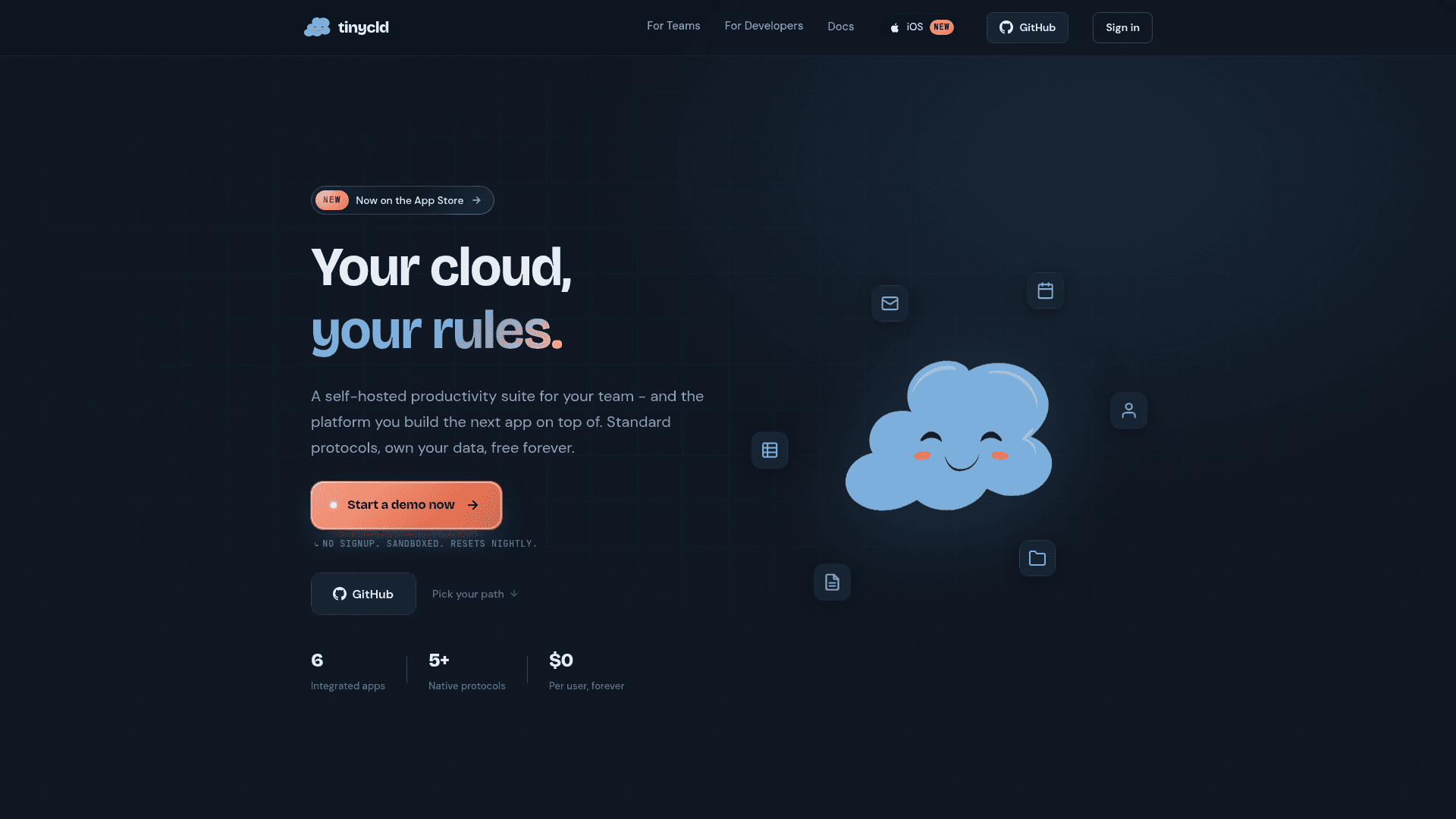
TinyCld is a self-hosted productivity suite and developer platform that packages email, calendar, contacts, file storage, collaborative documents, and spreadsheets into a single Docker container. It is open source, free per user forever, and designed to be running in about fifteen minutes on any Linux VM with Docker. The project targets two audiences simultaneously: teams that want to ditch SaaS subscriptions and developers who want a foundation to build new apps on top of.
What It Is
TinyCld is a ground-up implementation of a team productivity stack — not a wrapper around third-party services. It ships six tightly integrated apps (Mail, Calendar, Contacts, Drive, Text, and Calc), each speaking its native open protocol (IMAP/SMTP, CalDAV, CardDAV, WebDAV). The same codebase also serves as an extensible developer platform: drop in a manifest.ts file and the scaffolding generator wires routes, typed schemas, auth, real-time data, push notifications, audit logs, and more into a running app shell for both web and native (iOS/Android via Expo Router).
Integrated Apps and Native Protocols
The six built-in apps cover daily team productivity:
- Mail — threaded conversations, labels, attachments, delivery tracking; IMAP (:993) and SMTP (:465) compatible with Apple Mail, Thunderbird, Outlook, and mutt
- Calendar — recurring events, guest management, RSVP, reminders; CalDAV sync with Apple Calendar, GNOME Calendar, DAVx5
- Contacts — shared org directory, favorites, notes; CardDAV sync
- Drive — versioned file storage, share links, role-based permissions, thumbnails; WebDAV mountable from macOS Finder, Windows Explorer, and Linux Nautilus
- Text — rich document editor with live CRDT collaboration,
.docxand Markdown round-trips, mobile-native editing (listed as Beta, "feature complete · lightly battle-tested") - Calc — spreadsheets with formulas, named ranges, snapshots, real-time co-editing, CSV and
.xlsximport/export (listed as Beta, "feature complete · lightly battle-tested")
Developer Platform and Package Architecture
For developers, TinyCld provides twelve pre-built primitives that every package inherits: auth, multi-org routing, live reactive queries (TanStack DB), optimistic mutations, transactional email, file handling, in-app notifications, Expo push (iOS + Android), an append-only audit log, typed forms (Hook Form + Zod), theming with light/dark and color palettes, and a shared web-and-native codebase via Expo Router. A package is a folder with a manifest.ts that points at existing directories; the generator stitches routes, types, server code, and migrations into the running app at build time. The scaffolding CLI (npx @tinycld/bootstrap) sets up a sibling repo with a working manifest and a live route in under sixty seconds.
Privacy and Deployment Model
TinyCld's homepage states it never phones home when self-hosted — no analytics, no crash pings, no metered usage reports. HTML email images are proxied server-side with a scoped token so senders cannot track IP addresses or read receipts. Signup is invite-only with no public account creation. The entire state lives in one SQLite file. The project also offers a hosted option alongside self-hosting on a VPS, homelab, or Dokku one-liner; Let's Encrypt certificate acquisition is baked into the startup sequence.
Migration from Google Workspace
TinyCld includes a built-in Google Takeout importer. Users download a Takeout archive, drop the ZIP into TinyCld, and a web worker parses .mbox, .ics, and .vcf files off the main thread. Contacts deduplicate by vCard UID, calendar events merge by ICAL_UID, and Drive files are restored to their original folder hierarchy. The importer is described as idempotent, so re-imports are safe.
Update: v0.0.1 and iOS App Launch
The GitHub workspace repository shows a first release tagged v0.0.1, published on 2026-05-22, with the repository created on 2026-05-21 and last pushed on 2026-05-25. The official iOS app (supporting iPhone, iPad, and Mac via Designed for iPad) launched on the App Store concurrently, providing native push from a user-controlled server with no middleman analytics. The project is early-stage but actively moving, with 61 stars and contributions open across six separate package repositories (mail, calendar, contacts, drive, text, calc), each with its own issues and PRs.
Community Discussions
Be the first to start a conversation about TinyCld
Share your experience with TinyCld, ask questions, or help others learn from your insights.
Pricing
Self-Hosted
Free forever, self-hosted on your own server. No per-seat pricing, no premium tiers.
- All six apps: Mail, Calendar, Contacts, Drive, Text, Calc
- IMAP/SMTP/CalDAV/CardDAV/WebDAV support
- Multi-org with per-org roles
- Real-time collaboration
- iOS app with native push
Capabilities
Key Features
- Self-hosted in a single Docker container
- Six integrated apps: Mail, Calendar, Contacts, Drive, Text, Calc
- IMAP/SMTP email server
- CalDAV calendar sync
- CardDAV contacts sync
- WebDAV file storage
- Live CRDT collaborative document editing
- Collaborative spreadsheets with snapshots
- Native iOS app with push notifications
- Google Takeout importer (mbox, ics, vcf)
- Multi-org support with per-org roles
- Real-time updates via server-sent events
- Server-side HTML email image proxy
- Invite-only signup
- Let's Encrypt auto-provisioning
- Single SQLite file state
- Developer platform with manifest.ts package system
- Typed end-to-end schemas
- Expo Router web and native codebase
- Append-only audit log
- Optimistic mutations with rollback
- In-app notifications and toasts
- Light/dark theming with color palettes
- No telemetry or tracking