
Tulip
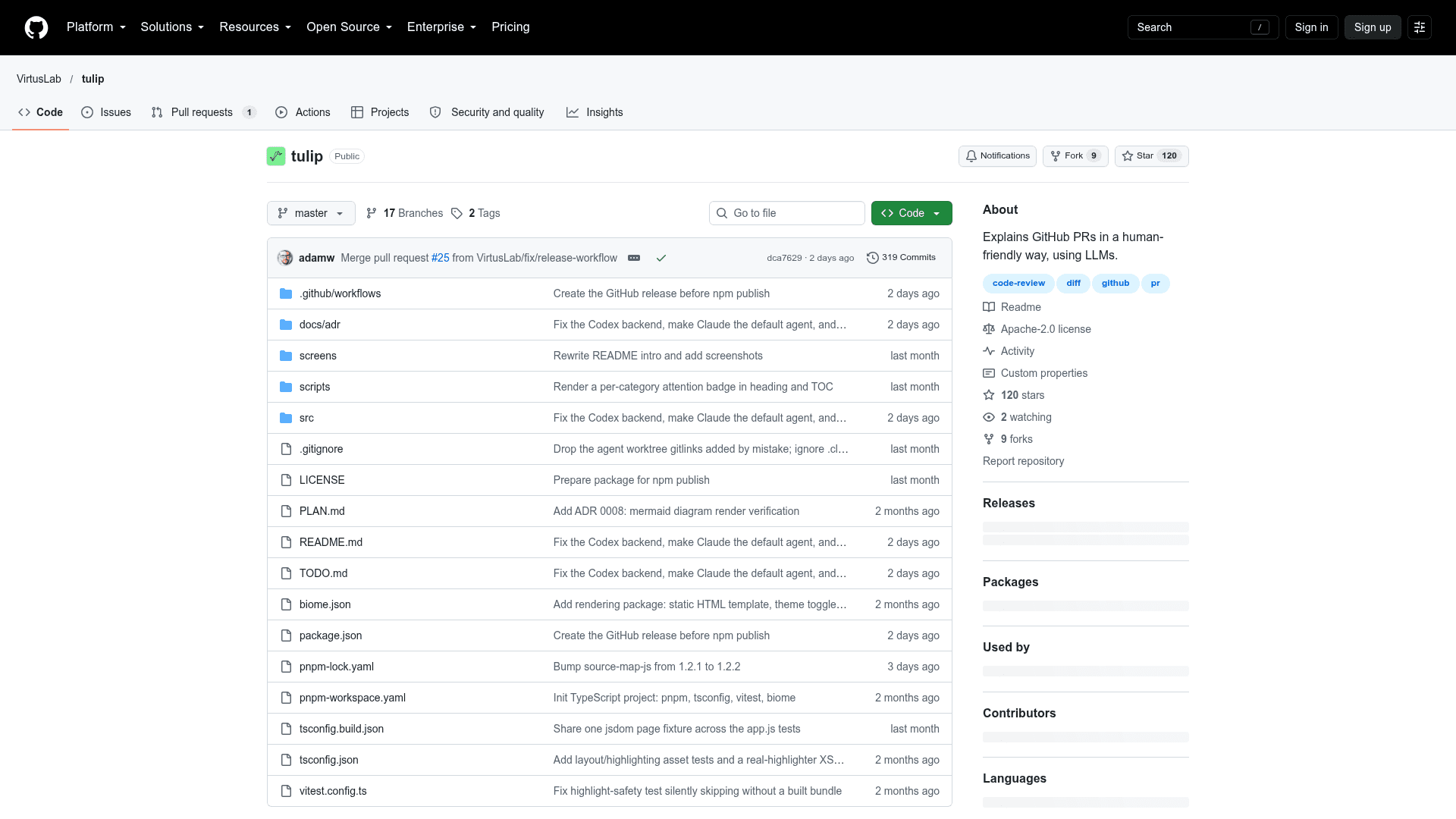
Command-line tool that explains GitHub pull requests and GitLab merge requests as prioritized prose, diagrams, and code on a single HTML page.
At a Glance
Self-hosted CLI under the Apache License 2.0; installed via npm. It drives a user-supplied logged-in agent CLI (claude, Cursor agent or codex), whose cost is external.
Engagement
Available On
Alternatives
Listed Oct 2026
About Tulip
Tulip is an open-source CLI from VirtusLab that explains GitHub pull requests and GitLab merge requests by categorizing and prioritizing the changes and presenting them on a web page as prose, diagrams, and code. It drives a headless agent CLI (Claude Code by default, or Cursor's agent or OpenAI's codex) for the analysis, so a logged-in CLI is used rather than an API key. According to the README, it is part of Visdom, VirtusLab's AI-native SDLC platform.
What It Is
Tulip is a code-review aid. Given a PR or MR URL, it produces a self-contained HTML explanation that is top-down: a high-level overview first, then the code. Every code change appears somewhere in the explanation, while changes are grouped by concern and rated by attention level (Read closely / Read through / Skim) so reviewers can focus on algorithms, design choices, and core functionality.
How the Analysis Pipeline Works
Tulip fetches the PR (title, description, diff) via the gh CLI or GitHub API, or via the GitLab API for merge requests, and checks out the head revision. It then runs several LLM passes, each with a model sized to the job: categorize changes into groups, split large multi-concern changes, classify every change to groups as production or test code, and explain each group. Explanations open with an orienting diagram (dependency, data flow, class, state, ER, or sequence) and then drill into each change. Review passes check that referenced snippets appear and diagrams render. The output is a page with light/dark theme, a foldable table of contents, syntax-highlighted side-by-side diffs, and attention badges.
Setup and Usage
Tulip requires Node.js LTS (>= 24) and a logged-in agent CLI on PATH. It installs from npm and runs as tulip <PR URL>, with flags such as --diff-threshold, --verbose, --serve, --no-open, and --agent. The chosen agent is saved in a config file. Private repositories, GitHub Enterprise Server, and self-hosted GitLab are supported with appropriate credentials. The --serve mode hosts the page locally and lets reviewers post notes as PR comments per category; it is GitHub-only and needs an authenticated gh CLI.
Community Discussions
Be the first to start a conversation about Tulip
Share your experience with Tulip, ask questions, or help others learn from your insights.
Pricing
Open Source (Apache-2.0)
Self-hosted CLI under the Apache License 2.0; installed via npm. It drives a user-supplied logged-in agent CLI (claude, Cursor agent or codex), whose cost is external.
- Apache-2.0 licensed core CLI
- Install with npm install -g @virtuslab/tulip
- Explains GitHub PRs and GitLab merge requests as prose, diagrams and code on a self-contained HTML page
- Requires a logged-in agent CLI (claude, Cursor agent, or codex); no API key needed
- Optional --serve mode to post comments to GitHub PRs
Capabilities
Key Features
- Explains GitHub pull requests and GitLab merge requests as prose, diagrams, and code
- Groups changes by concern with attention ratings (Read closely / Read through / Skim)
- Top-down explanations with Mermaid-style orienting diagrams
- Splits large multi-concern changes across groups
- Self-contained HTML output with light/dark theme, sidebar table of contents, and side-by-side diffs
- Selectable agent backends: Claude Code, Cursor agent, OpenAI Codex
- Serve mode to post per-category comments to GitHub PRs
- Supports private repos, GitHub Enterprise Server, and self-hosted GitLab