
Uncanny Office
A desktop app that shows every Claude Code session as a pixel-art worker at a desk, with remote terminals and scheduled jobs.
At a Glance
Every install runs the full app free for 7 days, with no key and no card.
Engagement
Available On
Listed Nov 2026
About Uncanny Office
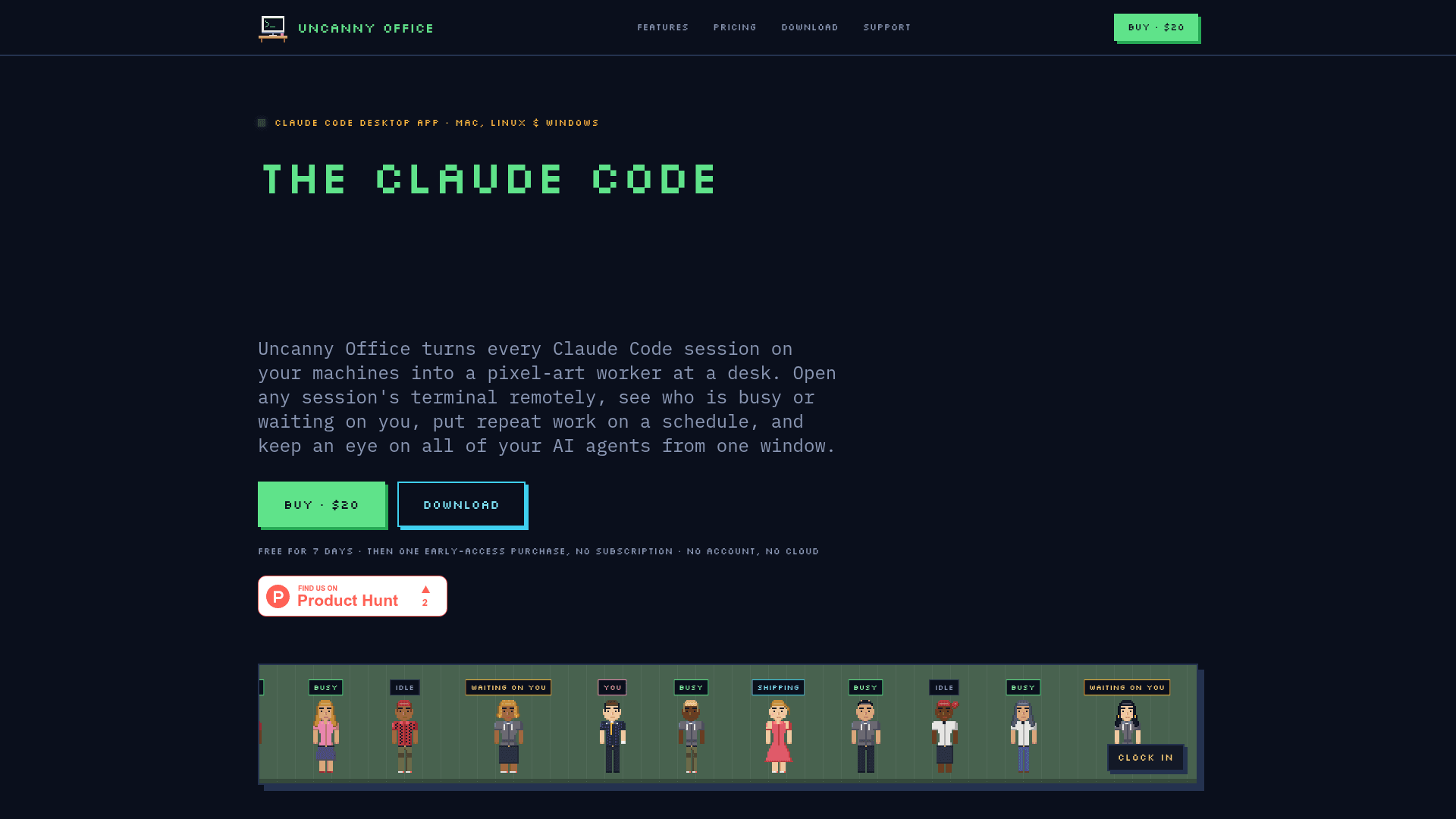
Uncanny Office is a desktop app from Daring Designs for Mac, Linux and Windows that turns each Claude Code session on your machines into a pixel-art worker at a desk. It lets you open session terminals remotely, see which agents are busy or waiting on you, and schedule repeat work. The app is in beta, and the developer states it is independent and not made or endorsed by Anthropic.
What It Is
Uncanny Office is a monitoring and control app for people running multiple Claude Code sessions. Each live session appears as a worker in a pixel-art office: typing while busy, reading while idle, and waiting when it needs an answer. It launches the official claude CLI and relies on Anthropic's own sign-in, so a Claude plan or Anthropic Console account is required. If Claude Code is missing, the app installs it.
Terminals and Session Close-ups
You can open a shell or Claude session on any paired device from one window, watch a session running in another window, or take it over. Clicking a worker opens its terminal beside a live diorama of its desk showing tokens, sub-agents and what it is waiting on. Files can be dropped in to type their paths.
Scheduled Jobs
Jobs run on a cron schedule and consist of a prompt, an optional prefetch script, a model, a turn cap and a destination for the result. They can be set up by hand or by asking a Claude session, and they keep running from the menu bar with the window closed.
Device Pairing and Data Handling
Every device runs the app itself and devices are paired with a code over your own network, with no account or cloud backend. According to the FAQ, the app sends only the license key, a random install ID and the computer name for license checks, plus token totals and usage counts if you opt into the leaderboard. Three visual themes are offered: Uncanny Valley, Classic and Midnight. A browser-based live demo with made-up sessions is available.
Community Discussions
Be the first to start a conversation about Uncanny Office
Share your experience with Uncanny Office, ask questions, or help others learn from your insights.
Pricing
Free trial
Every install runs the full app free for 7 days, with no key and no card.
- Full app
- No key required
- 7 days per install
Early Access
Early-access price, one-time purchase; price goes up at launch of 1.0.
- macOS, Windows and Linux apps
- One key for up to 2 of your computers
- A 7-day free trial on every install
- Every beta build, then the 1.0 release
- Every 1.x update after that
- Email support
- No subscription, no seat fees
Capabilities
Key Features
- Pixel-art office showing each Claude Code session as a worker
- Remote terminals on paired devices
- Watch or take over running sessions
- Cron-scheduled jobs with prompt, prefetch script, model and turn cap
- Menu bar operation with window closed
- Device pairing over your own network with no cloud backend
- Worker close-up with tokens, sub-agents and waiting status
- Three themes: Uncanny Valley, Classic, Midnight
- Automatic Claude Code installation if missing
- Optional leaderboard
- Browser live demo