
Unity syncs Agent Skills and rule files across multiple coding agents like Codex, Claude Code, and Cursor from a single source-of-truth directory tree.
At a Glance
Fully free and open-source under the MIT License. Install via npm and use without restrictions.
Engagement
Available On
Alternatives
Listed Aug 2026
About Unity
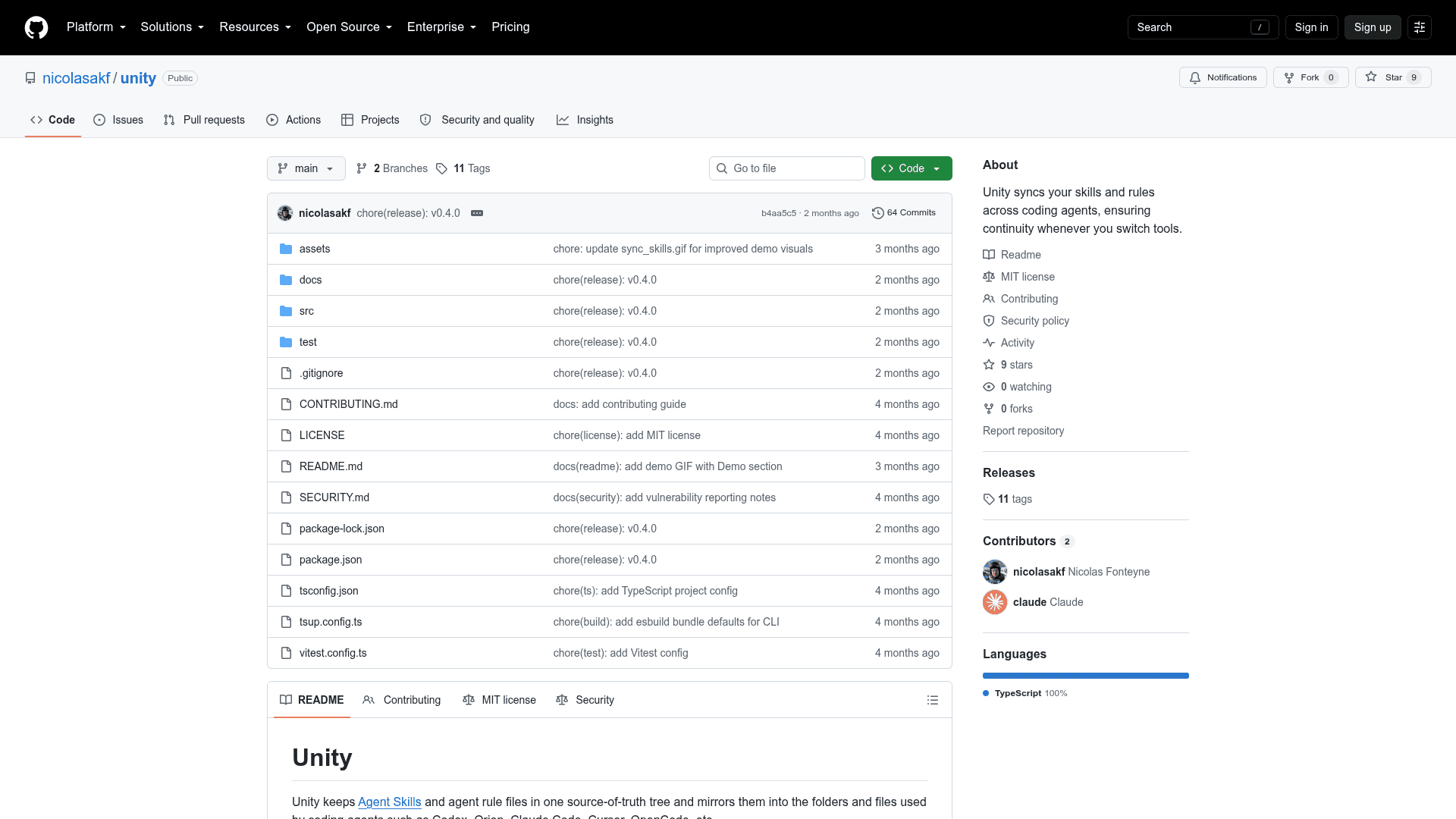
Unity is an open-source CLI tool built in TypeScript by nicolasakf that keeps Agent Skills and agent rule files synchronized across multiple AI coding agents from a single canonical source. It mirrors skills and rules into the native folders expected by tools like Codex, Orion, Claude Code, Cursor, and OpenCode, eliminating drift when you switch between agents. The project is available on GitHub under the MIT License.
What It Is
Unity is a synchronization layer for AI coding agent configuration — specifically the "skills" (reusable agent capabilities from the Agent Skills ecosystem) and "rules" (agent instruction files) that different coding agents each store in their own proprietary locations. Instead of manually maintaining separate copies for each tool, Unity designates a canonical source tree (~/.agents/ for user-level, <repo>/.agents/ for project-level) and propagates changes bidirectionally to every registered agent mirror.
How the Sync Model Works
Unity operates on two scopes:
- User scope — skills at
~/.agents/skills, rules at~/.agents/rules, synced globally across all registered projects - Project scope — skills at
<repo>/.agents/skills, rules at<repo>/.agents/rules, scoped to a single repository
The unity watch --pull command starts a file watcher that monitors both the Unity source directories and the agent mirror locations. When a change is detected in any mirror (e.g., an agent edits its own skill file), Unity pulls that change into the canonical source and then pushes it back out to all other mirrors. Without --pull, only the source directories are watched and outbound propagation is one-directional until a manual unity pull or unity sync is run.
Setup Path
Getting started requires three steps:
- Install globally via npm:
npm install -g @nicolasakf/unity - Run
unity initto select target agents (e.g.,codex, orion) and optionally register project repository paths - Start the watcher with
unity watch --pull
A --non-interactive flag is available for use by AI coding agents themselves, allowing automated initialization without interactive prompts. Additional CLI workflows for pull, push, sync, env push, project registration, diagnostics, and import repair are documented in the project's full setup guide.
Target Audience and Use Case
Unity is aimed at developers who work across multiple AI coding agents and want consistent skill and rule definitions without manual duplication. It is particularly relevant for teams or individuals using Agent Skills — a registry of reusable agent capabilities — who need those skills available regardless of which coding agent they are currently using.
Current Status
The repository was created in April 2026 and last updated in August 2026, with the most recent push in June 2026. It is an early-stage open-source project with 7 stars and no forks at the time of indexing. The core sync, watch, pull, push, and init commands are documented and functional, with configuration and full setup guides available in the repository docs.
Community Discussions
Be the first to start a conversation about Unity
Share your experience with Unity, ask questions, or help others learn from your insights.
Pricing
Open Source
Fully free and open-source under the MIT License. Install via npm and use without restrictions.
- Full CLI access (init, watch, pull, push, sync)
- User-level and project-level skill/rule sync
- Support for all documented coding agent targets
- MIT License — free to use, modify, and distribute
Capabilities
Key Features
- Bidirectional sync of agent skills and rules across multiple coding agents
- User-level and project-level scope support
- File watcher with --pull flag for live mirror monitoring
- Support for Codex, Orion, Claude Code, Cursor, OpenCode, and more
- Single source-of-truth directory tree (~/.agents/)
- Non-interactive mode for use by AI coding agents
- Manual pull, push, and sync commands
- Project registration for multi-repo workflows
- Env push, diagnostics, and import repair CLI commands
- MIT-licensed open-source TypeScript implementation