
Unraster
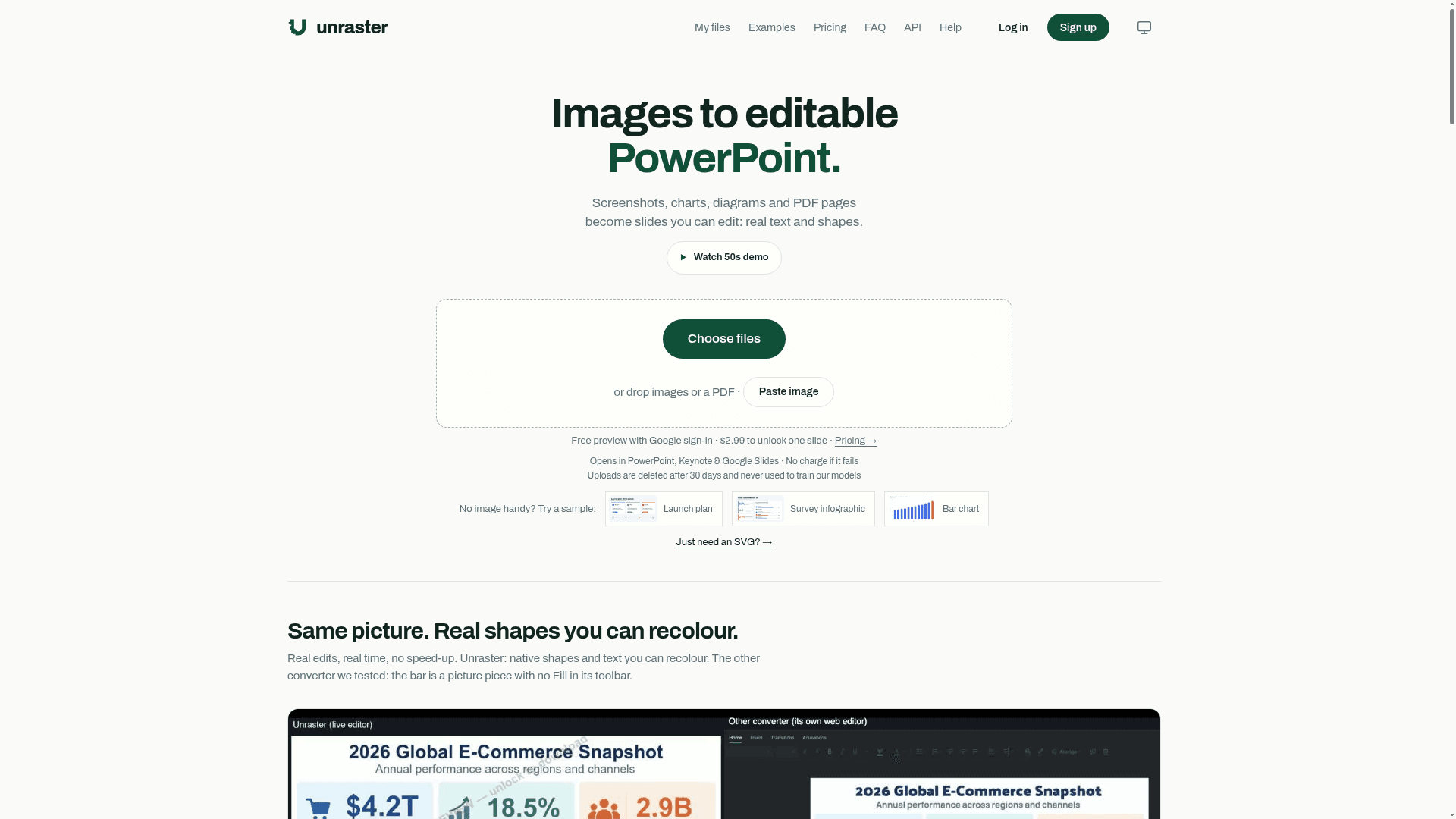
Converts screenshots, charts, diagrams and PDF pages into editable PowerPoint slides and SVG files.
At a Glance
Watermarked PowerPoint preview with Google sign-in (up to 3 a day) and free Basic SVG that runs in the browser.
Engagement
Available On
Listed Nov 2026
About Unraster
Unraster is operated by Zane as an individual. It rebuilds images, screenshots, charts, diagrams and PDF pages as editable PowerPoint (.pptx) and SVG files, with text as native text boxes and shapes as separate objects.
What It Is
Unraster is an image-to-editable-file converter. You upload a PNG, JPG or WebP (up to 20 MB) or a PDF of up to 30 pages, and it reads the text and shapes already in the image and rebuilds them as PowerPoint text boxes and vector shapes instead of placing a flat picture on a slide. It does not invent a new slide, rewrite wording or redesign the layout. The same conversions are available through an API.
Workflow and outputs
You upload an image or PDF, get a free watermarked preview that you can retype and move in the page, then unlock the file and download the .pptx. One image becomes one slide. Several images or a PDF become one deck, or a .zip with one .pptx per image. The output opens in PowerPoint, Keynote and Google Slides.
SVG output
A separate image-to-SVG converter offers Basic SVG, which runs in the browser without uploading the image, and Advanced SVG. SVG text is usually traced into paths, so it scales like a drawing but is not retypable text; the site recommends PowerPoint when editable wording is needed.
Limitations to know
Fonts are swapped for similar ones, and thin gridlines, small icons and tiny lettering can change. Charts become shapes and text with no data table behind them. Arrows are shapes rather than connectors. Phone photos of paper or screens usually convert poorly. The site says it does not promise a pixel-perfect copy.
Privacy
The site states that uploaded images and results are deleted 30 days after processing and are not used to train its own models. PowerPoint conversion sends the image to its conversion service, which may pass it to third-party processing providers.
Community Discussions
Be the first to start a conversation about Unraster
Share your experience with Unraster, ask questions, or help others learn from your insights.
Pricing
Free preview / Basic SVG
Watermarked PowerPoint preview with Google sign-in (up to 3 a day) and free Basic SVG that runs in the browser.
- Watermarked PowerPoint preview, not charged (up to 3 a day)
- Basic SVG is free and runs in your browser
- Advanced SVG is 1 credit
One PowerPoint
Unlock a single slide with a one-time payment.
- See a watermarked PowerPoint preview before you pay (free with Google sign-in)
- Pay only if you keep it
- One image at a time
- No monthly plan needed for one slide
Credit pack
Prepaid credits, no subscription; 15, 50 or 150 credit options.
- 15 credits $9.90 one-time
- ≈ $1.32 per PowerPoint page single image (2 credits)
- Several images in one deck: 3 credits, ≈$1.98 a page
- Credits last 12 months
- 150-credit pack Black Friday: $43.95 instead of $79.90 until Dec 1, 2026 with code BLACKFRIDAY45
Subscription
Monthly pages for regular decks; 25, 75 or 166 pages per month; yearly billing saves 10%.
- 25 pages / mo at $19.90 / month
- ≈ $0.80 per PowerPoint page
- Each month's pages last 90 days
- Decks of up to 30 images
- Options of 75 and 166 pages / mo (prices not shown)
- Yearly · Save 10%
Capabilities
Key Features
- Converts images and PDF pages into editable PowerPoint slides
- Rebuilds text as native text boxes and shapes as separate objects
- Free watermarked preview before unlocking
- Batch conversion of multiple images into one deck or a .zip
- PDF conversion up to 30 pages
- Basic SVG conversion in the browser without upload
- Advanced SVG conversion
- Replace Fonts workflow in PowerPoint for brand fonts
- API and Batch API access
- Failed conversions are not charged