
Main Menu
  • Tools
  • Developers
  • Topics
  • Discussions
  • News
  • Blogs
  • Builds
  • Contests
Create
    EveryDev.ai
    Sign inSubscribe
    Home
    Tools

    1,859+ AI tools

    • New
    • Trending
    • Featured
    • Compare
    Categories
    • Agents891
    • Coding869
    • Infrastructure377
    • Marketing357
    • Design302
    • Research276
    • Projects271
    • Analytics266
    • Testing160
    • Integration157
    • Data150
    • Security131
    • MCP125
    • Learning124
    • Extensions108
    • Communication107
    • Prompts100
    • Voice90
    • Commerce89
    • DevOps70
    • Web66
    • Finance17
    1. Home
    2. Tools
    3. VoiceOS
    VoiceOS icon

    VoiceOS

    Voice Control

    VoiceOS is a Windows desktop app that lets you control apps and dictate text using your voice, eliminating context switching and boosting productivity 10x.

    Visit Website

    At a Glance

    Pricing
    Free tier available

    Perfect for trying out VoiceOS

    Pro: $120/yr
    Enterprise: Custom/contact/yr

    Engagement

    Available On

    Windows
    API
    VS Code

    Resources

    Websitellms.txt

    Topics

    Voice ControlTask AutomationSpeech Recognition

    Alternatives

    Wispr FlowOravoMonologue
    Developer
    WakoAI, Inc.San Francisco, CAEst. 2023$500000 raised

    Listed Apr 2026

    About VoiceOS

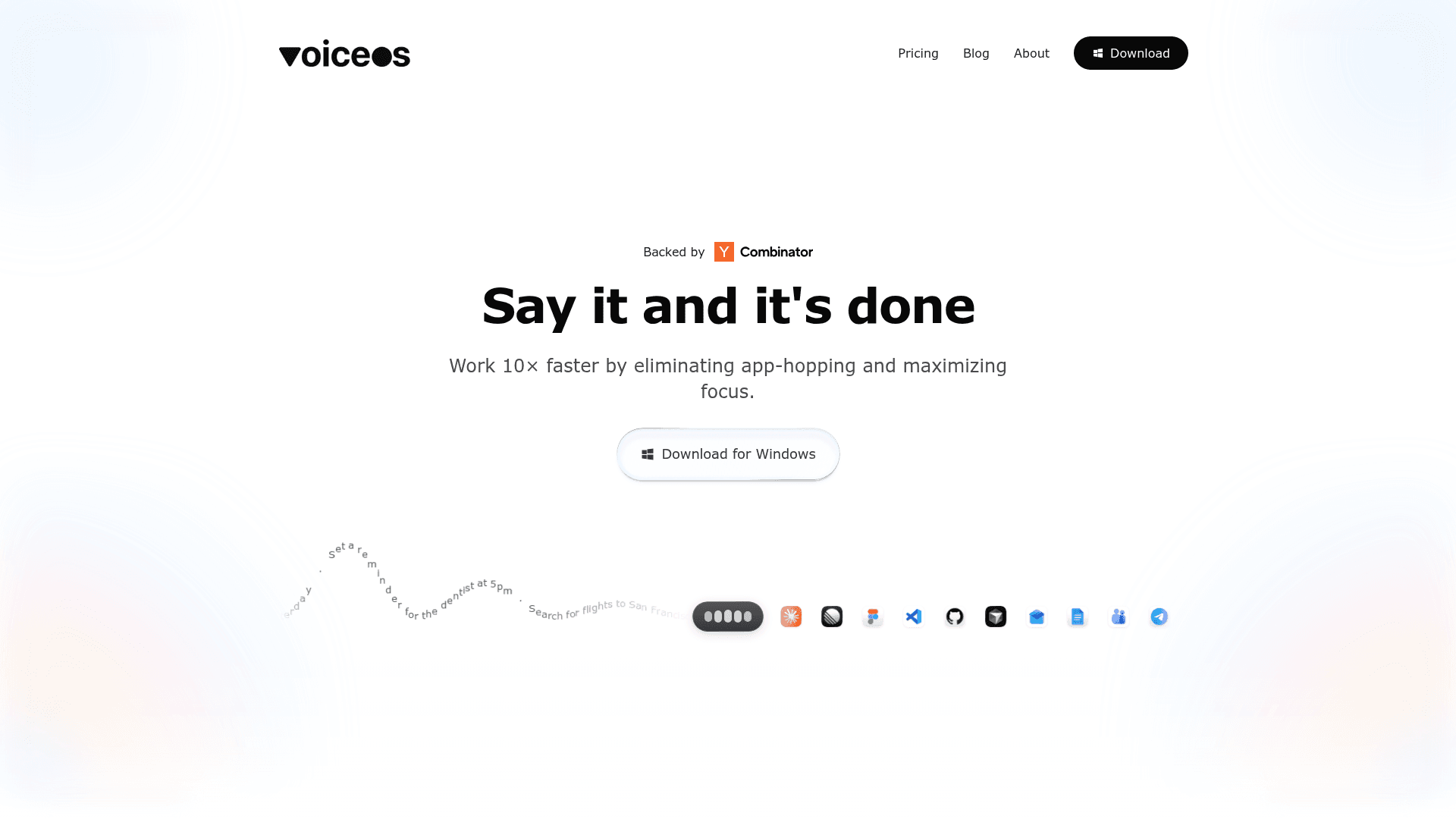
    VoiceOS is a voice-powered productivity desktop app for Windows that lets you control integrated apps and dictate text hands-free. By pressing a hotkey and speaking naturally, users can send messages, schedule meetings, create tasks, draft emails, and more — all without switching between apps. Built by WakoAI and backed by Y Combinator, VoiceOS bridges the gap between thought and action through two core modes: Agent Mode and Dictation Mode.

    • Agent Mode lets you speak commands that execute actions across integrated apps like Slack, Gmail, Notion, Google Calendar, Linear, Figma, GitHub, and more — with zero context switching.
    • Dictation Mode transcribes your speech into polished, auto-formatted text in any app, writing what you meant rather than a raw transcript.
    • Auto Formats automatically structures your dictated words into the appropriate format for the target app (email, message, document, etc.).
    • Privacy Controls keep your audio processed on-device by default; audio is never stored on VoiceOS servers unless you opt in, and you can disable AI training on your data.
    • Custom Vocabulary allows you to teach VoiceOS your terminology, names, and jargon for more accurate transcription.
    • Works in Every App means the dictation layer is universal — it works wherever your cursor is, across any Windows application.
    • Wide App Integrations include Slack, Gmail, Notion, Google Calendar, Google Maps, ChatGPT, Claude, Linear, Figma, VS Code, GitHub, Cursor, Outlook, Google Docs, Microsoft Teams, and Telegram.
    • Enterprise-Grade Security on the Enterprise plan includes zero data retention, SOC 2 Type II & ISO 27001 compliance, and SSO/SAML support.

    To get started, download the Windows installer, create a free account (no credit card required), and press the hotkey to begin speaking commands or dictating text in any app.
    VoiceOS - 1

    Community Discussions

    Be the first to start a conversation about VoiceOS

    Share your experience with VoiceOS, ask questions, or help others learn from your insights.

    Pricing

    FREE

    Free

    Perfect for trying out VoiceOS

    • Dictation Mode
    • Ask Mode
    • Custom vocabulary
    • Works in every app

    Pro

    Popular

    For power users and professionals

    $120/yr
    • Everything in Free
    • Unlimited usage
    • Priority support
    • Team features

    Enterprise

    For teams and organizations — tailored to your needs

    Custom
    contact sales
    • Everything in Pro
    • Zero data retention
    • SOC 2 Type II & ISO 27001
    • SSO / SAML
    View official pricing

    Capabilities

    Key Features

    • Agent Mode — voice commands execute actions across integrated apps
    • Dictation Mode — speech-to-text that writes what you meant
    • Auto Formats — structures dictated text for the target app
    • Custom vocabulary support
    • Works in every Windows app
    • On-device audio processing by default
    • Privacy controls — audio never stored on cloud without consent
    • No AI training on user dictation (opt-out available)
    • Universal hotkey activation
    • Priority support on Pro plan
    • Team features on Pro plan
    • Zero data retention on Enterprise plan
    • SOC 2 Type II & ISO 27001 compliance on Enterprise
    • SSO / SAML on Enterprise

    Integrations

    Slack
    Gmail
    Notion
    Google Calendar
    Google Maps
    ChatGPT
    Claude
    Linear
    Figma
    VS Code
    GitHub
    Cursor
    Outlook
    Google Docs
    Microsoft Teams
    Telegram
    iMessage
    Dia
    API Available

    Reviews & Ratings

    No ratings yet

    Be the first to rate VoiceOS and help others make informed decisions.

    Developer

    WakoAI, Inc.

    WakoAI builds VoiceOS, a voice-powered productivity platform that turns speech into actions across your apps. Backed by Y Combinator, the team is making voice the universal operating system that bridges the gap between human thought and computer action. WakoAI believes the way humans interact with computers is fundamentally changing, and they're leading that shift by eliminating context switching and manual effort from everyday workflows.

    Founded 2023
    San Francisco
    $500000 raised
    10 employees

    Used by

    Individual developers (e.g., Peter…
    Read more about WakoAI, Inc.
    Website
    1 tool in directory

    Similar Tools

    Wispr Flow icon

    Wispr Flow

    Wispr Flow is an AI-powered voice-to-text app that turns speech into clear, polished writing in every app on Mac, Windows, iPhone, and Android.

    Oravo icon

    Oravo

    Context-aware voice typing app that translates speech in real time, letting non-native English speakers dictate in their native language and get polished English output in any app.

    Monologue icon

    Monologue

    AI-powered voice dictation app that adapts to your writing style, vocabulary, and context for faster, more accurate transcription.

    Browse all tools

    Related Topics

    Voice Control

    Tools that enable voice-based control of applications and systems.

    5 tools

    Task Automation

    Agent-powered tools that automate routine project tasks and workflows with intelligent prioritization, dependency management, and contextual assignment of work across teams.

    73 tools

    Speech Recognition

    AI tools that convert spoken language into text.

    30 tools
    Browse all topics
    Back to all tools
    Explore AI Tools
    • AI Coding Assistants
    • Agent Frameworks
    • MCP Servers
    • AI Prompt Tools
    • Vibe Coding Tools
    • AI Design Tools
    • AI Database Tools
    • AI Website Builders
    • AI Testing Tools
    • LLM Evaluations
    Follow Us
    • X / Twitter
    • LinkedIn
    • Reddit
    • Discord
    • Threads
    • Bluesky
    • Mastodon
    • YouTube
    • GitHub
    • Instagram
    Get Started
    • About
    • Editorial Standards
    • Corrections & Disclosures
    • Community Guidelines
    • Advertise
    • Contact Us
    • Newsletter
    • Submit a Tool
    • Start a Discussion
    • Write A Blog
    • Share A Build
    • Terms of Service
    • Privacy Policy
    Explore with AI
    • ChatGPT
    • Gemini
    • Claude
    • Grok
    • Perplexity
    Agent Experience
    • llms.txt
    Theme
    With AI, Everyone is a Dev. EveryDev.ai © 2026
    Discussions