
VS Code Insiders
Advanced development version of VS Code featuring cutting-edge AI capabilities, including Agent mode, Edit mode, and support for the latest language models
At a Glance
Get started with VS Code Insiders at no cost with Free version available.
Engagement
Available On
Alternatives
Updated Feb 2026
About VS Code Insiders
Visual Studio Code Insiders is the development build of Microsoft's popular VS Code editor, offering early access to the latest features and enhancements before they reach the stable release. While the core functionality mirrors that of standard VS Code—providing a lightweight yet powerful code editor with extensive language support, debugging capabilities, and extension ecosystem—the Insiders version has emerged as a critical platform for developers seeking access to cutting-edge AI features.
The most significant differentiator for VS Code Insiders is its advanced integration with AI coding assistants, particularly through enhanced GitHub Copilot capabilities that go beyond what''s available in the stable release. At the forefront of these innovations is the revolutionary Agent mode, which transforms Copilot from a simple code suggestion tool into a fully autonomous coding assistant capable of understanding complex tasks across multiple files. When operating in Agent mode, VS Code Insiders allows Copilot to proactively search a workspace, read file contents, propose terminal commands, detect errors, and iteratively improve solutions—all while keeping the developer in control of the process.
The Insiders build also introduces a sophisticated mode selection system via a dedicated dropdown menu, allowing developers to seamlessly switch between Ask mode (for getting information), Edit mode (for specific code changes), and Agent mode (for complex, multi-step tasks). This interface innovation makes the AI capabilities more accessible and contextually appropriate for different development scenarios.
VS Code Insiders serves as Microsoft''s primary testbed for new language model integrations, making it the first VS Code version to support cutting-edge models like Google''s Gemini 2.5 Pro. This commitment to early model access ensures developers can leverage the latest advancements in AI capabilities, with the Insiders build often supporting new models months before they appear in the stable release.
The experimental nature of VS Code Insiders extends to its implementation of the Model Context Protocol (MCP), allowing standardized interactions between AI models and external tools. This enables more sophisticated coding assistance through contextual awareness of databases, file systems, and web resources. VS Code Insiders also pioneers new AI tooling integrations, including specialized thinking tools inspired by anthropic research, web content fetching capabilities, and enhanced code reference tools that combine "Find All References," "Find Implementation," and "Go to Definition" functionalities.
For teams embracing AI-augmented development workflows, VS Code Insiders provides early access to collaborative AI features and experimental capabilities like automated workspace creation, where the AI can scaffold entire project structures based on natural language descriptions. While these features eventually make their way to the stable VS Code release, users of Insiders gain months of additional experience with these tools, making it the preferred choice for developers who want to stay at the cutting edge of AI-assisted programming.
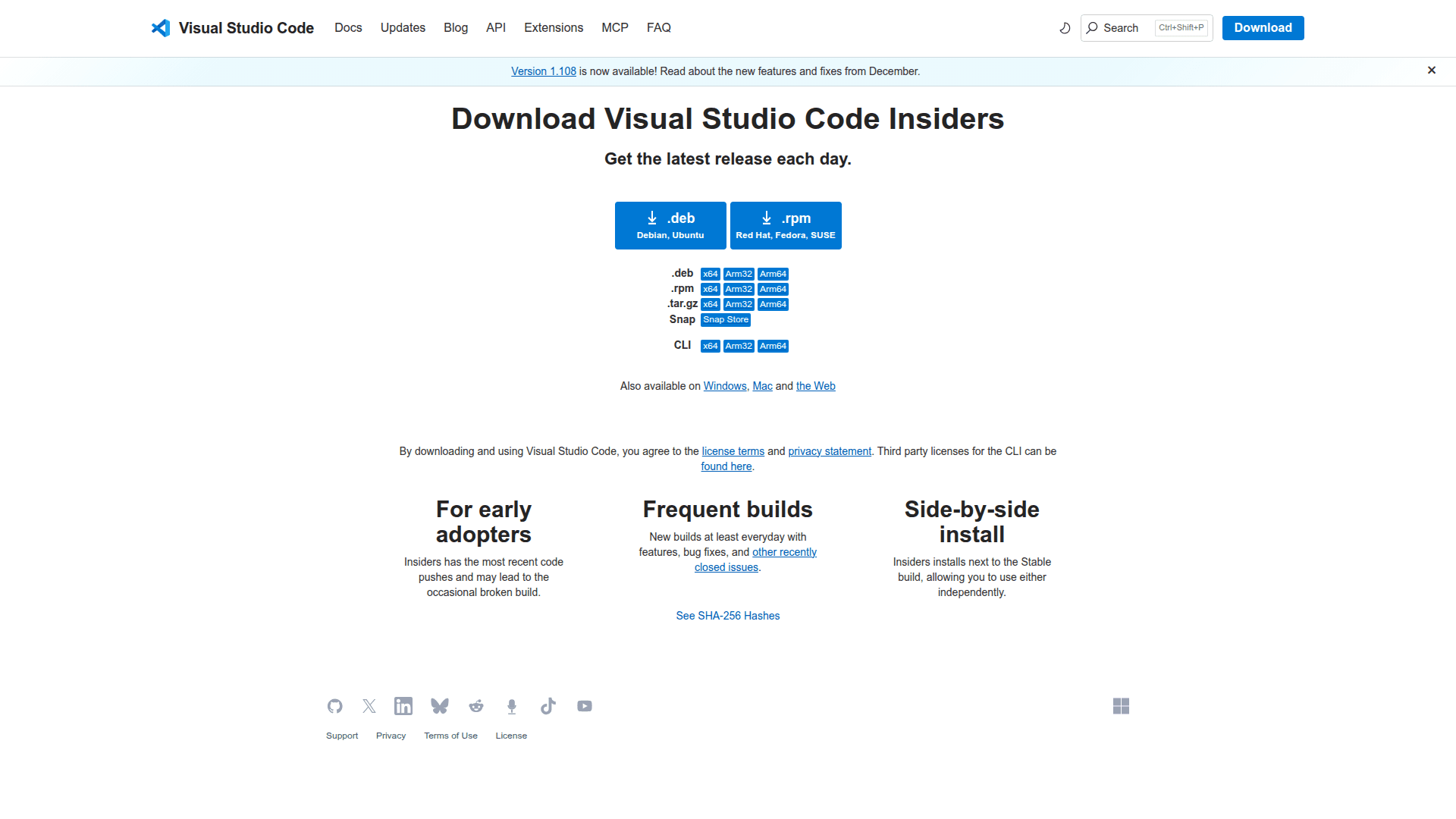
VS Code Insiders is freely available across all major operating systems and updates daily with the latest builds, allowing developers to experience and provide feedback on new features before they reach the wider VS Code audience. For developers focused on AI-augmented coding, the Insiders build has become an essential tool that provides a glimpse into the future of programming, where AI assistance becomes an integral part of the development process.
Community Discussions
Be the first to start a conversation about VS Code Insiders
Share your experience with VS Code Insiders, ask questions, or help others learn from your insights.
Pricing
Free
Get started with VS Code Insiders at no cost with Free version available.
- Free version available
Capabilities
Key Features
- Agent mode for autonomous coding assistance
- Edit mode for targeted code changes
- Ask mode for documentation and explanations
- Support for latest AI models including Gemini 2.5 Pro
- Model Context Protocol (MCP) server integration
- AI thinking tool for complex reasoning
- Web content fetching capabilities
- Enhanced code reference and usage tools
- AI-powered workspace creation
- Daily updates with latest features
Integrations
Demo Video
