
Watchtower
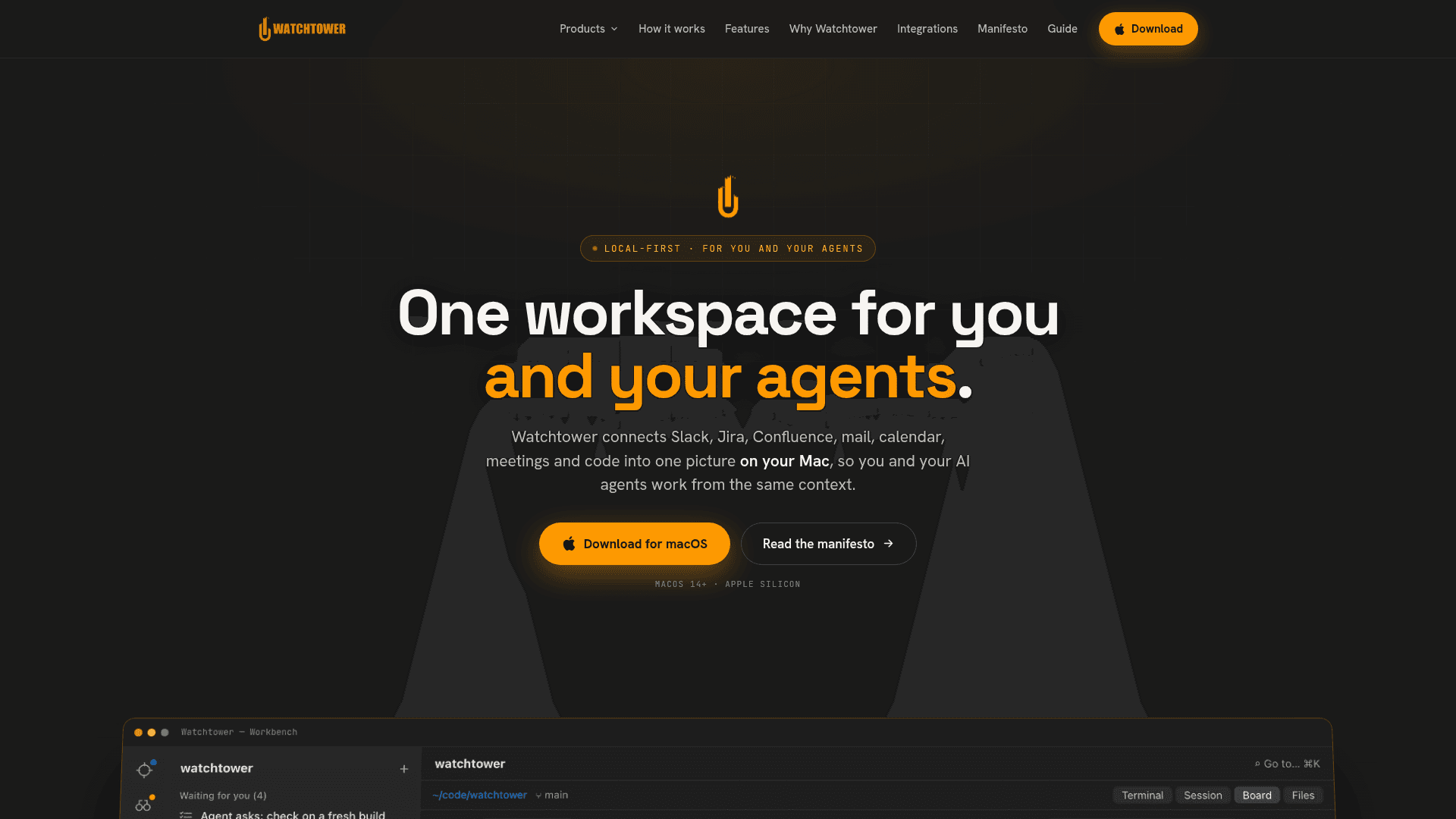
Local-first macOS app that unifies Slack, mail, calendar, Jira and code context for you and your coding agents.
At a Glance
Free and open-source Mac app, CLI and MCP server under the MIT License. Requires your own AI provider (Claude Code, Codex CLI, or local Ollama), which is an external cost.
Engagement
Available On
Listed Nov 2026
About Watchtower
Watchtower is an open-source, MIT-licensed macOS app from the aiwatchtowers organization. It reads connected sources such as Slack, Gmail, calendars, Jira and Confluence into a local database, then surfaces briefings, tasks and meeting notes. It also provides a Workbench where Claude Code or Codex sessions work from a board tied to a folder. The latest release listed is v0.29.0.
What It Is
Watchtower is a native Mac desktop app for the work around your work. It syncs the sources you connect into a local SQLite database, runs AI and indexing steps after each sync, and turns the result into things you can act on: a recap after time away (Catch Up), a morning briefing and day plan, an Inbox of decisions waiting on you, a task list with a suggested next step, and meeting transcripts with recaps. An AI chat answers questions across your Slack, mail, Jira, Confluence and meetings.
Workbench for coding agents
In the Workbench, a folder is bound to a board of targets that outlives any single session. A coding agent such as Claude Code or Codex picks up a task, files an ask when it needs a decision or review, and keeps working on what does not depend on you. Sessions run in an embedded terminal beside a code viewer. You can comment on lines of a session's diff and send them back as one round. Agent analytics tracks tokens, cost, tools and errors, and an agent coach proposes edits to your agent setup that apply only if you accept.
Local-first model and approvals
Watchtower has no account, cloud service or analytics of its own; synced data stays on your Mac. It has no AI of its own and runs through Claude Code, the Codex CLI, or a local Ollama-compatible server, and the chosen model receives only the context a task needs. Anything that changes another system, such as a Slack message, Jira change or Confluence edit, is proposed first and runs only after you approve. Gmail and Google Calendar are read-only, and it never sends email. Meeting audio is transcribed on-device.
Platform and extensibility
The same context is exposed through a built-in MCP server and a watchtower CLI, so other agents and scripts can build on it. You can also add your own MCP servers as Quick Connections. It requires macOS 14 or later on Apple Silicon and can be installed via a script, Homebrew cask, or the release DMG.
Community Discussions
Be the first to start a conversation about Watchtower
Share your experience with Watchtower, ask questions, or help others learn from your insights.
Pricing
Open Source (MIT)
Free and open-source Mac app, CLI and MCP server under the MIT License. Requires your own AI provider (Claude Code, Codex CLI, or local Ollama), which is an external cost.
- MIT licensed
- Local-first: data stored on your Mac
- Includes MCP server and CLI
- Workbench for coding agents
- Bring your own AI provider (Claude/Codex subscription or local Ollama)
Capabilities
Key Features
- Catch-Up recap after time away
- Morning briefing and day plan
- Unified Inbox of decisions, reminders and tracked requests
- Tasks with Jira issues and chat follow-ups plus suggested next steps
- Meeting prep, recording, on-device transcription and recaps
- AI chat across Slack, mail, Jira, Confluence and meetings
- Approval-gated writes to Slack, Jira and Confluence
- Workbench boards for Claude Code and Codex sessions
- Asks, diff review and spec review for agent work
- Agent analytics and agent coach
- Built-in MCP server and CLI
- Voice dictation
- Local SQLite storage with no telemetry