EveryDev.ai
Subscribe
Home
Tools

5,179+ AI tools

  • New
  • Trending
  • Featured
  • Rate tools
  • Compare
  • Arena
Categories
  • Agents2651
  • Coding1951
  • Infrastructure911
  • Projects728
  • Research651
  • MCP627
  • Analytics503
  • Marketing497
  • Design426
  • Testing416
  • Data380
  • Security334
  • Integration262
  • Communication252
  • Prompts252
  • Extensions222
  • Voice172
  • Commerce171
  • DevOps171
  • Web123
  • Learning114
  • Finance35
AI Tools by Topic
  • AI Coding Assistants
  • Agent Frameworks
  • MCP Servers
  • AI Prompt Tools
  • Vibe Coding Tools
  • AI Design Tools
  • AI Database Tools
  • AI Website Builders
  • AI Testing Tools
  • LLM Evaluations
Follow Us
  • X / Twitter
  • LinkedIn
  • Reddit
  • Discord
  • Threads
  • Bluesky
  • Mastodon
  • YouTube
  • GitHub
  • Instagram
Get Started
  • Users
  • Rate Tools
  • About
  • Editorial Standards
  • Corrections & Disclosures
  • Community Guidelines
  • Advertise
  • Contact Us
  • Newsletter
  • Submit a Tool
  • Start a Discussion
  • Write A Blog
  • Share A Build
  • Terms of Service
  • Privacy Policy
Explore with AI
  • ChatGPT
  • Gemini
  • Claude
  • Grok
  • Perplexity
Agent Experience
  • llms.txt
Theme
With AI, Everyone is a Dev. EveryDev.ai ©
    1. Home
    2. Tools
    3. WebVoyager
    WebVoyager icon

    WebVoyager

    Agent Frameworks

    Open-source multimodal web agent and benchmark that completes user instructions end-to-end on real websites using Selenium and large multimodal models.

    Visit Website

    At a Glance

    Pricing
    Open Source

    Self-hosted WebVoyager code and data released under the Apache License 2.0. Running it requires your own OpenAI API key, which is an external cost.

    Engagement

    Available On

    Linux
    API
    CLI

    Resources

    WebsiteGitHubllms.txt

    Topics

    Agent FrameworksLLM EvaluationsBrowser Automation

    Alternatives

    MolmoWebBrowserGymBrowser Use
    Developer
    Hongliang He

    Listed Oct 2026

    About WebVoyager

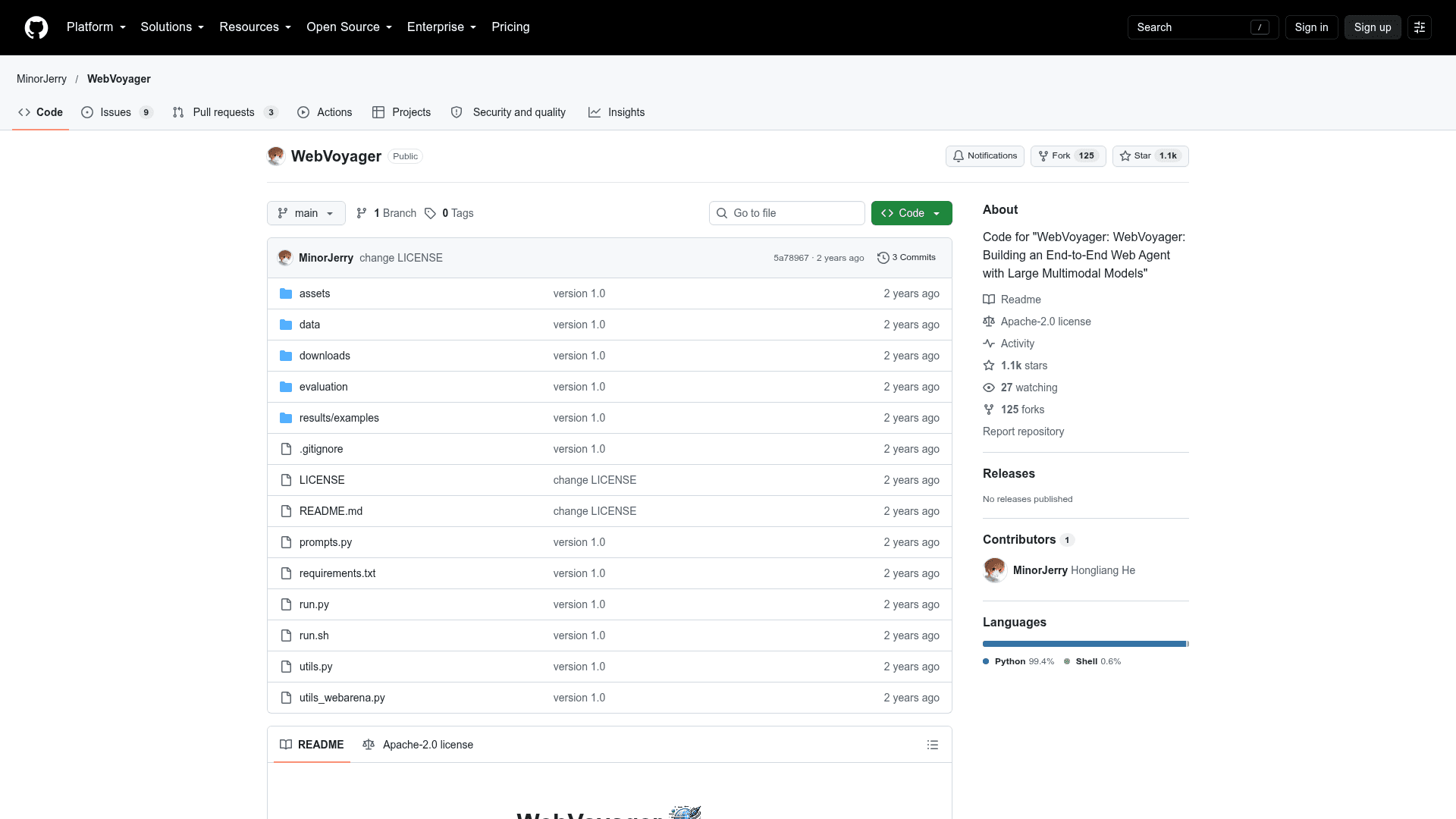
    WebVoyager is the code and data release accompanying the paper "WebVoyager: Building an End-to-End Web Agent with Large Multimodal Models." It implements a web agent powered by large multimodal models that completes user instructions by interacting with real-world websites through a Selenium-based browser environment. The repository is published under the Apache 2.0 license, and its disclaimer states it is not an officially supported Tencent product.

    What It Is

    WebVoyager is a research implementation of a web agent plus its evaluation tooling. The agent combines textual and visual information, using screenshots with overlaid bounding boxes on interactive elements, to decide on navigation actions. A text-only mode uses the page accessibility tree instead of screenshots. The repo also ships a task dataset and an automated evaluator.

    How the Workflow Runs

    Users set up a conda environment with Chrome installed, copy tasks into a test file, add an OpenAI API key to run.sh, and launch the agent. Parameters control the maximum number of interaction iterations, the number of recent screenshots kept in context, temperature, seed, headless browsing, window size, and the model used. Each task produces a results folder containing interaction messages and screenshots. Prompts are defined in prompts.py and the action format can be modified in run.py.

    Data and Evaluation

    The dataset has 643 task queries covering 15 websites, each with 40+ queries, plus reference answers. It also includes 90 web browsing tasks extracted from the GAIA validation set, starting from Google Search. Some tasks, mainly on Booking and Google Flights, are time-sensitive and need their dates updated manually. Results can be judged by human review of screenshots and agent actions, or by an automated GPT-4V protocol that evaluates the task, the agent's response, and the last screenshots. The README also provides a sample prompt for expanding the task pool with GPT-4.

    Limitations to Know

    The disclaimer notes that outputs are affected by non-deterministic OpenAI API behavior, prompt changes, and website style changes or pop-ups, and the project does not guarantee accuracy.
    WebVoyager - 1

    Community Discussions

    Be the first to start a conversation about WebVoyager

    Share your experience with WebVoyager, ask questions, or help others learn from your insights.

    Pricing

    OPEN SOURCE

    Open Source (Apache-2.0)

    Self-hosted WebVoyager code and data released under the Apache License 2.0. Running it requires your own OpenAI API key, which is an external cost.

    • Apache License 2.0
    • Multimodal web agent implementation using Selenium
    • 643 task queries across 15 websites plus 90 GAIA web tasks
    • GPT-4V based automatic evaluation tool
    • Requires your own OpenAI API key (external cost)

    Capabilities

    Key Features

    • End-to-end web agent driven by large multimodal models
    • Selenium-based online browsing environment
    • Screenshot observations with bounding boxes on interactive elements
    • Text-only mode using accessibility tree
    • 643 task queries across 15 websites with reference answers
    • 90 GAIA web browsing tasks
    • Automated GPT-4V-based evaluation
    • Human evaluation via saved screenshots and interaction messages
    • Configurable headless mode, max iterations, and context clipping
    • Editable system prompts and action format

    Integrations

    OpenAI API
    Selenium
    Chrome
    GAIA dataset
    WebArena
    GPT-4V-Act
    API Available

    Ratings & Reviews

    No ratings yet

    Be the first to rate WebVoyager and help others make informed decisions.

    Rate other tools you’ve used

    Developer

    Hongliang He

    Read more about Hongliang He
    WebsiteGitHub
    1 tool in directory

    Similar Tools

    MolmoWeb icon

    MolmoWeb

    An open-source multimodal web agent by Ai2 that autonomously controls a browser to complete natural-language tasks via clicking, typing, scrolling, and navigating.

    BrowserGym icon

    BrowserGym

    An open-source Gym environment for web task automation, enabling researchers to build, test, and benchmark web agents across multiple standardized benchmarks.

    Browser Use icon

    Browser Use

    Browser Use is an AI-powered browser automation platform that lets agents extract data, automate tasks, and interact with any website at scale using natural language.

    Browse all tools

    Related Topics

    Agent Frameworks

    Tools and platforms for building and deploying custom AI agents.

    882 tools

    LLM Evaluations

    Platforms and frameworks for evaluating, testing, and benchmarking LLM systems and AI applications. These tools provide evaluators and evaluation models to score AI outputs, measure hallucinations, assess RAG quality, detect failures, and optimize model performance. Features include automated testing with LLM-as-a-judge metrics, component-level evaluation with tracing, regression testing in CI/CD pipelines, custom evaluator creation, dataset curation, and real-time monitoring of production systems. Teams use these solutions to validate prompt effectiveness, compare models side-by-side, ensure answer correctness and relevance, identify bias and toxicity, prevent PII leakage, and continuously improve AI product quality through experiments, benchmarks, and performance analytics.

    213 tools

    Browser Automation

    AI-powered agents that autonomously navigate and interact with web applications to automate repetitive tasks, extract data, fill forms, and perform web-based workflows using intelligent understanding of page structure and content.

    186 tools
    Browse all topics
    Back to all toolsSuggest an edit
    ratings
    discussions