
yolobox
Runs AI coding agents in a container with full permissions while keeping your home directory unmounted and protected.
At a Glance
About yolobox
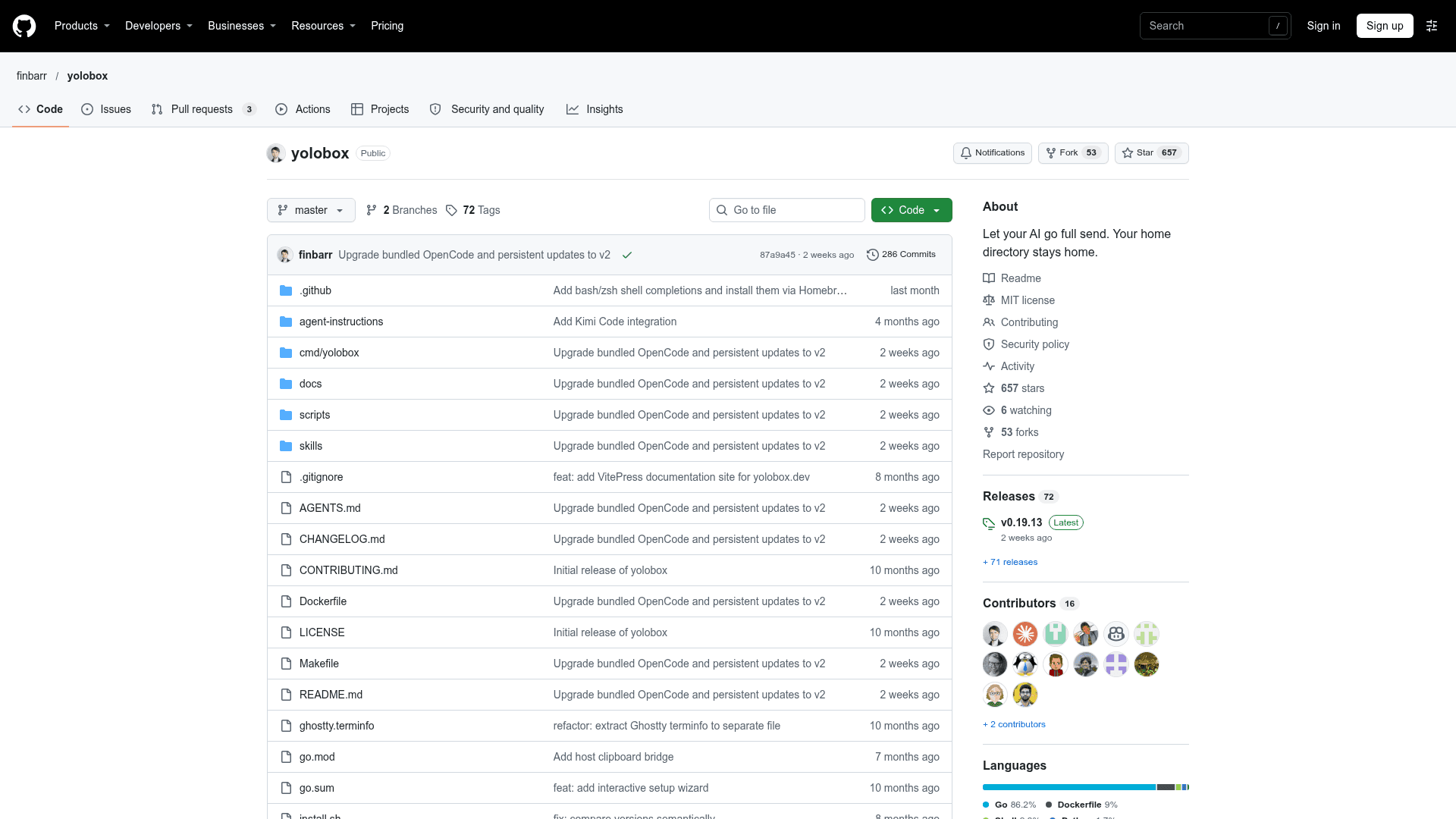
yolobox is an open-source command-line tool by finbarr that runs AI coding agents such as Claude Code, Codex, Kimi Code, Gemini, OpenCode, and Copilot inside a container. The agent gets full permissions and sudo inside the sandbox, while the host home directory is not mounted unless explicitly requested. The latest listed release is v0.19.13.
What It Is
yolobox is a sandbox launcher for AI coding agents. From a project directory, a command like yolobox claude starts the agent in a container with the project mounted at its real path. The aim is to let agents run commands without permission prompts without risking the host home directory, SSH keys, or dotfiles from careless destructive commands.
How the Sandbox Works
Inside the container, supported AI CLIs are wrapped to skip permission prompts, and persistent volumes keep tools, configs, and sessions across runs. The base image includes AI CLIs, Codex and Claude ACP adapters, Node.js, Python, Go, Bun, Git, GitHub CLI, ripgrep, fd, fzf, jq, and vim. Commands include shell, run, fork (gives an agent its own project copy), setup, config, upgrade, update-agents, and reset. It works with Docker, Podman, and Apple container runtimes.
Customization and Hardening
Projects can add a .yolobox.toml to set environment variables, install extra packages, or layer a Dockerfile fragment on the base image. Host environment variables can be aliased, for example to supply a read-only token. For tighter isolation, flags such as --no-network, --no-env-passthrough, --readonly-project, and --exclude restrict the box. Optional flags sync Claude or Copilot configuration into the box.
Security Model
The README describes yolobox as protection from accidents, not a guarantee against container escape. It does not protect the mounted project directory, secrets you explicitly forward, or the host kernel. For hostile code, it recommends stronger isolation such as rootless Podman or a VM.
Community Discussions
Be the first to start a conversation about yolobox
Share your experience with yolobox, ask questions, or help others learn from your insights.
Pricing
Open Source
yolobox core CLI is released under the MIT License (OSI-approved); free to use, modify and distribute.
- MIT License
- Runs AI coding agents in a container sandbox
- Supports Docker, Podman, and Apple container runtimes
- Install via Homebrew or script
Capabilities
Key Features
- Runs AI coding agents in a container with full permissions and sudo
- Home directory not mounted unless opted in
- Project directory mounted at its real path
- Persistent volumes for tools, configs, and sessions
- Shortcuts for Claude, Codex, Gemini, Kimi, Antigravity, OpenCode, Copilot, and Pi
- ACP adapters for Codex and Claude
- Per-project customization via .yolobox.toml and Dockerfile fragments
- Host env aliasing with env_from_host
- Hardening flags: no-network, readonly-project, exclude, no-env-passthrough
- fork command for per-agent project copies
- Optional RTK command-output compression
- Supports Docker, Podman, and Apple container runtimes