
A tmux-based coordination layer that runs Claude Code, Codex, OpenCode and other coding agent CLIs as a fleet that messages each other and survives reboots.
At a Glance
ae core CLI released under the MIT License; free to use, copy, modify and distribute. Underlying agent CLIs (Claude Code, Codex, etc.) and model usage are external costs.
Engagement
Available On
Listed Nov 2026
About ae
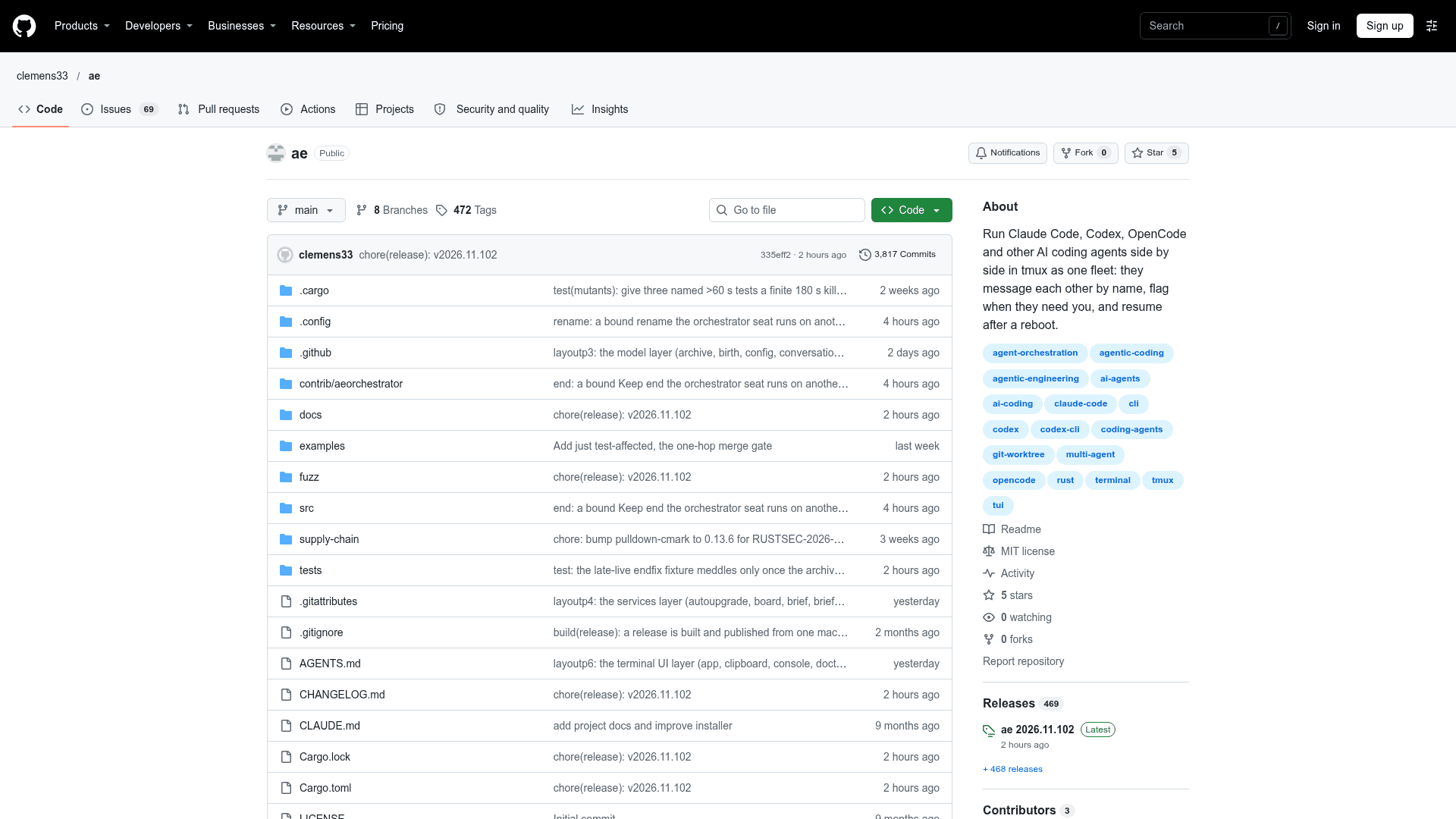
ae (agentic engineering) is an open-source command-line tool published by clemens33 under the MIT license. It sits on top of tmux so multiple AI coding agent CLIs can run side by side as a named team. Agents know their own name and the workspace roster, message one another, declare when they need a human, and resume after a reboot. The latest release listed is 2026.11.102.
What It Is
ae is a thin coordination layer over tmux for multi-agent coding work. It works with Claude Code, Codex, OpenCode, Gemini CLI, Antigravity, Grok Build and Muse Code, and any other CLI agent can run as a profile, with resume being best-effort for CLIs ae has not modelled. It ships as a single checksum-verified Rust binary, and session state lives in ~/.ae/ rather than in the user's repository.
How the Fleet Works
Each agent receives workspace context through its harness's launch channel, telling it which agent it is, who the others are, and how to reach them. Communication goes through helpers published per session: send, ask (tracked requests with a request id and reply command), review, state, say, memo, spawn, retire and peek. Agents can address each other by name, including across sessions. Agents declare states such as working, waiting-user, waiting-agent, blocked or done, which surface in the tmux status bar, ae list --needs-attn, ae next, and the ae app terminal UI. An optional Telegram bridge reaches the user away from the desk, and an optional orchestrator seat gives a fleet overview.
Sessions, Archives and Configuration
Sessions, spawned agents, conversation history and shared memo notes survive stops and reboots. ae end commits and pushes to an ae/ branch and archives session memory, --from continues a session from an archive, and ae reboot hands a context-heavy session to a fresh one under the same name. Configuration lives in ~/.ae/config with per-project overrides in .ae/config, defining clients, launch profiles, roster roles, layout and custom prompt instructions. Agents can work in the project directory directly, in a full copy, or in a git worktree.
Setup Path
Install with the provided curl-to-bash installer or build from source with just and rustup, then run ae init and start a session by name. Requirements are tmux 3.4 or newer, git, and at least one agent CLI on PATH. Supported platforms are macOS Apple Silicon and Linux x86_64 including WSL2; ae doctor checks the environment.
Community Discussions
Be the first to start a conversation about ae
Share your experience with ae, ask questions, or help others learn from your insights.
Pricing
Open Source
ae core CLI released under the MIT License; free to use, copy, modify and distribute. Underlying agent CLIs (Claude Code, Codex, etc.) and model usage are external costs.
- MIT License
- Install via curl | bash or build from source
- Requires tmux >= 3.4
- macOS Apple Silicon and Linux x86_64 (incl. WSL2)
Capabilities
Key Features
- Runs multiple AI coding agent CLIs side by side in tmux
- Agents message each other by name, including across sessions
- Tracked ask requests and review helpers
- Agent state declaration (working, waiting-user, waiting-agent, blocked, done)
- Attention views via tmux status bar, ae list, ae next and ae app terminal UI
- Sessions and history survive stops and reboots
- Session archives and ae reboot handover
- Shared memo notes for durable session memory
- Spawn and retire agents with configurable profiles
- Optional Telegram bridge and orchestrator seat
- Local, copy or git worktree working-directory modes
- Checksum-verified installer and ae upgrade
- ae doctor environment check