
Agent Session Manager Desktop
Desktop GUI for running and managing multiple AI coding-agent sessions such as Claude, Codex, Gemini and Aider in persistent terminal tabs.
At a Glance
Desktop GUI for managing multiple AI coding-agent sessions, released under the MIT License with full rights to use, copy, modify and distribute.
Engagement
Available On
Listed Nov 2026
About Agent Session Manager Desktop
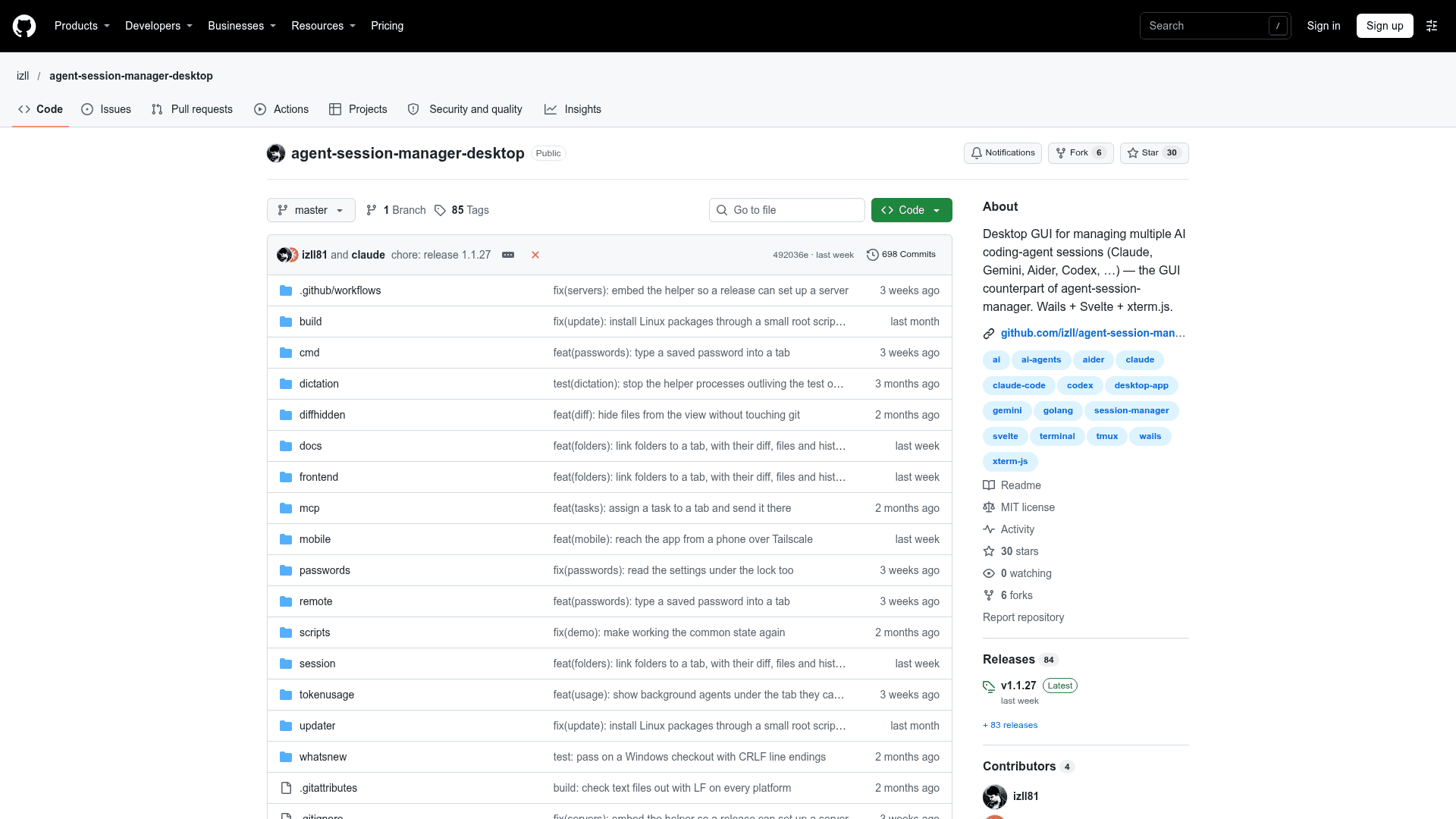
Agent Session Manager Desktop (ASMGR Desktop) is an open-source desktop app by izll for running several AI coding agents side by side, each in its own live terminal tab. It is the graphical counterpart of the ASMGR TUI and is built with Wails (Go), Svelte and xterm.js. The latest release listed is v1.1.27, with builds for Linux, macOS and Windows.
What It Is
The app is a session manager for terminal-based AI coding agents. Each session runs inside a terminal multiplexer, tmux on Linux and macOS or psmux on Windows. Agents therefore keep working when the window is closed or the app restarts, and you can reattach later. Supported agents include Claude, Gemini, Aider, Codex, Amazon Q, OpenCode, a custom command, or a plain shell.
Monitoring and Staying in Control
A header indicator counts agents waiting on input. From a dropdown you can jump to one or reply yes, no, Enter or Esc without switching tabs. Opt-in desktop notifications and ntfy mobile push can alert you when an agent starts waiting. Sidebar and tab status dots show busy, waiting or idle states, and an indicator shows when Claude is running unattended. A project dashboard groups sessions with per-repository Git status and Claude and Codex usage windows.
Reviewing Work
- Git diff review file by file, with reverting of a single file or hunk
- Commit history and branch browser
- File browser and editor with syntax highlighting
- Per-tab notes
- Task lists with deadlines, with optional Task Master AI actions through the task-master-ai MCP package
- Global search across session histories
Remote Sessions and Setup
Sessions can run on a remote server over SSH, configured in Settings with a connection test. The server needs SSH access and tmux, and a small helper binary is installed on first connection. Local installs use a .deb, .rpm, macOS tarball (Apple Silicon, macOS 15 or later) or Windows installer, and the app can offer to install the multiplexer. According to the README, nothing leaves the machine except update checks, optional ntfy push and the first Task Master npx use, and there is no telemetry.
Community Discussions
Be the first to start a conversation about Agent Session Manager Desktop
Share your experience with Agent Session Manager Desktop, ask questions, or help others learn from your insights.
Pricing
Open Source (MIT)
Desktop GUI for managing multiple AI coding-agent sessions, released under the MIT License with full rights to use, copy, modify and distribute.
- MIT licensed core desktop app
- Run Claude, Codex, Gemini, Aider and other agents in separate persistent terminals
- Project dashboard with Git status and usage view
- Self-updating on Linux, macOS and Windows
- Requires tmux (or psmux on Windows)
Capabilities
Key Features
- Multiple AI agents in persistent tabs
- tmux/psmux-backed sessions that survive closing the app
- Attention inbox with one-click replies
- Desktop and ntfy mobile push notifications
- Project dashboard with Git status and Claude/Codex usage
- Git diff review with per-hunk revert
- Commit history browser
- File browser and editor with syntax highlighting
- Global conversation history search
- Split view
- Session templates and saved commands with parameters
- Command palette and quick jump list
- Task lists with deadlines and optional Task Master integration
- Voice dictation
- Remote sessions over SSH
- Rebindable shortcuts and importable terminal color schemes
- Recovery centre with recycle bin and automatic snapshots
- Session export and import
- Self-updating
- 20 UI languages