
Agentic FMI
A Claude Code plugin that lets users inspect, simulate, build, connect and live-steer FMI models (FMUs) in plain language.
At a Glance
Free for noncommercial use such as research, teaching, study and personal projects under the PolyForm Noncommercial License 1.0.0 (source-available, not OSI-approved).
Engagement
Available On
Alternatives
Listed Nov 2026
About Agentic FMI
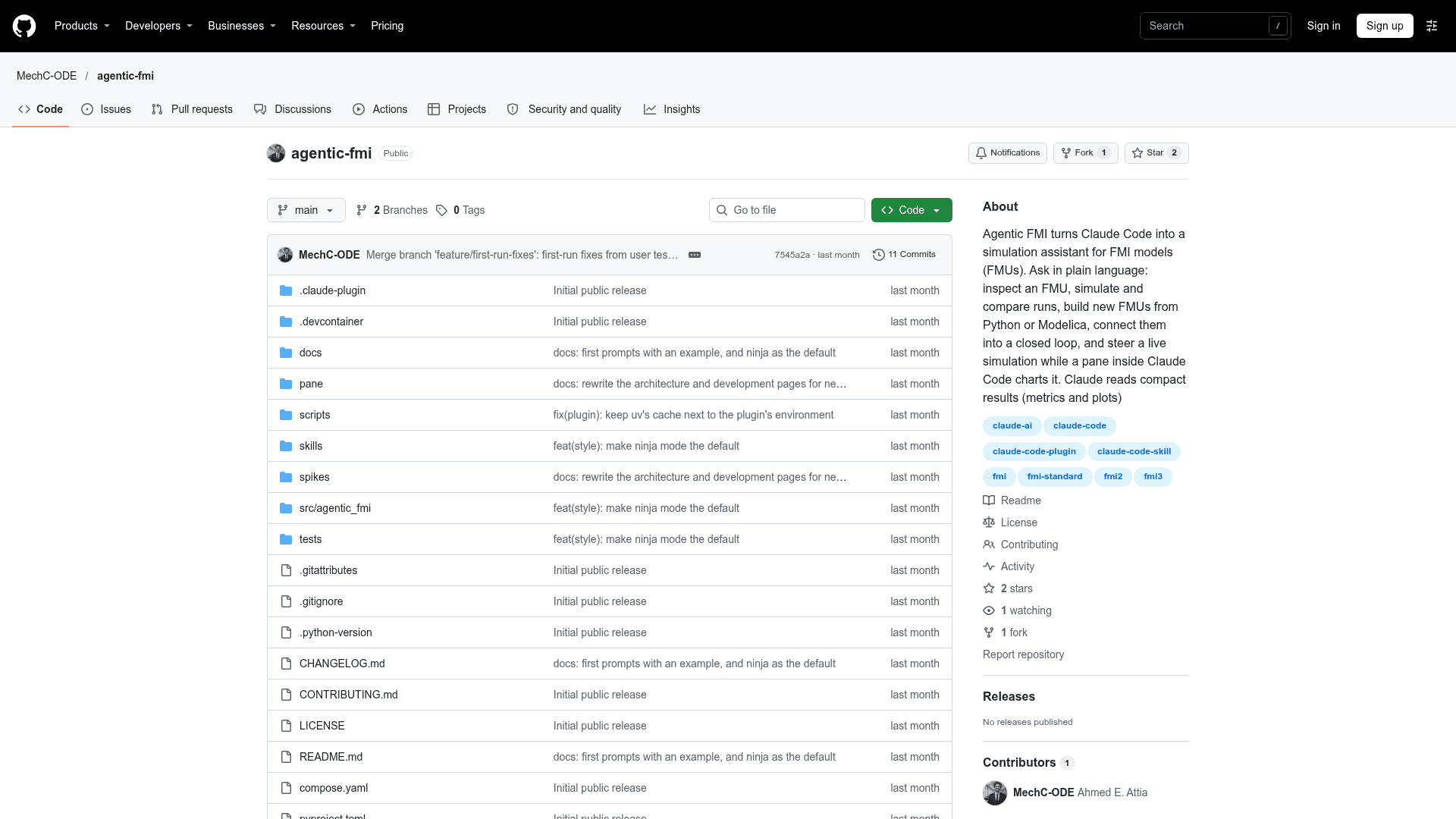
Agentic FMI is a Claude Code plugin from MechC-ODE (Ahmed Attia) that turns Claude Code into a simulation assistant for FMI models (FMUs). Users ask in plain language to inspect an FMU, simulate and compare runs, build new FMUs from Python or Modelica, connect them into systems, and exchange those systems as SSP files. A live pane inside Claude Code charts running simulations, and Claude reads compact results to decide the next experiment.
What It Is
Agentic FMI is an MCP-based plugin for Claude Code focused on Functional Mock-up Interface (FMI) 2.0 and 3.0 models, covering Co-Simulation and Model Exchange. Claude can list FMUs in a folder and report their interfaces, variables with units, tunable parameters and whether each runs locally. It returns compact summaries such as metrics and plots rather than raw data dumps.
How the workflow works
An MCP server exposes 18 tools to Claude and reads only each FMU's modelDescription.xml, never loading binaries. Each run gets its own worker process, using FMPy for single FMUs or OMSimulator for connected systems, with a heartbeat, timeout and kill switch. A file-based run store in the workspace records run settings, FMU hash and tool versions so results are reproducible.
- Build FMI 2.0 FMUs from Python or Modelica sources and test them.
- Co-simulate connected systems such as a controller and plant, and tune parameters run by run.
- Import and export SSP and SSV files.
- Switch between terse ninja mode and talkative mode.
The live pane
The /fmi command opens a pane beside the conversation with Live, System, FMUs and Runs tabs. It supports Pause, Resume, Step, Stop and Set, shows current values by component, and charts up to three signals. Its buttons steer the same runs Claude controls.
Setup and limits
It can run in a Docker dev container with the tools preinstalled, or be installed as plugins on Linux x86-64 or WSL 2 with Claude Code and uv. Building FMUs from Modelica needs OpenModelica. FMUs need Linux x86-64 binaries, FMI 1.0 and Scheduled Execution are unsupported, live control needs Co-Simulation, and up to four runs can go at once. SSP import accepts only flat systems. FMUs run native code and are isolated but not sandboxed, so only trusted FMUs should be used. The pane relies on an early-access Claude Code extension API. The software is licensed under PolyForm Noncommercial 1.0.0, with commercial use requiring a separate license.
Community Discussions
Be the first to start a conversation about Agentic FMI
Share your experience with Agentic FMI, ask questions, or help others learn from your insights.
Pricing
Noncommercial
Free for noncommercial use such as research, teaching, study and personal projects under the PolyForm Noncommercial License 1.0.0 (source-available, not OSI-approved).
- Free for noncommercial use (research, teaching, study, personal projects)
- PolyForm Noncommercial License 1.0.0 (not OSI open source)
- Commercial use requires a separate license
- Requires a Claude account (external cost)
Capabilities
Key Features
- Inspect FMUs: interfaces, variables with units, tunable parameters, runnability
- Simulate and compare runs with compact metrics and plots
- Build FMI 2.0 FMUs from Python or Modelica
- Co-simulate connected systems with OMSimulator
- SSP and SSV import and export
- Live simulation steering: pause, resume, step, stop, set values
- Live pane with Live, System, FMUs and Runs tabs
- Ninja and talkative response modes
- Per-run worker processes with heartbeat, timeout and kill switch
- Reproducible file-based run store
- FMI 2.0 and 3.0 support
- Dev container setup