
Aider
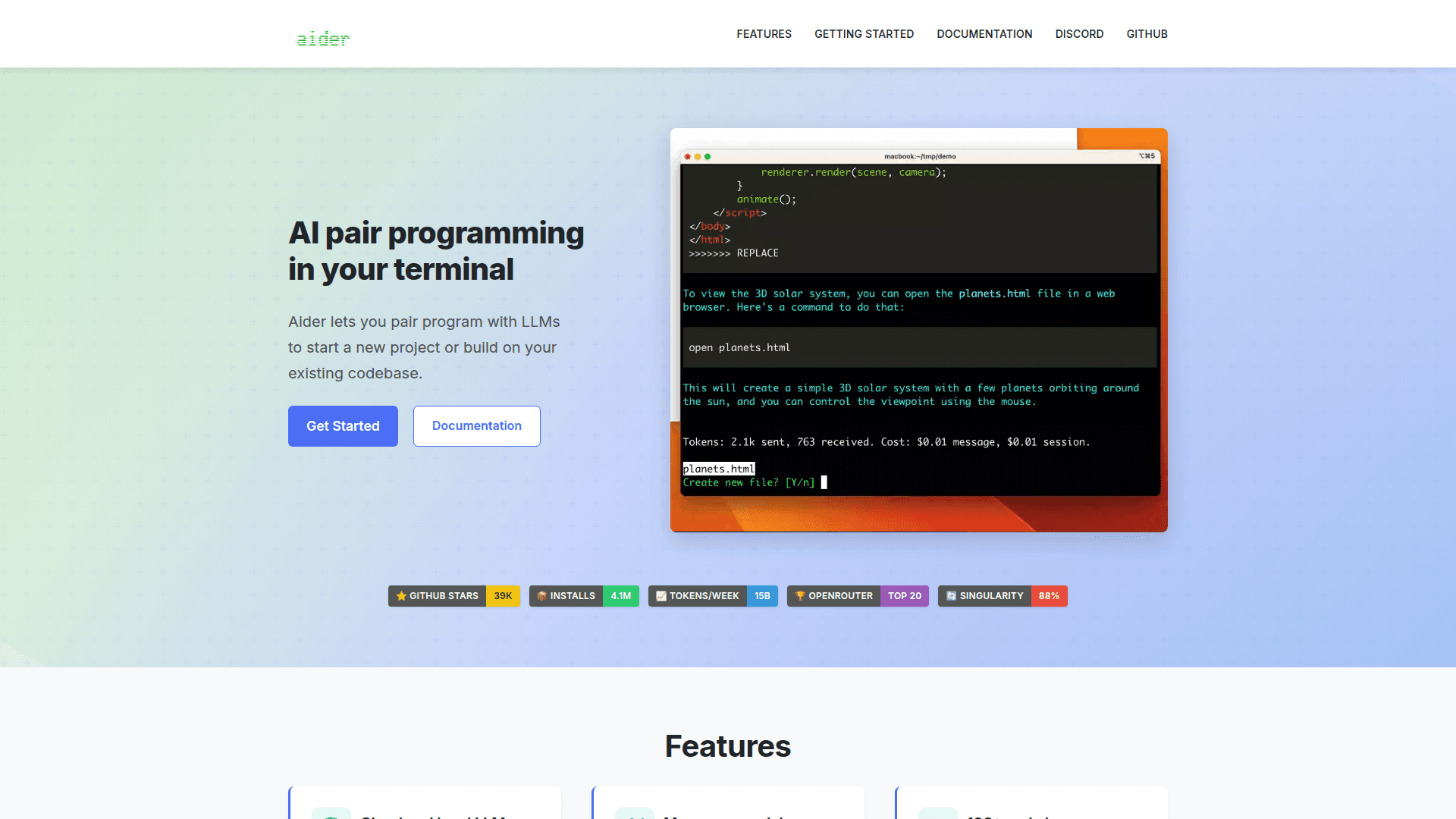
Aider is an open-source AI pair programming tool that lets you collaborate with LLMs directly in your terminal to write, edit, and refactor code across your entire codebase.
At a Glance
About Aider
Aider is an open-source AI pair programming tool built by Aider-AI and maintained on GitHub with over 44,000 stars. It runs in the terminal and connects to a wide range of large language models — including Claude 3.7 Sonnet, DeepSeek R1 & Chat V3, OpenAI o1, o3-mini, and GPT-4o — to help developers write new code, refactor existing files, fix bugs, and manage changes across an entire git repository. The project reports 6.8 million total PyPI installs and processes approximately 15 billion tokens per week, according to the homepage.
What It Is
Aider is a CLI-based coding assistant that sits between a developer and an LLM, acting as a structured intermediary that understands your codebase, proposes edits, and commits changes automatically. Unlike browser-based AI chat tools, Aider operates locally in your terminal, reads your actual source files, and integrates directly with git — making it a practical tool for real software projects rather than isolated code snippets.
How the Repository Map Works
One of Aider's distinguishing technical features is its repository map: a structured representation of your entire codebase that is passed as context to the LLM. This allows the model to understand how files, classes, and functions relate to each other, which the documentation says helps Aider "work well in larger projects." The map is built using tree-sitter and supports over 100 programming languages including Python, JavaScript, Rust, Ruby, Go, C++, PHP, HTML, and CSS.
LLM Flexibility and Local Model Support
Aider connects to virtually any LLM through a unified interface. Supported providers include OpenAI, Anthropic, Google Gemini, Groq, xAI, Azure, Cohere, DeepSeek, Amazon Bedrock, Vertex AI, OpenRouter, GitHub Copilot, and local models via Ollama and LM Studio. API keys are configured per provider, and the tool supports OpenAI-compatible APIs for custom or self-hosted endpoints. This breadth of model support makes Aider usable in air-gapped or privacy-sensitive environments where local inference is required.
Git Integration and Workflow
Aider is tightly integrated with git. Every change the LLM proposes is automatically committed with a generated commit message, so developers can use standard git tools — diff, revert, log — to review, manage, or undo AI-generated edits. The tool also supports automatic linting and test execution after each change, with the ability to feed lint or test failures back to the LLM for self-correction. Voice-to-code input, image and web page context, and IDE file-watching (responding to AI comments added directly in source files) round out the workflow features.
The "Singularity" Signal and Self-Modification
The Aider homepage tracks a metric it calls "Singularity" — currently reported at 88% — representing the percentage of new code in Aider's most recent release that was written by Aider itself. This self-referential development loop is documented in screen recordings and release notes, and serves as a live demonstration of the tool's practical capability for real-world software projects.
Update: Active Development and Release History
Aider publishes detailed release notes at aider.chat/HISTORY.html and maintains an active blog. Recent screen recordings document features such as --auto-accept-architect, tree-sitter language pack integration, and reasoning model configuration warnings — indicating a fast-moving release cadence. The project is installable via pip install aider-install and also supports Docker, GitHub Codespaces, and Replit for alternative deployment paths.
Community Discussions
Be the first to start a conversation about Aider
Share your experience with Aider, ask questions, or help others learn from your insights.
Pricing
Open Source (Free)
Fully open-source CLI tool. Users bring their own LLM API keys. No subscription required.
- Full CLI pair programming tool
- Supports 100+ programming languages
- Repository map for codebase context
- Git integration with auto-commits
- Automatic linting and testing
Capabilities
Key Features
- AI pair programming in the terminal
- Repository map for full codebase context
- Supports 100+ programming languages
- Connects to cloud and local LLMs
- Automatic git commits with sensible messages
- Automatic linting and test execution
- Voice-to-code input
- Image and web page context support
- IDE file-watching via AI comments
- Copy/paste workflow with web chat UIs
- Multiple chat modes: code, architect, ask, help
- Prompt caching for cost savings
- Scripting via CLI or Python API
- YAML and .env configuration support
- LLM leaderboards for benchmarking models
Integrations
Demo Video