
SessionCast
Monitor and control your AI CLI terminal sessions from your mobile device with real-time streaming and bidirectional input.
At a Glance
About SessionCast
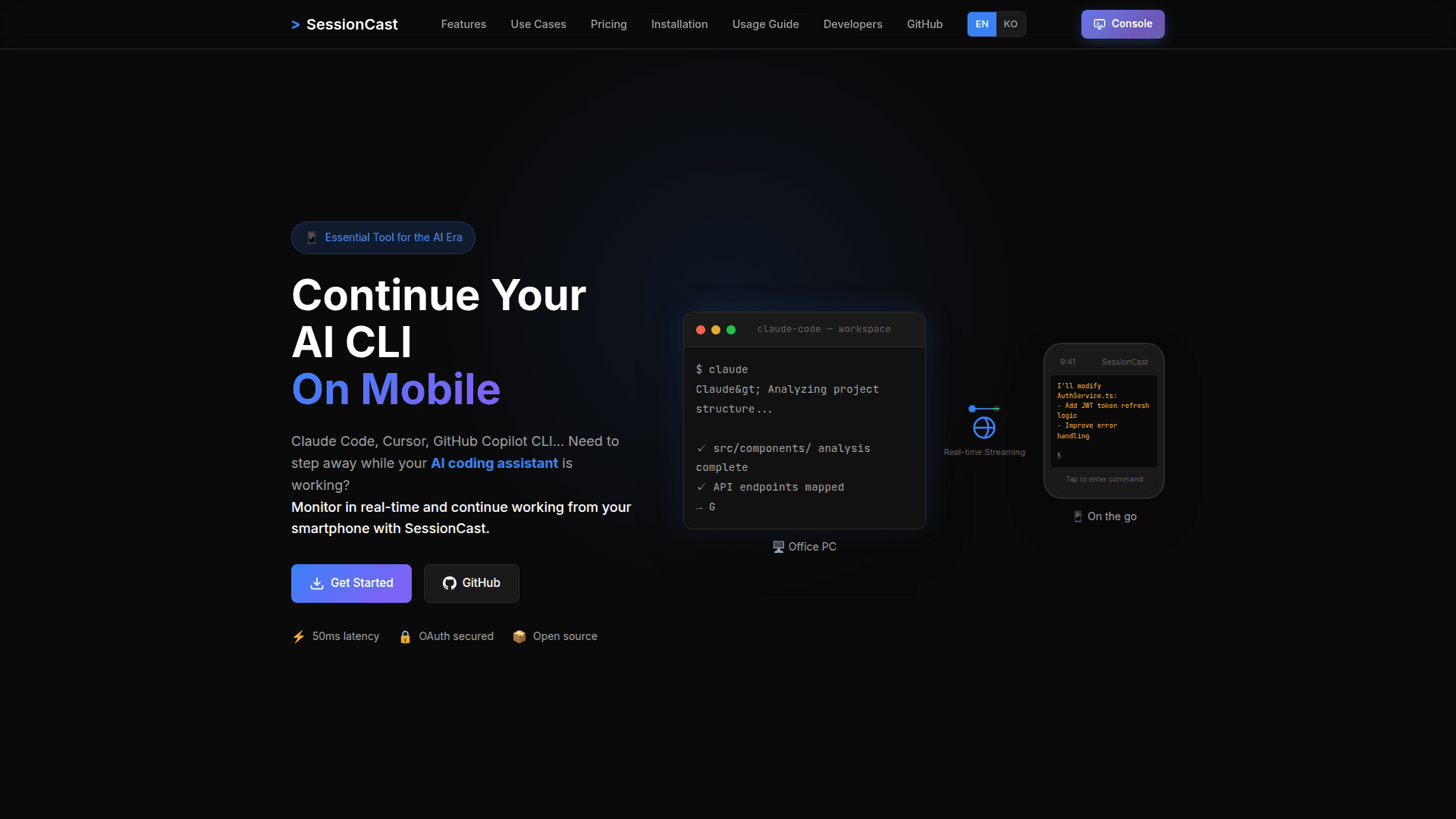
SessionCast enables developers to continue working with AI coding assistants like Claude Code, Cursor, and GitHub Copilot CLI from their mobile devices. When you need to step away from your desk while your AI assistant is generating code or running builds, SessionCast streams your terminal session in real-time to your smartphone, allowing you to monitor progress and enter commands remotely.
Built on a simple yet scalable 3-tier architecture using Java/Spring Boot for the agent and relay server, and React/xterm.js for the web interface, SessionCast delivers sub-50ms latency through WebSocket-based streaming. The open-source tool uses Google OAuth2 authentication to ensure secure access to your sessions.
- Real-time Streaming provides WebSocket-based terminal output with under 50ms latency, letting you watch AI CLI tools generate code instantly from anywhere
- Mobile Optimized Interface delivers a responsive terminal UI that works perfectly on smartphone browsers, making it easy to check progress while away from your desk
- Bidirectional Input enables full keyboard input from mobile devices, allowing you to give additional instructions to your AI assistant or respond to prompts
- Secure Access uses Google OAuth2 authentication to ensure only you can access your terminal sessions
- Multi-session Management lets you manage multiple terminal sessions simultaneously with easy switching between them
- Auto-Discovery Mode automatically detects all tmux sessions when enabled, with the option to exclude private sessions using underscore prefix
- Data Compression uses GZip compression to minimize mobile data usage during streaming
To get started, sign up at account.sessioncast.io, generate an Agent Token from your account settings, then install the agent on your PC. The agent captures and streams your tmux sessions to the relay server, which you can then access from app.sessioncast.io on any device. Create tmux sessions with standard commands like tmux new -s workspace, and the agent will automatically detect and register them for remote access.
SessionCast is particularly useful for monitoring long-running AI code generation tasks, CI/CD pipelines, Docker builds, and deployment processes. It also supports pair programming scenarios where you can share your terminal with colleagues for remote debugging and code reviews.
Community Discussions
Be the first to start a conversation about SessionCast
Share your experience with SessionCast, ask questions, or help others learn from your insights.
Pricing
Free Beta
Free plan during beta period
- Real-time terminal streaming
- Mobile-optimized UI
- Google OAuth2 authentication
- Bidirectional input
- Multi-session management
Capabilities
Key Features
- Real-time terminal streaming with sub-50ms latency
- Mobile-optimized responsive terminal UI
- Google OAuth2 secure authentication
- Bidirectional keyboard input from mobile
- Multi-session management
- Auto-discovery of tmux sessions
- GZip data compression
- WebSocket-based communication
- tmux session integration
- Domain restriction for access control