
A native macOS utility that turns the MacBook notch into a live island for coding agents, music, timers, dictation and small tools.
At a Glance
Ait stays free to use after the beta; Lifetime unlocks the Pro widgets and features. Free during the public beta with every widget and tool unlocked.
Engagement
Available On
Alternatives
Listed Oct 2026
About Ait
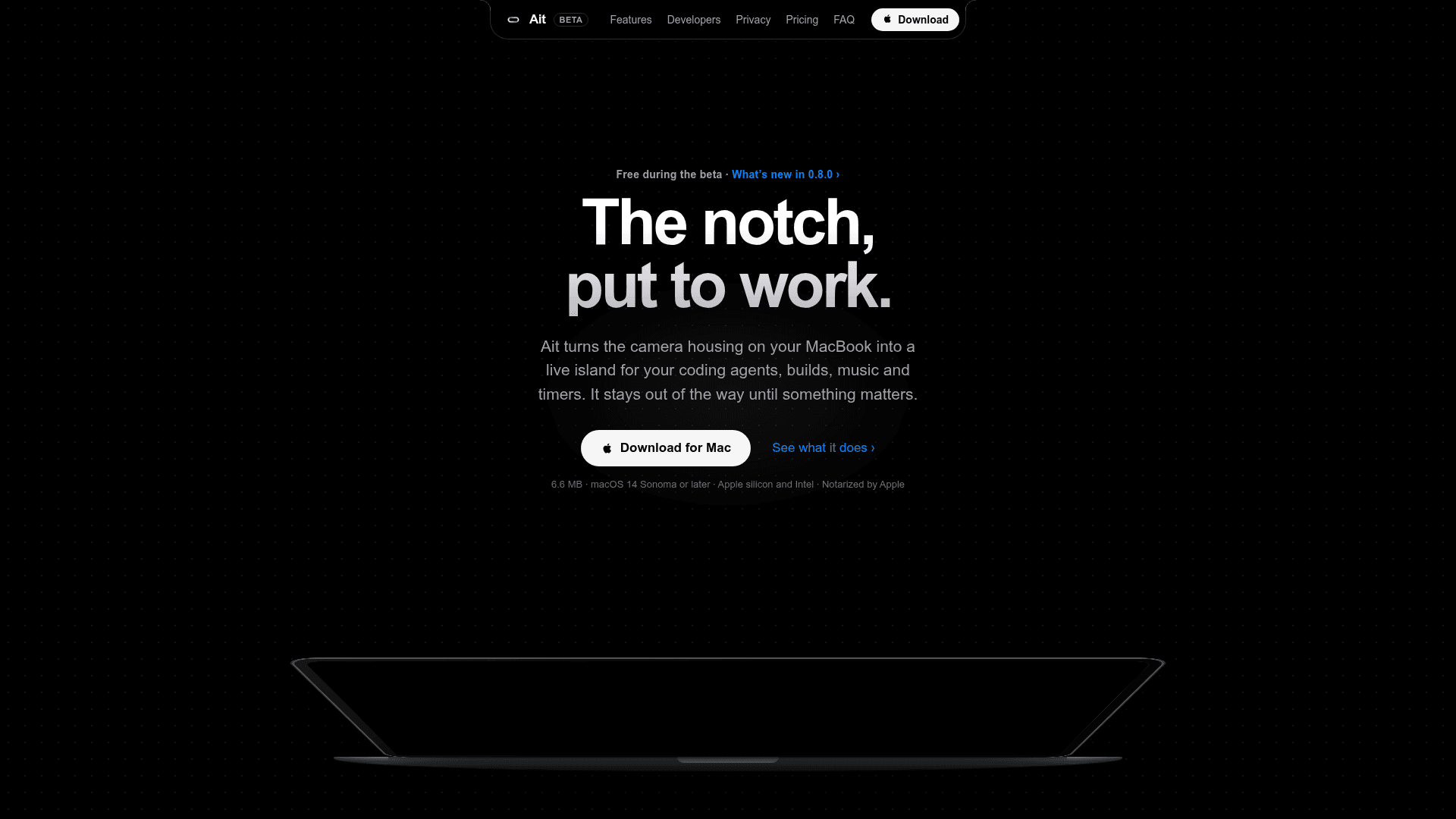
Ait is a native macOS utility by Vladimir Pavlov that turns the camera housing on a MacBook into a live island for coding agents, builds, music and timers. It is currently in public beta (version 0.8.0) and runs on macOS 14 Sonoma or later, on Apple silicon and Intel.
What It Is
Ait places small status wings beside the notch that grow only as much as the moment needs. Hovering peeks at what is under the pointer, such as the track, the time left or the agent state, and clicking opens a dashboard with controls and tools. On external monitors and Macs without a notch, it shows a virtual island at the top of the screen.
Coding agent monitoring
Claude Code, Codex and Cursor sessions report to the island while they work. It shows whether an agent is working, waiting for approval or done, along with the stage of the turn (Thinking, Reading, Editing, Running Command). It also shows 5-hour and weekly usage windows and context-window fill. Connecting is done in Settings, where Ait adds hooks to the agent's settings and keeps a backup of the original file. According to the site, it receives only states, limits and project folder, not prompts, code or credentials. Ait can also show GitHub failed checks, requested reviews and merges through the GitHub CLI sign-in. A small CLI lets any build, test or deploy script show progress and results in the island.
Built-in tools and widgets
- Now Playing for Apple Music and Spotify, with an experimental System Now Playing mode for browser media.
- Timer with Pomodoro, Mirror, Clipboard history, File Shelf with AirDrop, and Quick Actions for apps, links and Shortcuts.
- Voice dictation from any app with a hold-to-talk shortcut and optional translation, recognized on the Mac with audio not saved.
- Customizable island size, outline, glow and draggable widgets.
Privacy and implementation
The developer states Ait has no analytics or accounts and goes online only to check for updates and, optionally, to read GitHub. It is built with Swift, SwiftUI and AppKit, without web views or Electron, and requests camera, microphone or automation permissions only when the related feature is used. The app is signed and notarized by Apple.
Community Discussions
Be the first to start a conversation about Ait
Share your experience with Ait, ask questions, or help others learn from your insights.
Pricing
Free
Ait stays free to use after the beta; Lifetime unlocks the Pro widgets and features. Free during the public beta with every widget and tool unlocked.
- Every widget and tool, nothing locked (during beta)
- New versions in one click from the menu bar
- A free Lifetime key when the beta ends (beta testers)
Lifetime
One-time lifetime license unlocking the Pro widgets and features; launch price, available when the beta ends. No subscription.
- Unlocks the Pro widgets and features
- All future updates included, no renewals
- Free for everyone who joined the beta
- Regular price $24.99; launch price $19
Capabilities
Key Features
- Live island around the MacBook notch
- Coding agent status for Claude Code, Codex and Cursor
- Agent approval alerts and usage limit tracking
- GitHub checks, reviews and merges for the current branch
- Now Playing for Apple Music and Spotify
- Voice dictation and translation
- Timer with Pomodoro
- Clipboard history
- File Shelf with AirDrop
- Quick Actions
- Mirror camera preview
- Virtual island for non-notch displays
- Customizable widgets and island appearance
- CLI for build/test/deploy activity progress