
Aloud
A macOS app that records your voice and screen, then rewrites your spoken feedback into precise, screenshot-rich prompts ready to hand off to coding agents like Claude Code, Cursor, or Codex.
At a Glance
About Aloud
Aloud is a macOS desktop app that bridges the gap between informal spoken feedback and the precise, structured prompts that AI coding agents need to act correctly. It captures your voice, screen, and a live transcript simultaneously, then uses on-device Whisper transcription to clean up what you said — removing filler words, reversals, and mid-sentence corrections — before packaging everything into a self-contained file your agents can consume.
What It Is
Aloud sits in the category of voice-to-prompt tools designed specifically for developers working with autonomous coding agents. The core problem it solves is ambiguity: when you say "fix this" or "move that button," agents lack the visual context to know what "this" means. Aloud resolves that by pairing your transcript with automatic screenshot suggestions at every moment you used a deictic word like "this," "here," or "that button," so the exported prompt is both verbal and visual.
How the Workflow Works
The tool follows a three-step loop:
- Record — Hit record and talk through your build naturally, as if a colleague is watching your screen. Voice, screen capture, and transcript are captured together; the recorder stays out of your video frame.
- Analyze and clean up — Aloud rewrites the transcript to reflect what you actually meant, merges or removes retracted statements ("Let's make it red. No — keep it black, just bigger" becomes "Keep the button black, but make it bigger"), and flags timestamps where screenshots should be inserted.
- Export to agents — One self-contained file drops into Claude Code, Cursor, Codex, or any other agent environment you use.
The UI also shows an interactive plan view that groups tasks by area (e.g., Sessions list, Onboarding, Recording HUD) and lets you assign fast or reasoning models per group before sending.
On-Device Transcription and Privacy
Aloud uses Whisper running on-device for live transcription, which means audio is processed locally rather than sent to a cloud speech API. This is a deliberate design choice that keeps sensitive code discussions and screen content off external servers during the capture phase.
Target Audience
Aloud is built for developers and product builders who are already using AI coding agents as their primary build loop and want to give those agents better, less ambiguous instructions without writing long prompt documents by hand. The dock icons shown on the homepage — Claude Code, Codex, Cursor, Linear, Terminal — signal the intended workflow context.
Update: Version 1.2.0
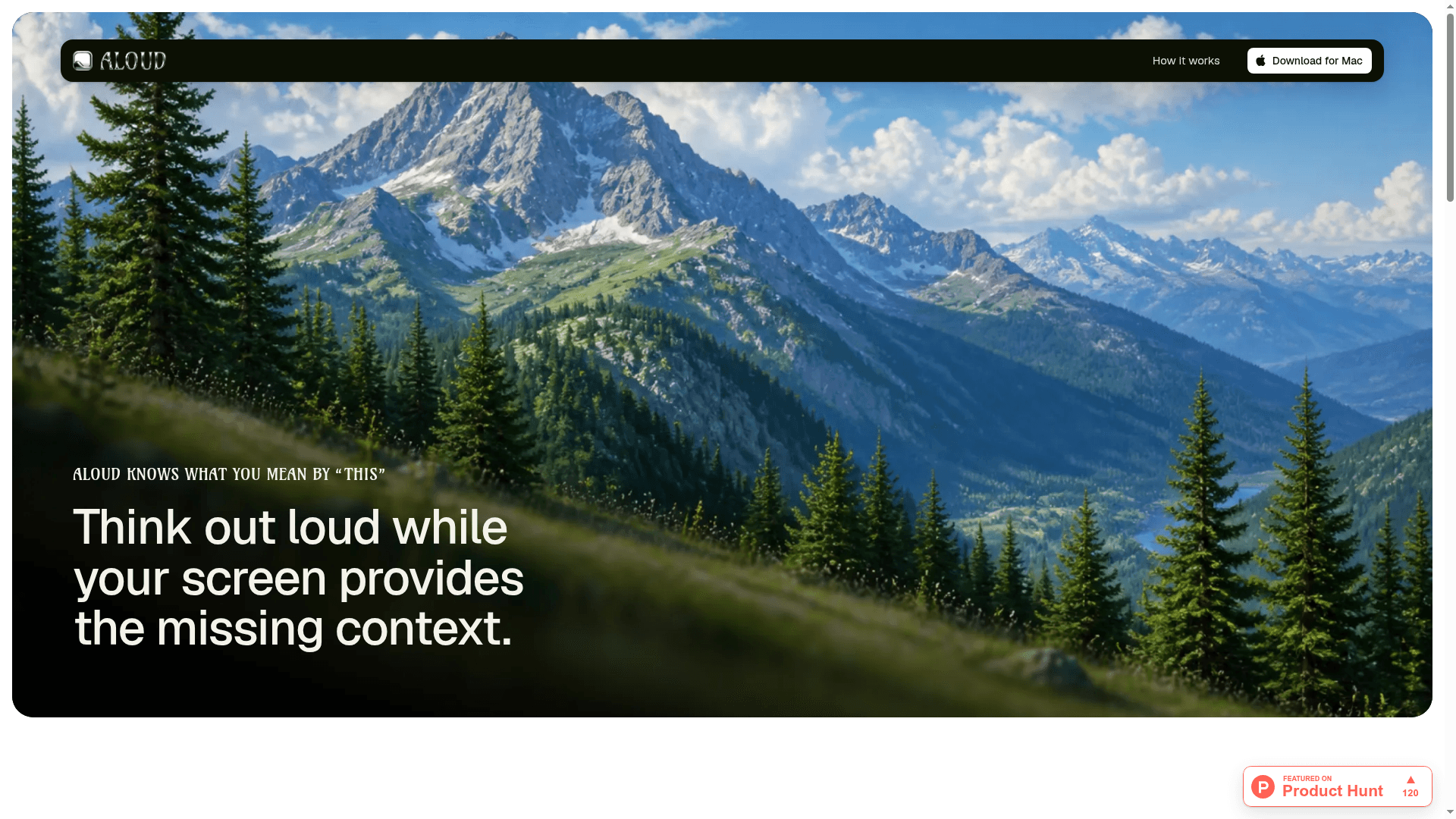
The homepage shows version 1.2.0, released 24 Aug 2026, weighing 140 MB. The Product Hunt badge indicates the tool has been featured there as "Aloud – Talk through your app, your coding agents get the plan," suggesting a recent public launch or major release milestone.
Community Discussions
Be the first to start a conversation about Aloud
Share your experience with Aloud, ask questions, or help others learn from your insights.
Pricing
Aloud
macOS desktop app for voice-to-prompt capture and agent handoff
- On-device Whisper transcription
- Screen and voice capture
- Automatic transcript cleanup
- Screenshot suggestions
- Self-contained agent export
- Task grouping with model assignment
Capabilities
Key Features
- On-device Whisper transcription
- Screen and voice capture together
- Automatic transcript cleanup (removes filler words, reversals, retractions)
- Screenshot suggestions at deictic words ("this", "here", "that button")
- Self-contained export file for coding agents
- Task grouping with model assignment (fast vs reasoning)
- Recorder stays out of your video frame
- Works with Claude Code, Cursor, Codex, and more