Amazon Quick
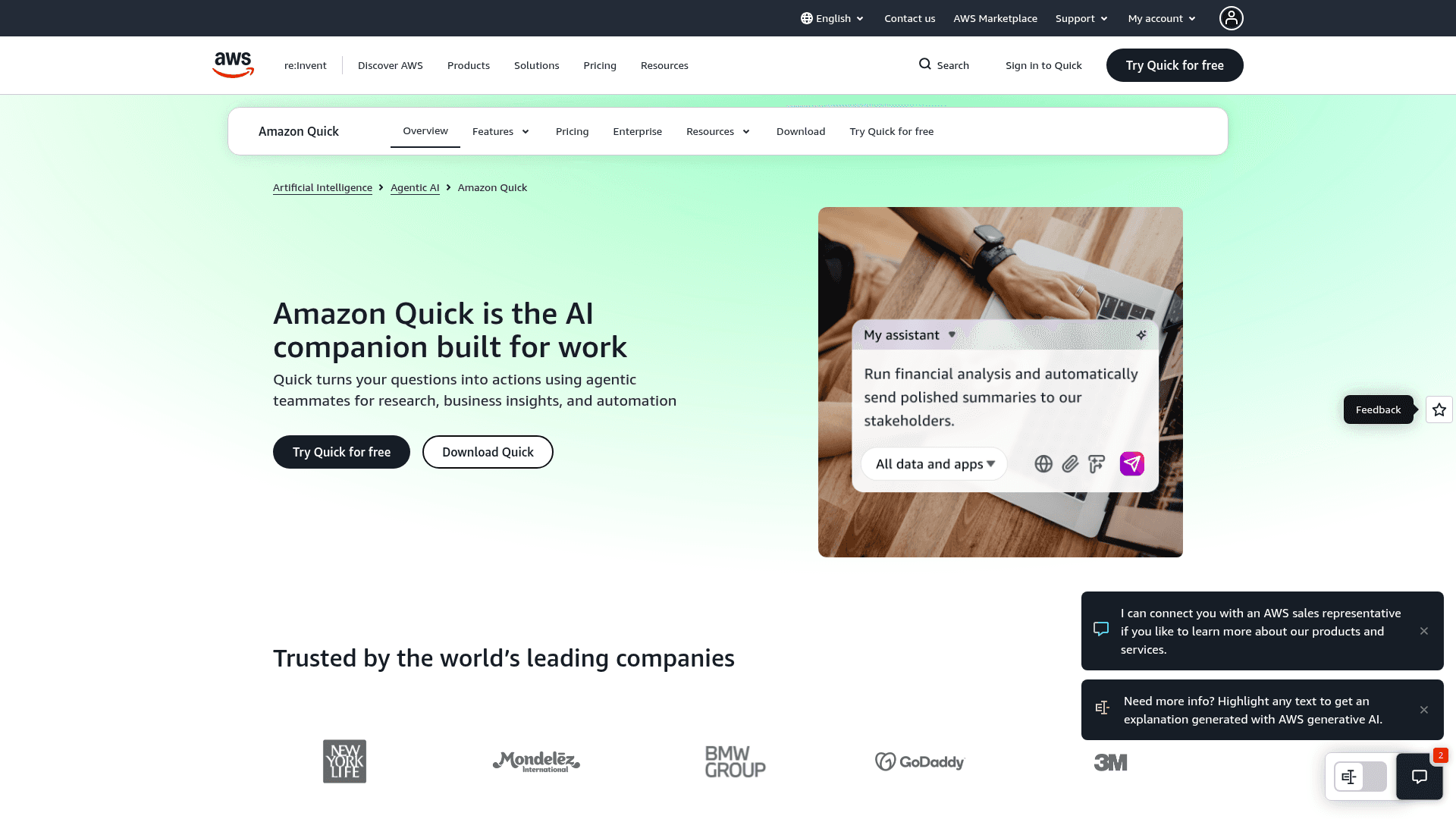
Amazon Quick is an AWS AI assistant for work that handles research, deliverable creation, custom apps, and automation across connected business tools.
At a Glance
About Amazon Quick
Amazon Quick is an AI assistant from Amazon Web Services designed for workplace tasks. According to AWS, it turns questions into actions using agentic teammates for research, business insights, and automation. It is available as a web service and a desktop app, with plans for individuals, teams, and organizations.
What It Is
Quick is a work-focused AI assistant. Users describe a task in conversation, and Quick can produce documents, presentations, spreadsheets, or images, run research, build small apps, and automate repetitive work. It pulls context from business data, connected apps, and, for research, the public internet and third-party datasets.
Research, Deliverables, and Apps
The deep research capability searches business data, the web, and third-party datasets to produce reports, which AWS says takes minutes rather than days of manual synthesis. Deliverables can be refined in real time within the conversation. A no-code app builder lets teams create intake forms, status trackers, and calculators without filing an IT ticket.
Desktop App and Connectors
The desktop app works with files on the user's machine without uploading them and surfaces meeting prep, follow-ups, and action items. Quick also connects to thousands of apps and data sources, with built-in connectors for tools such as Jira, Box, Canva, HubSpot, Notion, QuickBooks, Salesforce, ServiceNow, Shopify, Slack, Smartsheet, and Zoom.
Team and Enterprise Controls
Higher tiers add shared Spaces, browser and Microsoft 365 extensions, and user management. Enterprise offerings add RBAC, SSO, data sovereignty, admin controls, dashboards, and human-in-the-loop orchestration across UIs, APIs, and teams, plus the ability to certify and publish assets.
Community Discussions
Be the first to start a conversation about Amazon Quick
Share your experience with Amazon Quick, ask questions, or help others learn from your insights.
Pricing
Free
Free for everyone; individual plan, no AWS account required.
- Quick on your desktop
- Chat about any topic or task
- Research anything in depth
- Flows automation
- Production-ready web apps
Free trial
Enterprise plan trial for new customers, up to 25 users per account; subscription and infrastructure fee waived
- All Enterprise features
- Up to 25 users
Plus
For teams of up to 300 who need collaboration and user management
- Everything in Free
- Shared Spaces for your team
- Browser and Microsoft 365 extensions
- User management, centralized billing, up to 300 users, 10 GB storage per seat
Max
For frequent users who need more usage capacity
- Everything in Plus
- 5x more usage
- 5x index storage
Essentials
For organizations getting every user started with AI; requires AWS account
- +$250 infrastructure fee per account per month
- No seat cap
- RBAC, SSO, data sovereignty, admin controls
- 24/7 AWS Support
- 1 agent hour per user per month (3 until January 31, 2027)
- 1 GB pooled storage per user
- Overages: $3 per agent hour, $5/GB/month storage
Professional
For organizations requiring advanced governance & controls at any scale
- Everything in Essentials
- +$250 infrastructure fee per account per month
- Up to 8 agent hours per user per month
- Up to 25 GB pooled storage per user
Enterprise
For teams who author the insights and automations their enterprise runs on
- Everything in Professional
- +$250 infrastructure fee per account per month
- Custom dashboard creation
- Quick Automate workflows
- Certify and publish assets
- Up to 18 agent hours per user per month
- Up to 50 GB pooled storage per user
- Additional agent hours $3 each
Capabilities
Key Features
- Conversational AI assistant for work tasks
- Deep research across business data, the web, and third-party datasets
- Create documents, presentations, spreadsheets, and images
- No-code custom app builder
- Desktop app working with local files
- Automated flows for repetitive tasks
- Shared Spaces for teams
- Browser and Microsoft 365 extensions
- RBAC, SSO, and admin controls
- Dashboards and data visualizations
- Human-in-the-loop orchestration
- Connectors to thousands of apps and data sources
Integrations
Demo Video