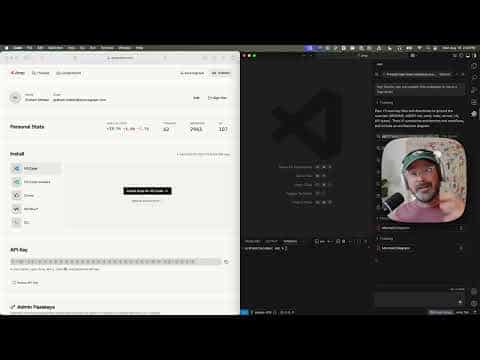
Frontier coding agent from Sourcegraph with a rebuilt CLI (codename Neo): remote-controllable from the web, auto-compacting context, plugin-powered, and a polished VS Code, Cursor, and Windsurf experience.
At a Glance
About Amp
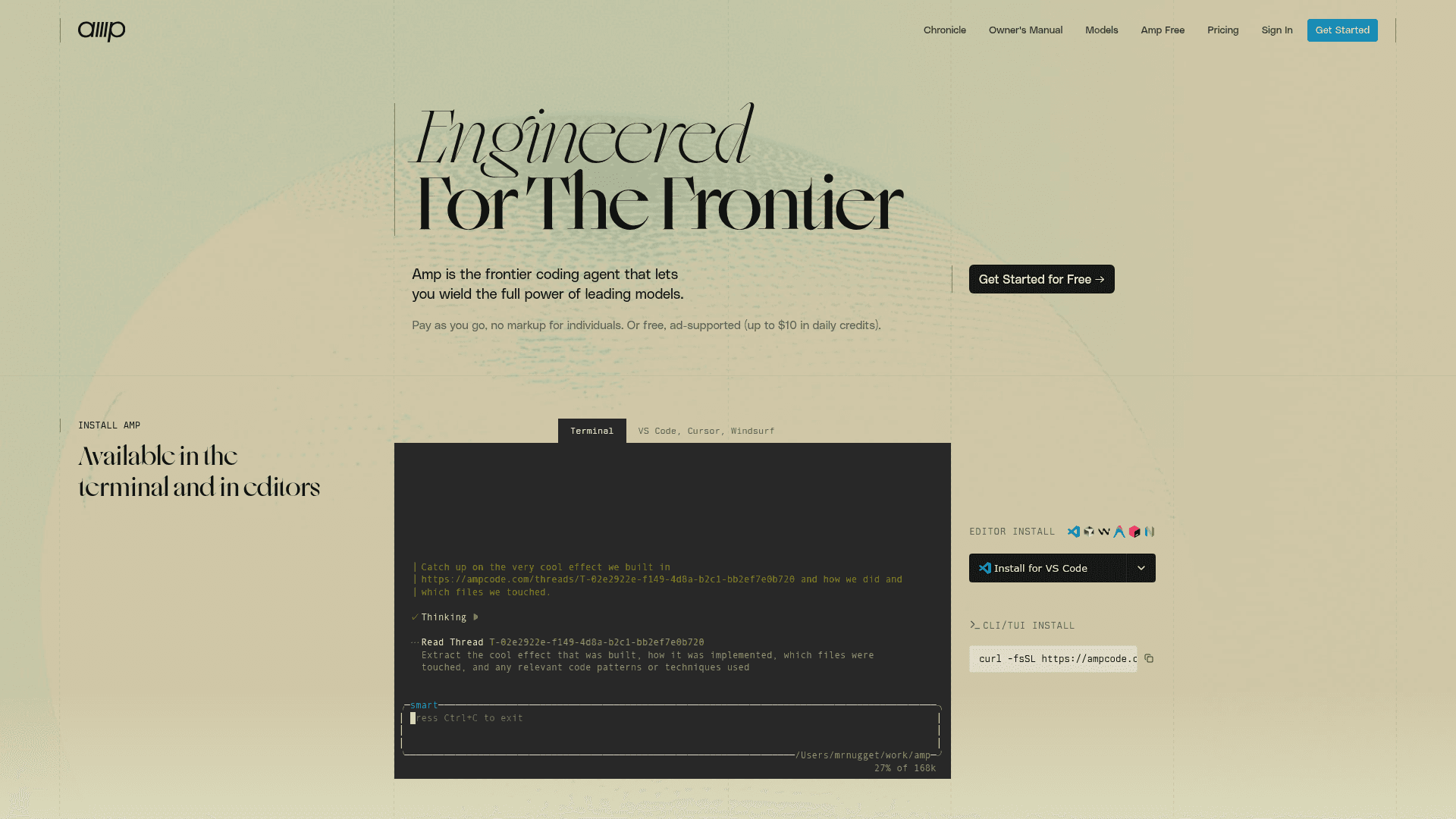
Amp is a frontier coding agent from Sourcegraph that lets you wield the full power of leading models — Claude Opus 4.7 in smart mode, GPT-5.5 in deep mode, and a rotating frontier model in the default tier. It runs in your terminal, in VS Code, Cursor, Windsurf, and VSCodium, and is now remote-controllable from ampcode.com.
The Neo Rebuild
In May 2026, Sourcegraph began rolling out a complete rewrite of the Amp CLI, codename Neo. The rebuild was driven by a single principle: build for what frontier models can do now, not what they once needed.
Remote control. Threads started in the CLI can now be controlled from the web. Send messages, queue them, dequeue them, or cancel what the agent is doing — from any browser.
Automatic context management. Amp now compacts threads automatically when the context window hits 90%. No more watching context percentages, no more manual handoff. The agent summarizes, opens a fresh window with that summary, and keeps going.
Plugin API. The new Amp Plugin API lets you handle agent lifecycle events, register custom tools, add command-palette actions, show UI elements, and ask AI questions inline. Permissions are now a plugin too — bring your own policy.
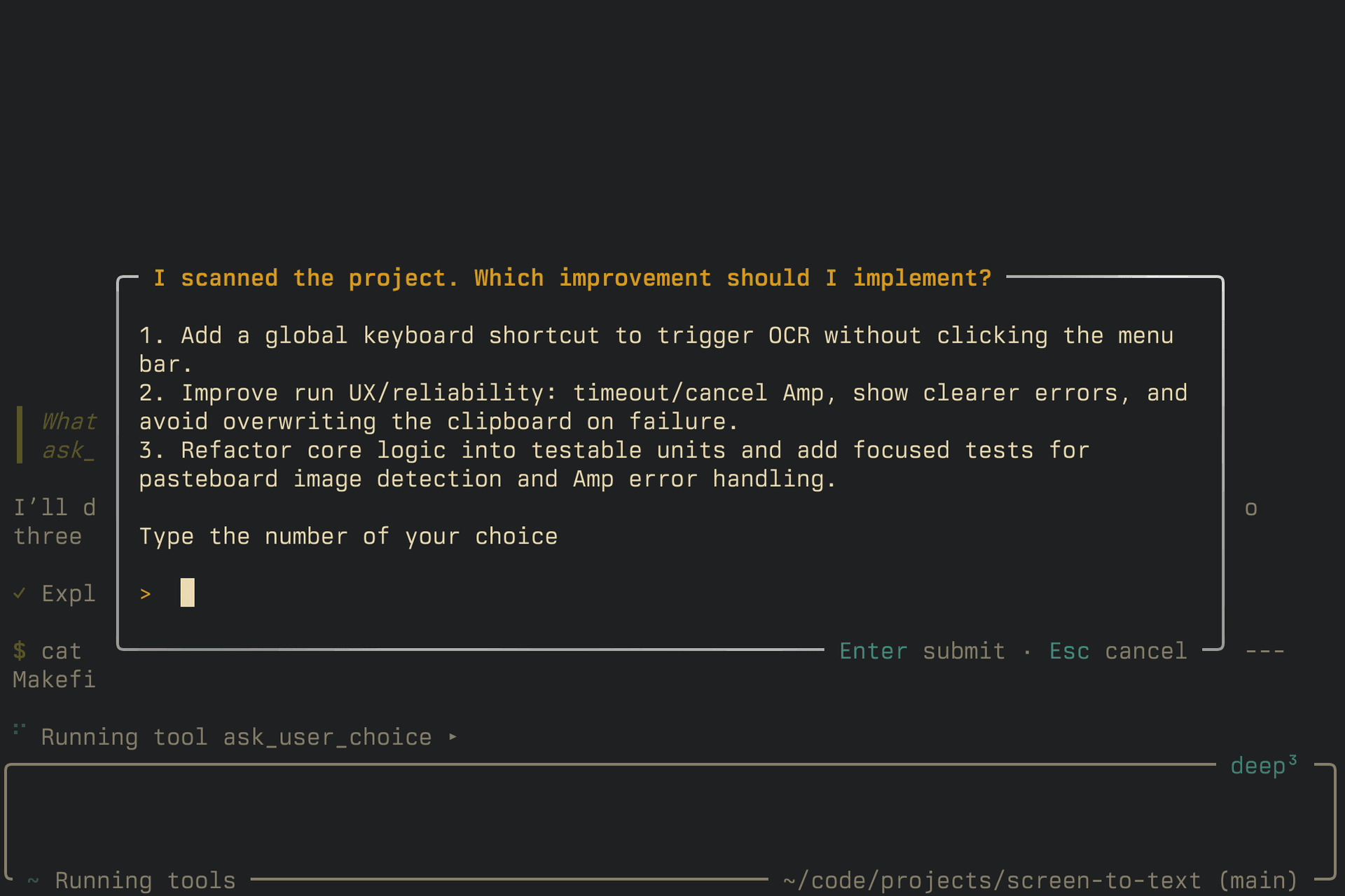
Queuing and steering. Messages sent while the agent is busy are queued by default. Use steering to fast-track a queued message at the next tool boundary, or Esc Esc to interrupt and send immediately.
Performance. On a 5,000-message thread, the new CLI uses 79% less CPU and 70% less memory than the old one, with smoother rendering throughout.
Core Capabilities
- Autonomous reasoning, code editing, and multi-step task execution
- Subagents for complex workflows
- Amp Tab completion engine
- Thread sharing and team collaboration
- AGENTS.md guidance files for project-specific instructions
- Image upload and analysis
- MCP (Model Context Protocol) support
- Oracle integration for hard reasoning problems
- Agent Skills support (manage via separate tools like
vercel-labs/skills)
Pricing
Pay-as-you-go with no markup over LLM costs for individuals. Most users get $10 in free credits on signup. A free tier with a $10 daily usage grant is available, ad-supported. Workspace plans pool credits across team members. Enterprise unlocks SSO, zero data retention, MCP allowlists, and per-user cost controls via a $1,000 one-time activation.
Available in the terminal, VS Code, Cursor, Windsurf, JetBrains IDEs, and via API.
Community Discussions
Be the first to start a conversation about Amp
Share your experience with Amp, ask questions, or help others learn from your insights.
Pricing
Amp Free
Qualified users receive a $10 daily usage grant covering all modes and models, supported by ads.
- $10 daily free grant for all modes and models including Opus 4.7
- Ad-supported
- No data sharing required for training
- Meets same security standards as paid usage
- Interactive Amp usage only (execute mode consumes paid credits)
Individual
Pay-as-you-go credits with no markup over LLM costs. Most users receive $10 in free credits on signup.
- $10 USD in free credits on signup for most users
- At-cost pricing with no markup over provider API costs
- Pay only for LLM usage and billed tools (e.g., web search)
- Minimum credit purchase of $5
- Credits expire after one year of account inactivity
- Invoiced through Stripe with VAT/tax ID support
Workspace
Team workspace with pooled credits shared across all members, at-cost with no markup.
- Pooled credits shared across all workspace members
- At-cost pricing with no markup
- Credits expire after one year of account inactivity
- Invoiced through Stripe with VAT/tax ID support
Enterprise
Enterprise features activated by a $1,000 one-time purchase. Usage is 50% more expensive than individual and team plans.
- $1,000 minimum one-time purchase to activate (grants $1,000 of usage)
- 50% markup on usage costs vs. individual/team plans
- SSO (Okta, SAML) and directory sync
- Zero data retention for text inputs in LLM inference
- Advanced thread visibility controls
- Per-user cost control entitlements
- MCP registry allowlists
- Managed user settings
- API for workspace analytics and data management (OpenAPI schema)
- User groups for cost attribution and per-group thread visibility
- Configurable thread retention (on request)
- IP allowlisting for workspace access (on request, extra charges apply)
Capabilities
Key Features
- AI-powered code generation and editing
- Claude Sonnet 4 integration with 432k token context
- VS Code, Cursor, and Windsurf extension
- Command-line interface (CLI)
- Thread sharing and team collaboration
- Autonomous task execution and reasoning
- Subagents for complex multi-step tasks
- Amp Tab completion engine
- File editing and code review
- Terminal command execution
- AGENTS.md guidance files
- Image upload and analysis
- Extended thinking capabilities
- Multiplayer collaboration
- Context management and thread compaction
- MCP (Model Context Protocol) support
- Oracle integration for complex reasoning
- JetBrains IDE support
- Built-in permissions system
- Secret redaction for security
Integrations
Demo Video