
Answer me with HTML
An agent skill that turns a short Markdown draft into a single offline HTML page with diagrams, tables and layout via a bundled CLI.
At a Glance
Agent skill and CLI released under the MIT license; free to use, copy, modify and distribute.
Engagement
Available On
Alternatives
Listed Nov 2026
About Answer me with HTML
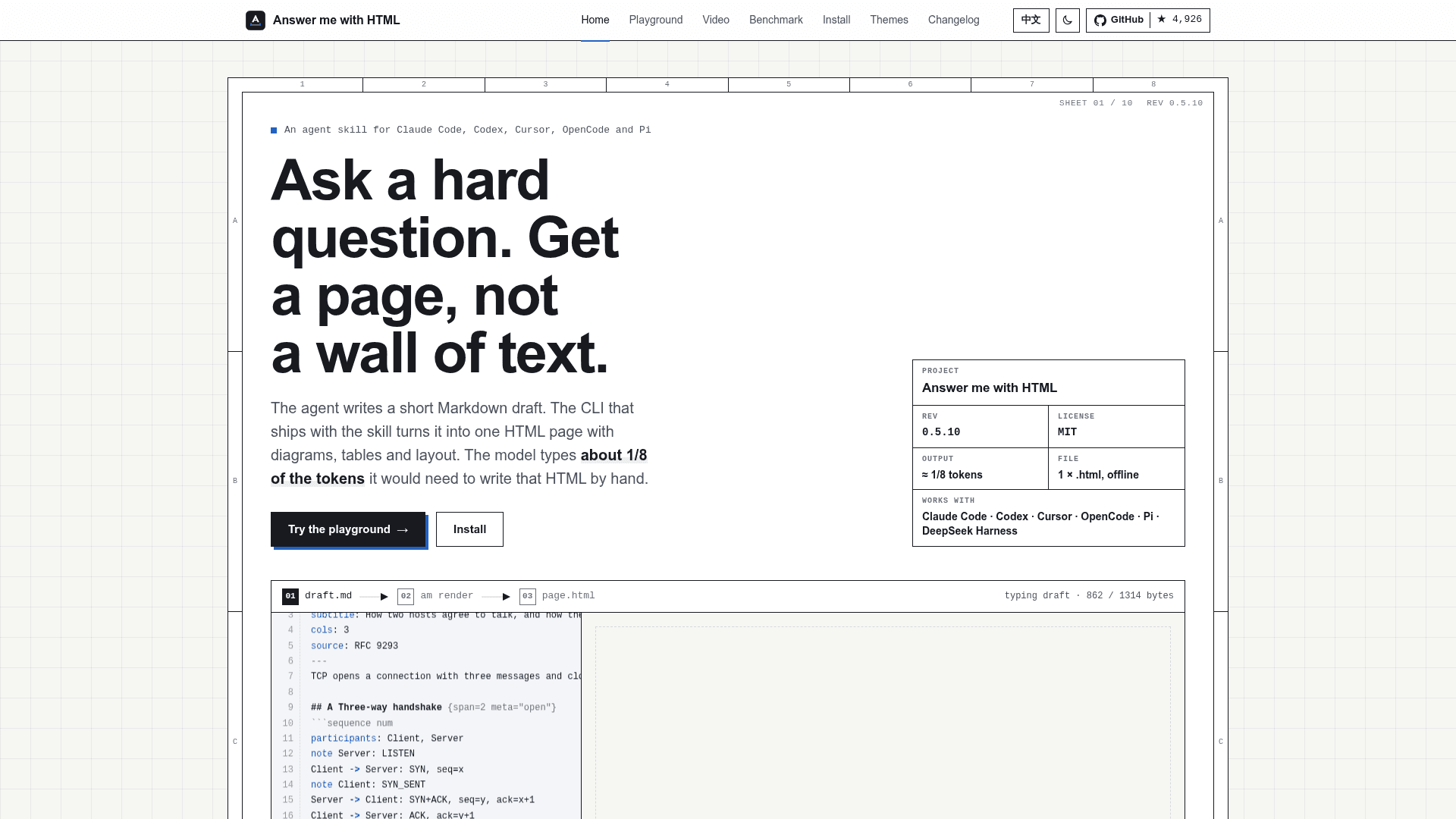
Answer me with HTML is an open-source agent skill for Claude Code, Codex, Cursor, OpenCode, Pi and DeepSeek Harness. The agent writes a short Markdown draft, and a CLI bundled with the skill renders it into one HTML page with diagrams, tables, code and callouts. The project says the model writes about 1/8 of the tokens it would need to hand-write the HTML.
What It Is
The skill changes how an AI coding agent answers hard questions: instead of a long block of terminal text, it returns a readable page. The model writes only content, and the am CLI handles layout, color and drawing. Pages are saved locally and are self-contained, with no CDN links or web fonts, so they open offline.
The agent decides when a page is worth it, such as for related concepts, multi-step flows or multi-way comparisons. A one-line question still gets a one-line answer.
How the Draft Becomes a Page
The draft uses Markdown with frontmatter, panel spans and fenced components. Documented components include flow, er, sequence, tree, timeline, limits, chart, annot, kv, callout, ask, code blocks and tables. Flow charts are laid out with dagre, and sequence diagrams are spaced by label width. Code blocks can quote real lines from local files, while files outside the folder and files holding keys are refused. When a draft has an error, the CLI returns the line, the component and a correct example so the agent can fix it.
Pages ship with three themes (blueprint, shadcn and paper) in light and dark modes. Each page embeds its Markdown source, and a Reply button collects answers to ask decisions and comments into one message to paste back to the agent.
Writing Check and Explainer Videos
Every render checks drafts against rules adapted from ASD-STE100, covering sentence length, plain words and passive voice. It only warns by default, with a strict mode available. am video turns a draft with one line of narration per beat into a player page, and the camera follows the node named in brackets. The README states MP4 export needs ffmpeg, and WebM export is encoded by the page itself.
Setup Path
Node.js 20 or newer is required, with no npm install step because the CLI is bundled. Install options include letting the agent follow INSTALL.md, a Claude Code plugin, a DeepSeek Harness plugin, npx skills add, or a manual copy into the agent's skills folder. An optional always-on mode adds a small page to every conclusion. The project is MIT licensed.
Community Discussions
Be the first to start a conversation about Answer me with HTML
Share your experience with Answer me with HTML, ask questions, or help others learn from your insights.
Pricing
Open Source (MIT)
Agent skill and CLI released under the MIT license; free to use, copy, modify and distribute.
- MIT-licensed agent skill and CLI
- Works with Claude Code, Codex, Cursor, OpenCode, Pi, DeepSeek Harness
- Renders Markdown drafts into one offline HTML file
- Bangers font that a theme can embed is under SIL Open Font License 1.1
Capabilities
Key Features
- Markdown draft rendered to a single offline HTML page
- Computed layout for flow, sequence, tree, timeline, ER and chart components
- Three themes with light and dark modes
- ASD-STE100-based writing check
- Quote real code from files with src and lines
- Answer decisions and comment on the page via a Reply button
- Explainer videos with narration via am video
- Embedded Markdown source with Copy source
- Always-on mode
- Built-in playground for live editing
- Self-correcting error messages for agents
- Chinese, English and Japanese language support