
Antelog
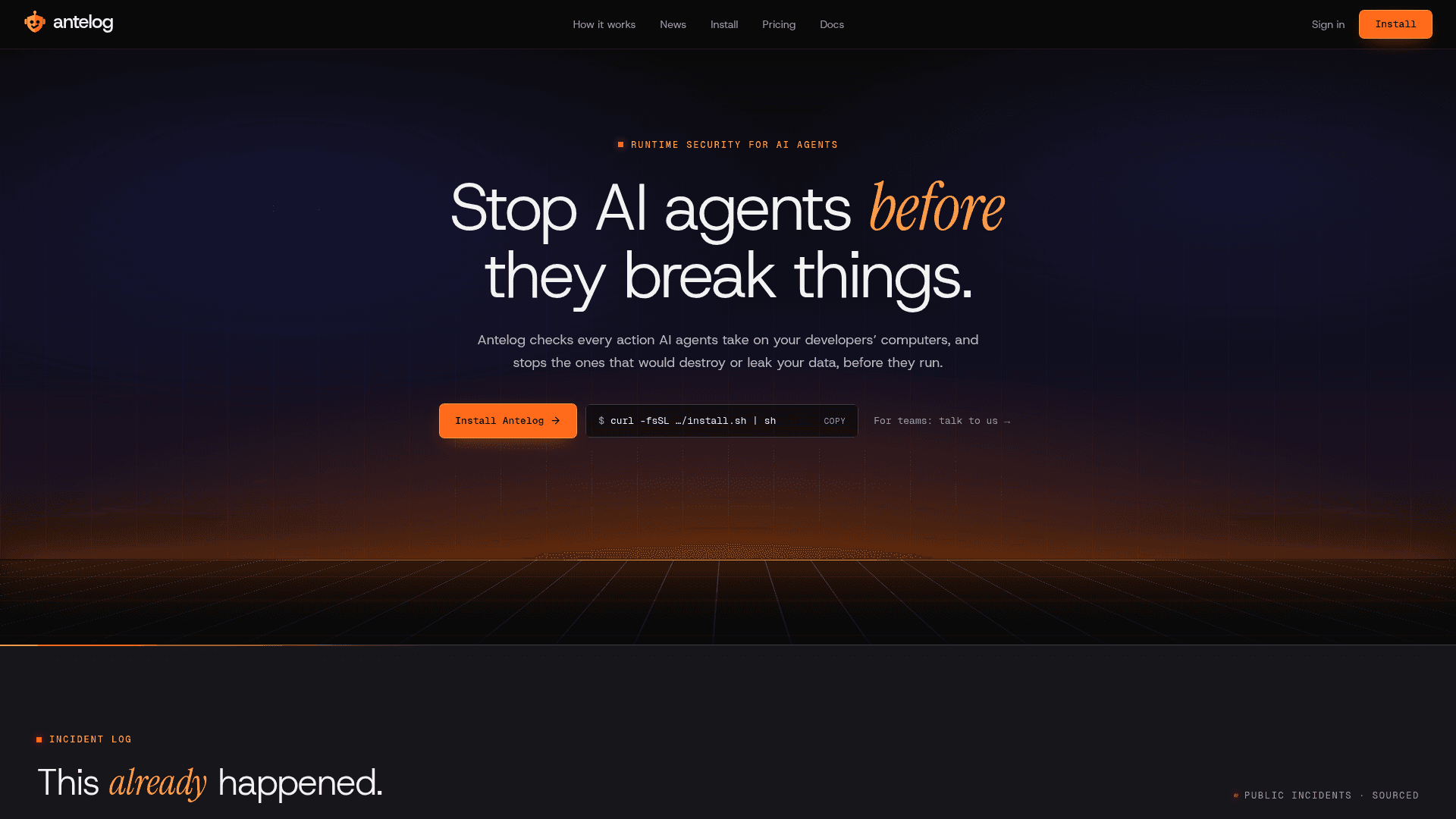
Runtime security tool that checks every action AI coding agents take on a computer and stops destructive or data-leaking ones before they run.
At a Glance
Free forever, for one person. Runs on your computer. Blocks just as reliably as Team.
Engagement
Available On
Listed Nov 2026
About Antelog
Antelog is a runtime security tool for AI coding agents. It checks each action an agent such as Claude Code or Cursor wants to take, logs it, and stops commands that would destroy or leak data before they run. It installs with one command on macOS, Linux or Windows and needs no account for the free tier.
What It Is
Antelog sits between an AI coding tool and the machine it runs on. Every action is first written to a local log, then evaluated against safety rules, and then either allowed to run or stopped. The docs state it stops eight kinds of disaster and lets everything else run, while recording it in the log.
What It Stops
The documented categories are deleting or wiping databases, deleting cloud resources (including terraform destroy and Kubernetes namespaces), wiping a disk, home or project folder, force-pushing over main, showing secret files, dumping live passwords, sending a secret to an unknown server, and turning off the guard itself. A separate sending check asks before an agent that has read outside content (a web page, email or cloned repo) sends data to a place that isn't yours, as a defense against prompt injection. Local test databases, normal git, builds, tests and deploys are not stopped.
Agents and Controls
The installer connects Claude Code, Codex, Cursor, GitHub Copilot, Gemini CLI, Qwen Code, Cline, OpenCode and Kilo Code, and other agents can ask through the antelog check command. Users can add their own rules in a rules.txt file, which can only add stops. Commands such as antelog doctor, log, blocked, sent, privacy, verify and report show what was protected, stopped or sent out. The log is tamper-evident, and before commands like git reset --hard Antelog silently saves uncommitted work to a git ref. An optional AI check writes risk notes to the log but never blocks anything.
Teams and Limits
A Team offering adds a central dashboard, shared rules, Slack and email approvals, a second approver for company rules, and an audit log. The docs list limits: commands users run themselves, agents not connected, most deletes written inside code, and tool-specific gaps for some agents such as Gemini CLI, Cline, OpenCode and Kilo Code. The code is not public.
Community Discussions
Be the first to start a conversation about Antelog
Share your experience with Antelog, ask questions, or help others learn from your insights.
Pricing
Free
Free forever, for one person. Runs on your computer. Blocks just as reliably as Team.
- Free forever, for one person
- Runs on your computer
- Blocks just as reliably as Team
Team
One place to set the rules for every computer, approvals in Slack and email, and an audit log. Contact us for a price.
- Everything in Free, on every computer
- Company send policy and places
- Shared rules, second approver
- Slack and email approvals
- Audit log and reports
- SSO and self-hosting (ask us)
Capabilities
Key Features
- Checks every AI agent action before it runs
- Blocks destructive database, cloud, disk and git commands
- Blocks secret exposure and exfiltration
- Sending check against prompt injection
- Custom rules via rules.txt
- Tamper-evident local action log
- Silent backup of uncommitted work
- Local CLI commands for log, blocked, sent, privacy and reports
- Online dashboard
- Team shared rules, Slack and email approvals, and audit log