
Antigravity Context Mode
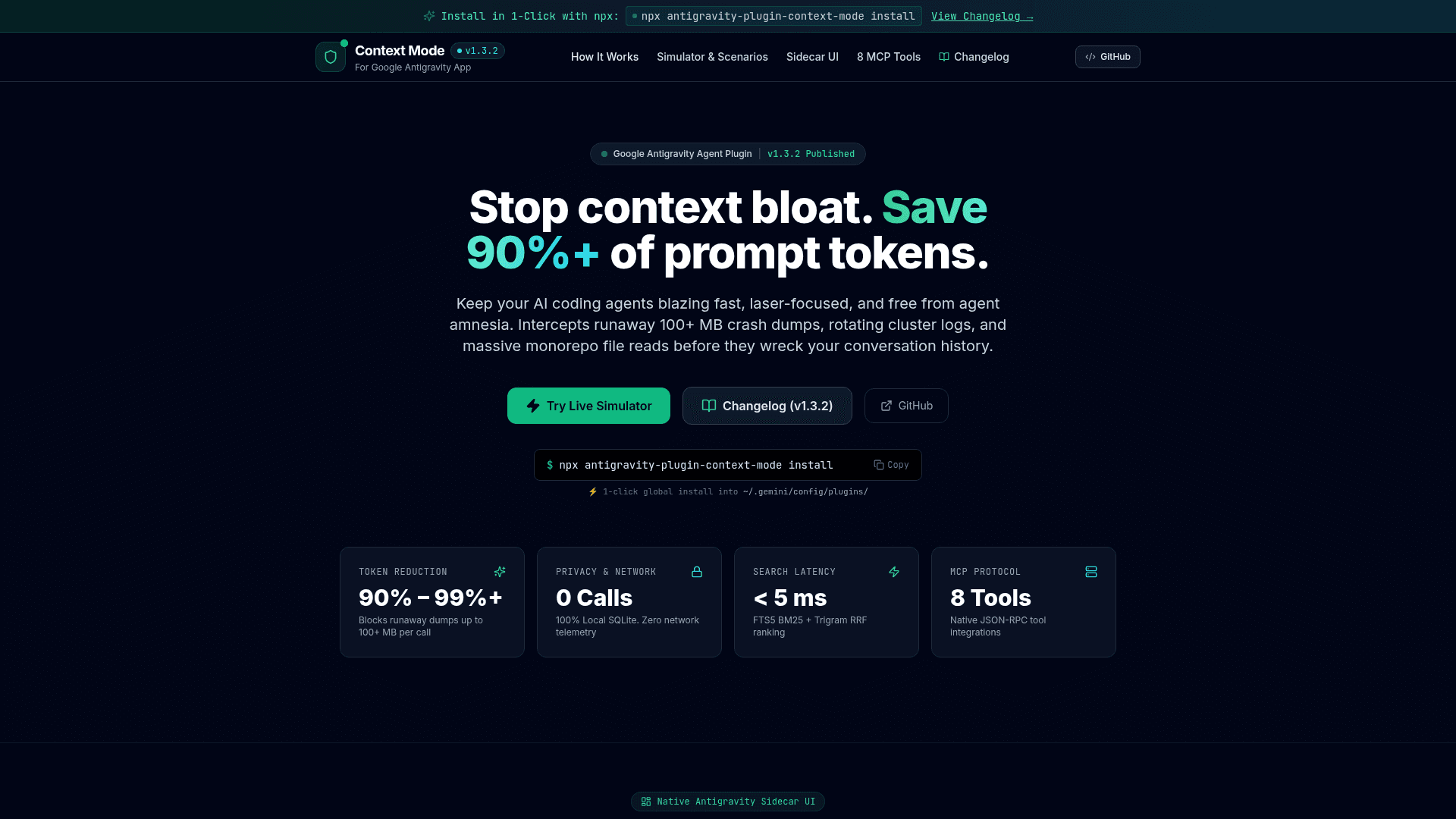
A local-first plugin for the Google Antigravity App that intercepts oversized file reads and command outputs and serves filtered results from a local SQLite index.
At a Glance
Free, local-first Google Antigravity plugin released under the MIT License, installed via npx.
Engagement
Available On
Alternatives
Listed Nov 2026
About Antigravity Context Mode
Antigravity Context Mode is an MIT-licensed plugin for the Google Antigravity App, published by Phillip Webber (Domush). It intercepts unbounded terminal commands and large file reads before they flood an agent's conversation history, and returns only the relevant slice from a local SQLite index. The project site lists version 1.3.2.
What It Is
Context Mode is a context-management plugin for AI coding agents running in Google Antigravity. A pre-tool-use lifecycle hook (configured through hooks.json) checks reads and commands, and files under 8 KB pass through normally. Larger un-paged dumps are intercepted, while images, docs, and chat attachments are exempted. The plugin is intended to prevent "agent amnesia", where early instructions are drowned out by raw logs and dumps.
How the interception pipeline works
When a large payload is intercepted, the agent can use a "Thinking in Code" pattern: it runs a targeted filtering script in a sandboxed Node.js, Python, or PowerShell subprocess via ctx_execute. Source files and logs are indexed locally in SQLite using FTS5, with Porter BM25 stemming combined with trigram matching and ranked by Reciprocal Rank Fusion. The agent then receives only the matching snippet or error instead of the raw data. The project's own README benchmarks report savings such as 99.2% on a 665-line Unity log.
The eight MCP tools
The plugin registers eight Model Context Protocol tools:
ctx_executeruns sandboxed scripts.ctx_searchsearches the indexed content.ctx_indexindexes files or documentation.ctx_batchruns several commands and indexes their combined output.ctx_statsreports context savings.ctx_resumereturns recent sources and state pointers after context compaction.ctx_doctorchecks database health and runtimes.ctx_purgeclears stored sources and events.
Setup and privacy model
Install with npx antigravity-plugin-context-mode install for a global install into ~/.gemini/config/plugins/, or add --workspace for a project-only install. The plugin can be toggled under Customizations, then Plugins, in the Antigravity App, and removed with the uninstall command. The cutoff can be set to 2 KB through 64 KB, or none, from the sidecar dashboard or through environment variables for read bytes, line range, and timeout. All indexed data stays in ~/.context-mode/context.db, and the project states it makes no network calls and sends no telemetry. A sidecar dashboard in Antigravity's auxiliary pane shows real-time context reduction stats.
Community Discussions
Be the first to start a conversation about Antigravity Context Mode
Share your experience with Antigravity Context Mode, ask questions, or help others learn from your insights.
Pricing
Open Source (MIT)
Free, local-first Google Antigravity plugin released under the MIT License, installed via npx.
- MIT License
- 100% local SQLite, zero network calls
- 8 MCP tools
- Sidecar dashboard
- Zero runtime dependencies
Capabilities
Key Features
- Pre-tool-use lifecycle hook intercepting reads and commands over a configurable cutoff (default 8 KB)
- Sandboxed script execution in Node.js, Python, or PowerShell
- Local SQLite FTS5 search with BM25 and trigram Reciprocal Rank Fusion
- Eight MCP tools for execution, search, indexing, batching, stats, resume, diagnostics, and purge
- Sidecar dashboard showing real-time context reduction stats
- Adjustable cutoff via dashboard dropdown or environment variables
- Global or workspace-only install and uninstall via npx
- Local-only data storage with no network calls or telemetry
- Zero runtime dependencies using native node:sqlite
- Interactive live simulator on the project site