APX Terminal
Industrial-grade terminal and SSH client with local encryption, neural AI agent, and one-time purchase licensing for developers.
At a Glance
About APX Terminal
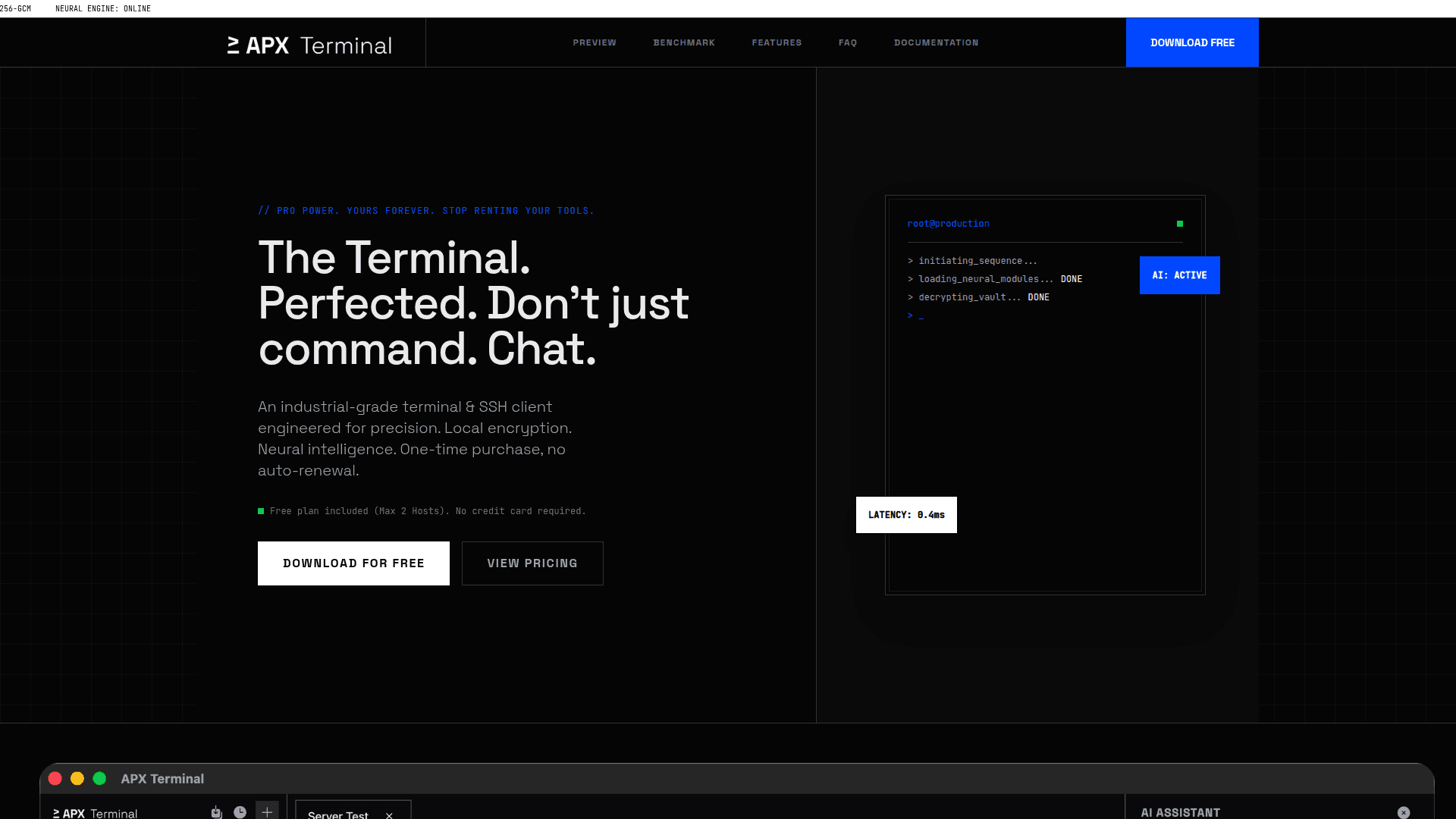
APX Terminal is a cross-platform terminal and SSH client designed for developers and DevOps engineers who prioritize security and ownership. Built with local AES-256 encryption, a BYOK (Bring Your Own Key) AI model, and a one-time purchase licensing structure, it eliminates subscription fatigue while delivering professional-grade functionality. The tool runs natively on macOS, Windows, and Linux with full offline capability.
-
Secure Vault provides local cryptographic storage for identity files (.pem/.ppk), keeping SSH keys isolated from the network layer and stored in an AES-256 encrypted vault within your OS's AppData directory.
-
Neural AI Agent enables autonomous execution through natural language commands—input requests like "Analyze traffic logs" and receive executed shell commands and structured reports with zero data retention policy.
-
Broadcast Mode offers synchronized command multiplexing to execute patches across multiple nodes simultaneously with minimal latency.
-
Visual Tunnels delivers GUI-based local port forwarding, allowing you to map remote database ports to localhost instantly without command-line complexity.
-
SFTP Integration features split-pane file transfer protocol for editing remote configuration files directly in the local buffer.
-
Auto Import parses your existing
~/.ssh/configfor instant environment replication without manual host entry. -
Audit Logs maintains immutable local logs for connection timestamps and duration tracking for compliance and debugging.
To get started, download the appropriate installer for your platform (DMG for macOS, EXE for Windows, or AppImage/DEB for Linux). On first launch, macOS users need to authorize the app through System Settings > Privacy & Security. For AI features, configure your preferred provider's API key (OpenAI, Google Gemini, Groq, DeepSeek) through the Command Palette (Cmd/Ctrl + K) under Settings > AI Configuration. The free Starter plan supports up to 2 hosts, while Pro and Ultra licenses unlock unlimited hosts and AI capabilities respectively.
Community Discussions
Be the first to start a conversation about APX Terminal
Share your experience with APX Terminal, ask questions, or help others learn from your insights.
Pricing
APX Starter
Evaluation License
- Max 2 Hosts
- Unlimited Updates
- Mac/Win/Lin Support
APX Pro
Standard License
- Unlimited Hosts
- Unlimited Updates
- Mac/Win/Lin Support
APX Ultra
Recommended - AI Enabled
- Unlimited Hosts
- Neural AI Agent (BYOK)
- Unlimited Updates
- Mac/Win/Lin Support
Upgrade to Ultra
Unlock the Neural AI Agent and all future AI features
- Neural AI Agent
- All future AI features
Capabilities
Key Features
- Local AES-256 encrypted vault for SSH keys
- BYOK AI agent with zero data retention
- Broadcast command multiplexing
- Visual GUI port forwarding
- SFTP split-pane file transfer
- Auto import from ~/.ssh/config
- Immutable audit logs
- Cross-platform support (macOS, Windows, Linux)
- 100% offline capability
- One-time purchase licensing
- Nerd Fonts and Powerline support
- Multiple color themes