
arch-diagram
A Claude Code plugin that opens an interactive architecture diagram of your codebase, with drill-down to functions and step-by-step workflow tracing.
At a Glance
arch-diagram Claude Code mod released under the MIT License; free to use, copy, modify and distribute. Summaries use the user's own Claude Code session (external cost).
Engagement
Available On
Alternatives
Listed Nov 2026
About arch-diagram
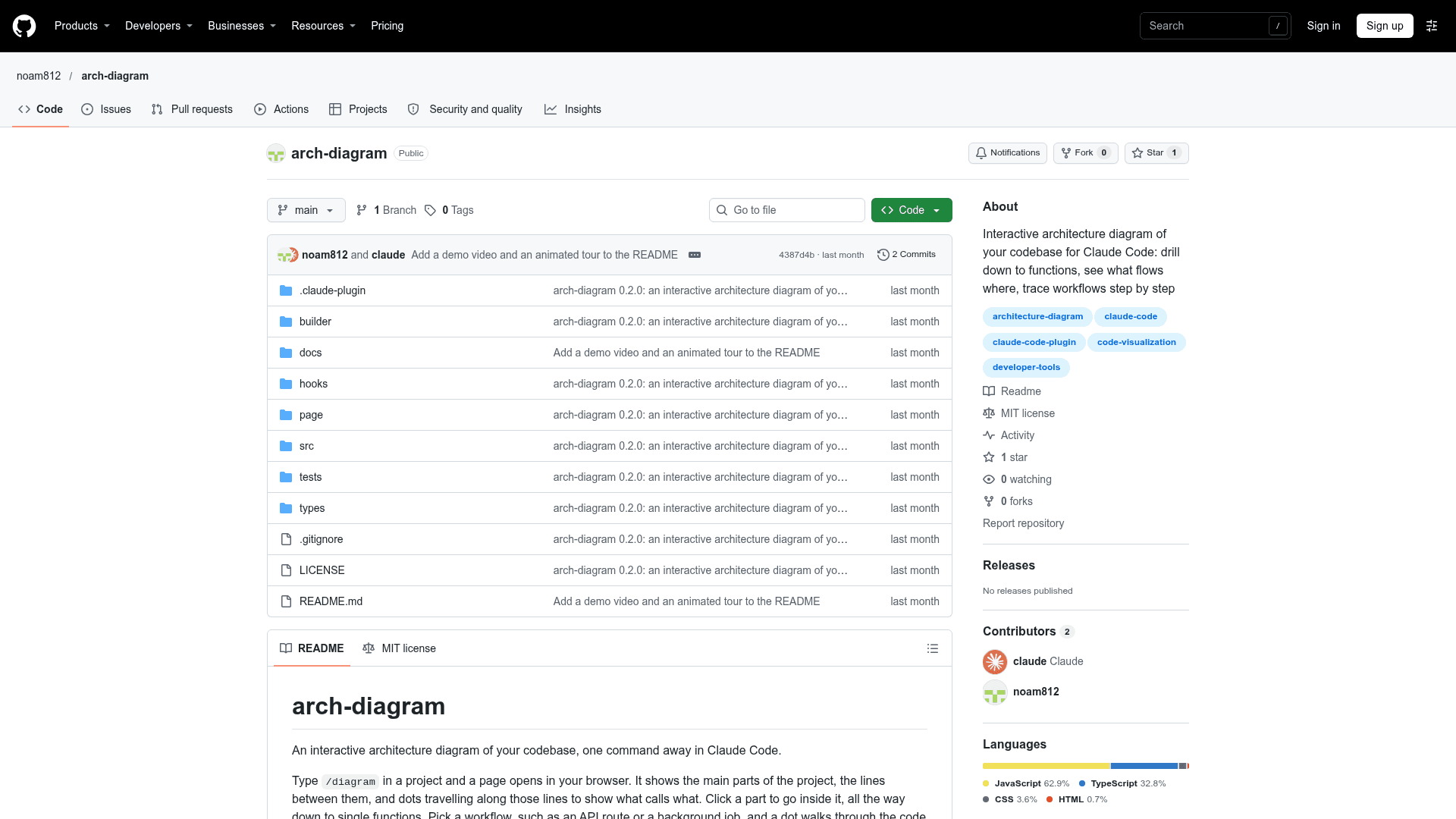
arch-diagram is a Claude Code plugin by Noam Yahud (GitHub user noam812). Typing /diagram in a project opens a local browser page showing the project's main parts, the lines between them, and dots travelling along those lines to show what calls what. It is released under the MIT license.
What It Is
arch-diagram draws an architecture picture of a codebase from its code index rather than by sending source text to a model on each run. It is aimed at developers returning to an old project or opening someone else's. The top level shows main folders or packages plus external services such as databases, queues, payment providers or AI APIs. Lines connect two parts wherever one uses the other.
How the Diagram Works
Clicking a box goes inside it: folders, then files, then single functions, with a breadcrumb and Esc to go back up. Clicking a line shows the functions it calls with signatures and call counts, plus the data types that cross it. The page lists workflows such as API routes, webhooks, background jobs, pages, scripts and event handlers. Picking one lights its path and walks a dot through it, with numbered steps in a side panel linked to definitions in your editor. Search with /, and tests, generated files and libraries are hidden until switched on.
Summaries, Cost and Privacy
A small model (Haiku by default) writes one-sentence summaries of each part and main line, working only from graph facts such as names, signatures, paths, counts and callers, never code text. Summaries are cached so later runs only ask about changed parts, and they can be turned off. The generated page is a single local HTML file that makes no network request, written to graft/.diagram/index.html.
Setup and Limits
It requires Claude Code 2.1.289 or newer, Node.js 18 or newer, and the graft indexer (@nanonets/graft, by NanoNets). It is installed as a Claude Code plugin from a marketplace. Workflow detection conventions are written for JavaScript and TypeScript projects, and Python decorator-declared routes are not recognised. It was tested on Windows 11; macOS and Linux are handled in code but untested.
Community Discussions
Be the first to start a conversation about arch-diagram
Share your experience with arch-diagram, ask questions, or help others learn from your insights.
Pricing
Open Source (MIT)
arch-diagram Claude Code mod released under the MIT License; free to use, copy, modify and distribute. Summaries use the user's own Claude Code session (external cost).
- MIT License
- Interactive architecture diagram via /diagram command
- Drill down from folders to functions
- Workflow tracing
- Page is a single local file with no network requests
Capabilities
Key Features
- Interactive architecture diagram opened with /diagram
- Drill down from folders to files to single functions
- Animated dots showing call flow between parts
- Line details with function signatures, call counts and data types
- AI one-line summaries built from graph facts only, cached between runs
- Workflow tracing for routes, jobs, pages, scripts and handlers
- Search and filters for tests, generated files and libraries
- Self-contained local HTML page with no network requests
- diagram tool callable by Claude