
Argos
An AI browser agent that clicks, types, fills forms, and completes tasks inside your browser using your own logged-in accounts.
At a Glance
For trying it out
Engagement
Available On
Alternatives
Listed Aug 2026
About Argos
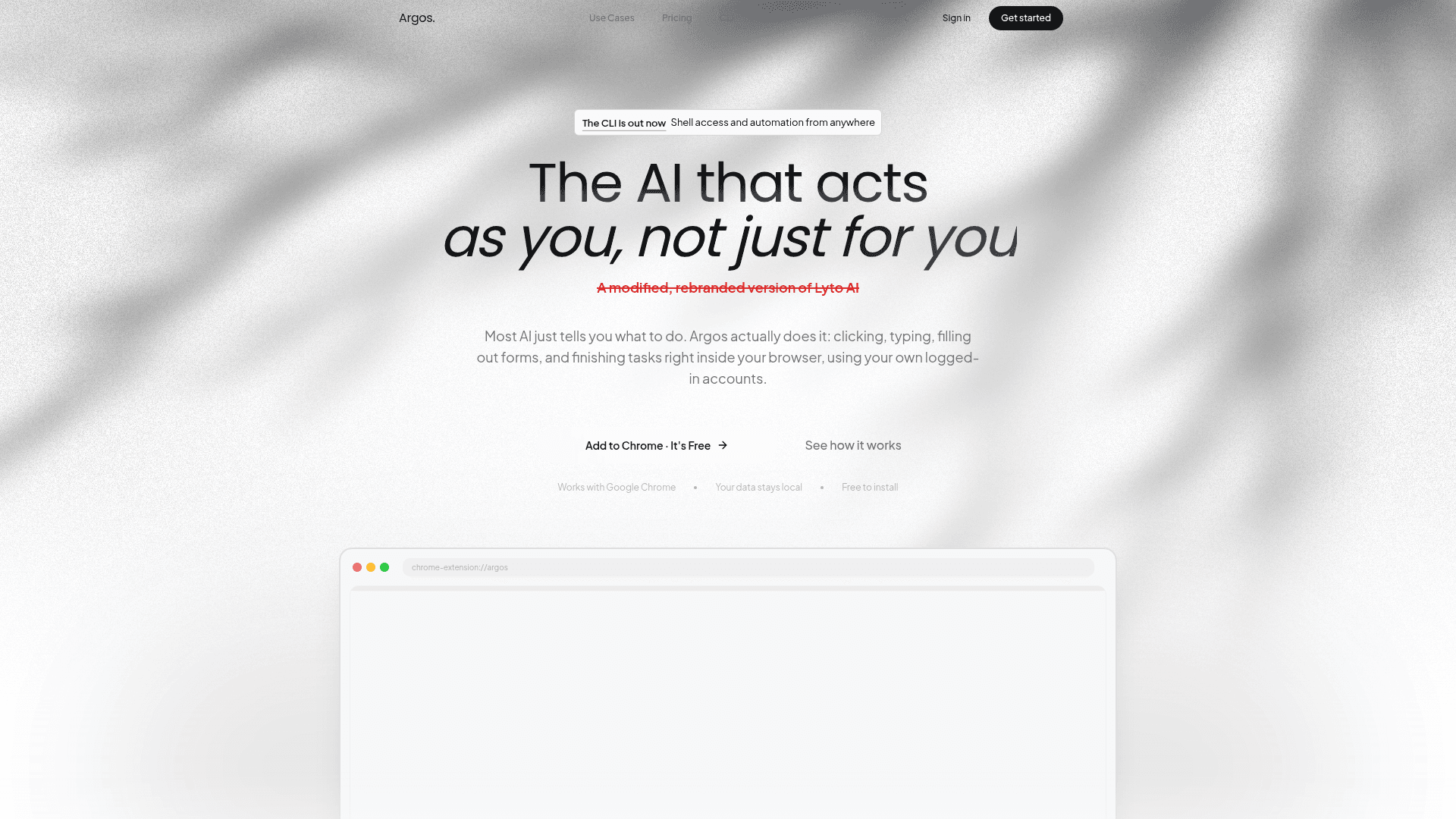
Argos is a Chrome browser extension and desktop CLI agent that performs real browser actions — clicking, typing, filling forms, opening tabs — on behalf of the user, using their own logged-in accounts. Described on its homepage as "a modified, rebranded version of Lyto AI," Argos positions itself as an agent that acts as you rather than simply advising you. It is free to install from the Chrome Web Store.
What It Is
Argos is an AI-powered browser automation agent that operates directly inside Google Chrome. Unlike conversational AI tools that generate instructions for the user to follow, Argos executes tasks autonomously: it navigates pages, interacts with UI elements, drafts and sends emails in Gmail, writes documents in Google Docs, and populates spreadsheets in Google Sheets — all within the user's existing authenticated sessions. A companion CLI extends the same agent to the desktop with shell access, and tasks can be triggered remotely via Telegram or WhatsApp.
Core Capabilities
The homepage organizes Argos around four primary use cases:
- Real-time and background task execution — Argos can run tasks while the user watches or operate quietly in the background and deliver finished results.
- CLI with shell access — A desktop agent that pairs with the user's real browser and can be messaged from Telegram from anywhere.
- Full browser control — Opens tabs, scrolls, clicks, and fills forms on any website, not just a sidebar chat.
- Native Google Workspace integration — Drafts and sends emails in Gmail, writes documents in Google Docs, and builds spreadsheets with charts in Google Sheets.
Integrations and Platform Support
Argos integrates with Google (Gmail, Docs, Sheets), GitHub, Slack, WhatsApp, and Telegram. The extension runs exclusively on Google Chrome. The CLI component extends functionality to the desktop operating system level with real shell access. Data is described on the homepage as staying local.
Audience and Workflow Fit
The tool targets knowledge workers, freelancers, sales professionals, students, and small teams who spend significant time on repetitive browser-based research, communication, and data-gathering tasks. User testimonials published on the homepage describe use cases including sales research (scanning LinkedIn, news, and company sites before calls), competitor pricing aggregation, academic research synthesis, and Gmail inbox management. The homepage also lists Tele2, Elevatify, and Counsel AI as organizations whose teams use the product, per vendor-published claims.
Update: CLI Launch and Current Status
The homepage banner announces "The CLI is out now — Shell access and automation from anywhere," indicating a recent expansion beyond the browser extension to a desktop CLI agent. The product is actively available on the Chrome Web Store and appears to be in early commercial operation, with a free tier and a paid Pro plan that includes a 3-day free trial.
Community Discussions
Be the first to start a conversation about Argos
Share your experience with Argos, ask questions, or help others learn from your insights.
Pricing
Free
For trying it out
- 25 messages per day
- Assistant & actions on the page you're on
- Integrations: Google, Gmail, GitHub, Slack & more
- Full long-term memory
- Web search & basic file generation
Pro
For daily use
- Everything in Free, and much more
- Text it on WhatsApp & Telegram — even when away from laptop
- Set it to run tasks automatically, on a schedule
- Deep research, page monitoring, and instant alerts
- A desktop version that works on your whole computer
- 400 requests/week · 70 requests/day
- Priority support
Team
For growing teams
- Everything in Pro
- From 5 to unlimited users
- Custom integrations
- Dedicated support
- SLA guarantee
Capabilities
Key Features
- Real-time browser task execution
- Background task automation
- CLI with shell access
- Full browser control (clicks, scrolls, form filling)
- Gmail integration (draft and send emails)
- Google Docs integration
- Google Sheets integration with charts
- GitHub integration
- Slack integration
- WhatsApp and Telegram remote control
- Web search
- Deep research and page monitoring
- Instant alerts
- Scheduled task automation
- Long-term memory
- File generation
- Competitor research across tabs
- Morning briefing feature