
Playwriter
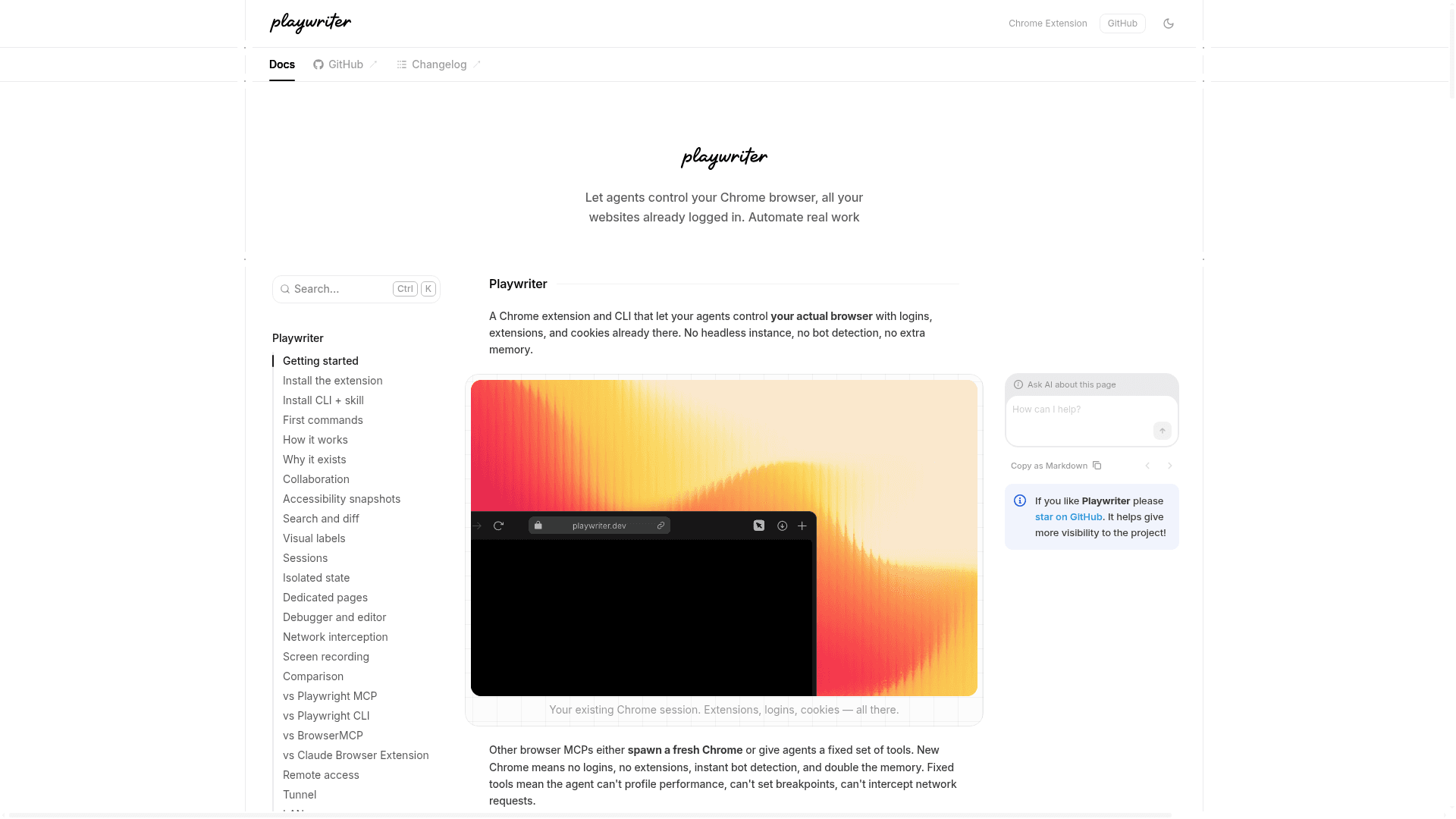
A Chrome extension and CLI that lets AI agents control your actual browser with existing logins, extensions, and cookies via the full Playwright API or MCP.
At a Glance
Fully free and open-source under the MIT License. Free to use, modify, and distribute.
Engagement
Available On
Listed May 2026
About Playwriter
Playwriter is an open-source Chrome extension and CLI tool that connects AI agents to your running Chrome browser, rather than spawning a fresh headless instance. Built by remorses and published under the MIT License, it exposes the full Playwright API through a single execute tool, enabling agents to automate real work on sites where you're already logged in. The project reached version 0.2.0 in May 2026 and has accumulated over 3,500 GitHub stars.
What It Is
Playwriter sits in the browser automation and MCP (Model Context Protocol) category. Its core job is bridging AI agents — running in tools like Cursor, Claude Code, or OpenCode — to your actual Chrome session via a local WebSocket relay on localhost:19988. A Chrome extension attaches to tabs you explicitly enable (turning the icon green), and a CLI or MCP server sends Playwright code through that relay. The result is that agents can navigate, click, scrape, intercept network requests, set breakpoints, and record video — all within the browser you already use daily.
Architecture and How It Works
The relay server multiplexes sessions so multiple agents or CLI instances can work with the same browser simultaneously. Each session has isolated state (its own state object and variables), while browser tabs are shared. The flow is:
- The Chrome extension attaches via
chrome.debuggerand opens a WebSocket to the local relay - The CLI or MCP client connects to the same relay and sends Playwright code
- CDP commands flow through the relay; the extension forwards them to Chrome and returns responses
- No Chrome restart, no special launch flags, no remote servers
The architecture explicitly avoids the "controlled by automated software" banner that Chrome's --remote-debugging-port flag triggers, because the extension approach runs silently without blocking dialogs.
Key Capabilities
Playwriter exposes capabilities that the project claims no other browser MCP provides:
- Full Playwright API via a single
executetool — no schema bloat from dozens of tool definitions - Accessibility snapshots returning 5–20KB text representations of interactive elements with
aria-refselectors, versus 100KB+ screenshots - Visual labels (Vimium-style, color-coded by element type) overlaid on screenshots for spatial navigation
- Debugger and live code editing — set breakpoints, step through code, and live-edit page scripts or CSS in-memory via CDP
- Network interception — capture and replay API calls, inspect schemas, debug authenticated endpoints
- Screen recording using
chrome.tabCapturethat survives page navigation (claimed to be 100x more efficient than Playwright's base64-per-frame approach) - Remote access via traforo tunnels or LAN, with token-based authentication
Comparison Positioning
The project's README and docs compare Playwriter directly against Playwright MCP, BrowserMCP, Antigravity/Jetski, the Claude Browser Extension, and Chrome's built-in CDP. The consistent differentiator is using the user's existing browser session rather than spawning a fresh one — preserving login state, installed extensions, and the ability to bypass captchas by having the user solve them in the shared browser. BrowserMCP exposes 12+ dedicated tools; Playwriter uses one. The Claude Browser Extension only works with Claude; Playwriter works with any MCP client.
Setup Path
Installation requires Chrome or Chromium, Node.js 18+, and a compatible agent. The four-step setup is:
- Install the Chrome extension from the Chrome Web Store
- Click the extension icon on a tab to connect it (icon turns green)
- Install the CLI globally via npm (
npm i -g playwriter) - Install the agent skill (
npx -y skills add remorses/playwriter) so the agent learns Playwriter-specific workflows
For MCP server configuration, a separate MCP.md guide is provided in the repository.
Update: playwriter@0.2.0
The latest release is playwriter@0.2.0, published on May 19, 2026. The repository was created in November 2025 and has seen active development, with the last push also in May 2026. The project is actively maintained by remorses, who also accepts GitHub Sponsors. Release notes are tracked on the GitHub releases page.
Community Discussions
Be the first to start a conversation about Playwriter
Share your experience with Playwriter, ask questions, or help others learn from your insights.
Pricing
Open Source
Fully free and open-source under the MIT License. Free to use, modify, and distribute.
- Full Playwright API via execute tool
- Chrome extension for browser connection
- CLI for session and browser management
- MCP server support
- Accessibility snapshots
Capabilities
Key Features
- Connect to your running Chrome browser (no new instance spawned)
- Full Playwright API via a single execute tool
- Accessibility snapshots (5-20KB) with aria-ref selectors
- Visual Vimium-style labels overlaid on screenshots
- Stateful sessions with isolated state objects
- Set breakpoints and step through code via CDP
- Live-edit page scripts and CSS in-memory
- Network request interception and replay
- Screen recording via chrome.tabCapture (survives navigation)
- Multiple concurrent agent sessions
- Remote access via traforo tunnels or LAN
- MCP server support
- CLI with -e flag for inline Playwright code execution
- Skill installation for agent workflow guidance
- Local-only WebSocket relay (no telemetry, no remote servers)