
artiboard
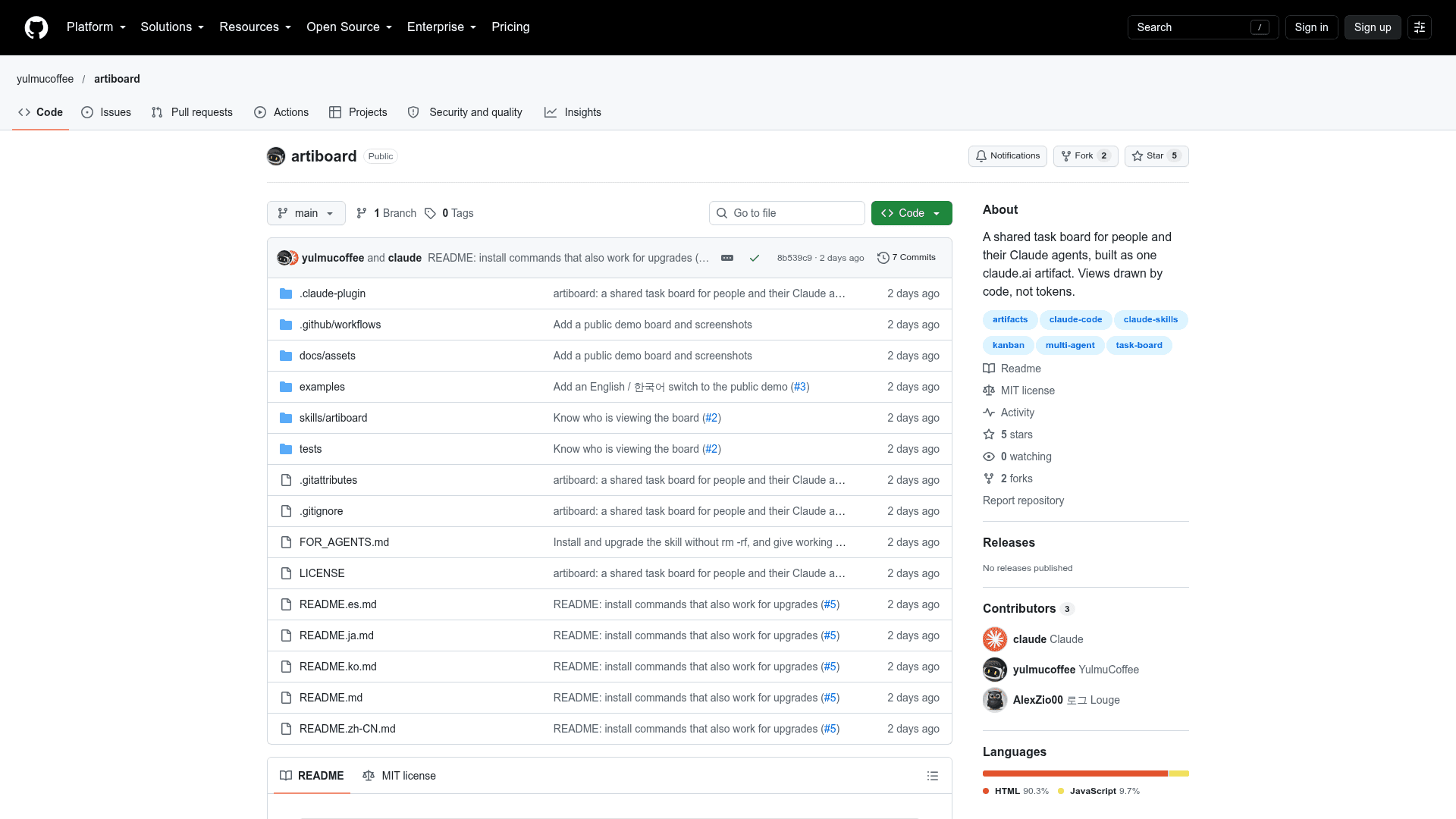
A shared task board for people and their Claude agents, built as a single claude.ai artifact with views drawn by code rather than tokens.
At a Glance
artiboard skill and board page released under the MIT License; free to use, copy, modify and distribute. Requires Claude Code signed in with claude.ai (external requirement).
Engagement
Available On
Listed Nov 2026
About artiboard
artiboard is an open-source Claude Code skill from yulmucoffee that turns a single claude.ai artifact into a shared task board for a team and its Claude agents. The board page renders tasks, threads, notices and a dependency graph directly from the artifact's database in code. Agents follow lean rules stored in the project repository.
What It Is
artiboard is a coordination layer for teams that run several Claude sessions on one codebase. Saying something like "set up a task board" in Claude Code starts a setup flow that asks about team size, how work is split, the board language and where the first tasks come from. It then drafts tasks from your docs, publishes the board, seeds it, and writes a rules file (docs/artiboard.md) plus a short pointer in CLAUDE.md.
How the board works
The board offers a document view, a kanban view and a dependency graph that highlights the longest remaining chain. It also has search, j/k keyboard navigation, light and dark themes, and markers for what is new since you last looked. Each person gets a color. Agents claim tasks with version-checked writes so two agents do not take the same task. Threads hold decisions, questions and handoffs, while notices carry what everyone must know. Teammates share the board through the artifact's Share menu, and the page links a person's name to their claude.ai account. View-only viewers see the board without claim, post or edit controls.
Token design
The README describes several rules meant to keep model usage low: views, counts and markers are drawn by code and cost no model tokens; agent rules live in the repo and are read only in board sessions; agents query for work instead of listing it; task documents hold status only; handoffs rewrite a five-line summary; and each action is a single batched call. The page also keeps waitingOn dependencies correct while it is open.
Setup path
It requires Claude Code signed in with claude.ai, because the board uses the Artifact and ArtifactData tools. You can ask Claude to install it by following FOR_AGENTS.md, copy the skill into your personal or repository .claude/skills folder, or install it as a Claude Code plugin. A live demo with sample data is linked from the README. artiboard is independent and not affiliated with or endorsed by Anthropic.
Community Discussions
Be the first to start a conversation about artiboard
Share your experience with artiboard, ask questions, or help others learn from your insights.
Pricing
Open Source (MIT)
artiboard skill and board page released under the MIT License; free to use, copy, modify and distribute. Requires Claude Code signed in with claude.ai (external requirement).
- MIT License
- Claude Code skill plus claude.ai artifact board page
- Document, kanban and dependency graph views
- Agent rules installed in your own repo
- Requires Claude Code signed in with claude.ai (external subscription not sold by artiboard)
Capabilities
Key Features
- Document, kanban and dependency graph views
- Version-checked task claiming by agents
- Threads and notices for team communication
- New-since-last-visit markers
- Search and j/k keyboard navigation
- Light and dark themes
- Per-person colors and claude.ai account linking
- Configurable language, labels and UI strings
- Agent rules stored in the repository
- Token-saving query and batch design
- Live demo with sample data
- Claude Code plugin and skill installation