
Ask Oracle
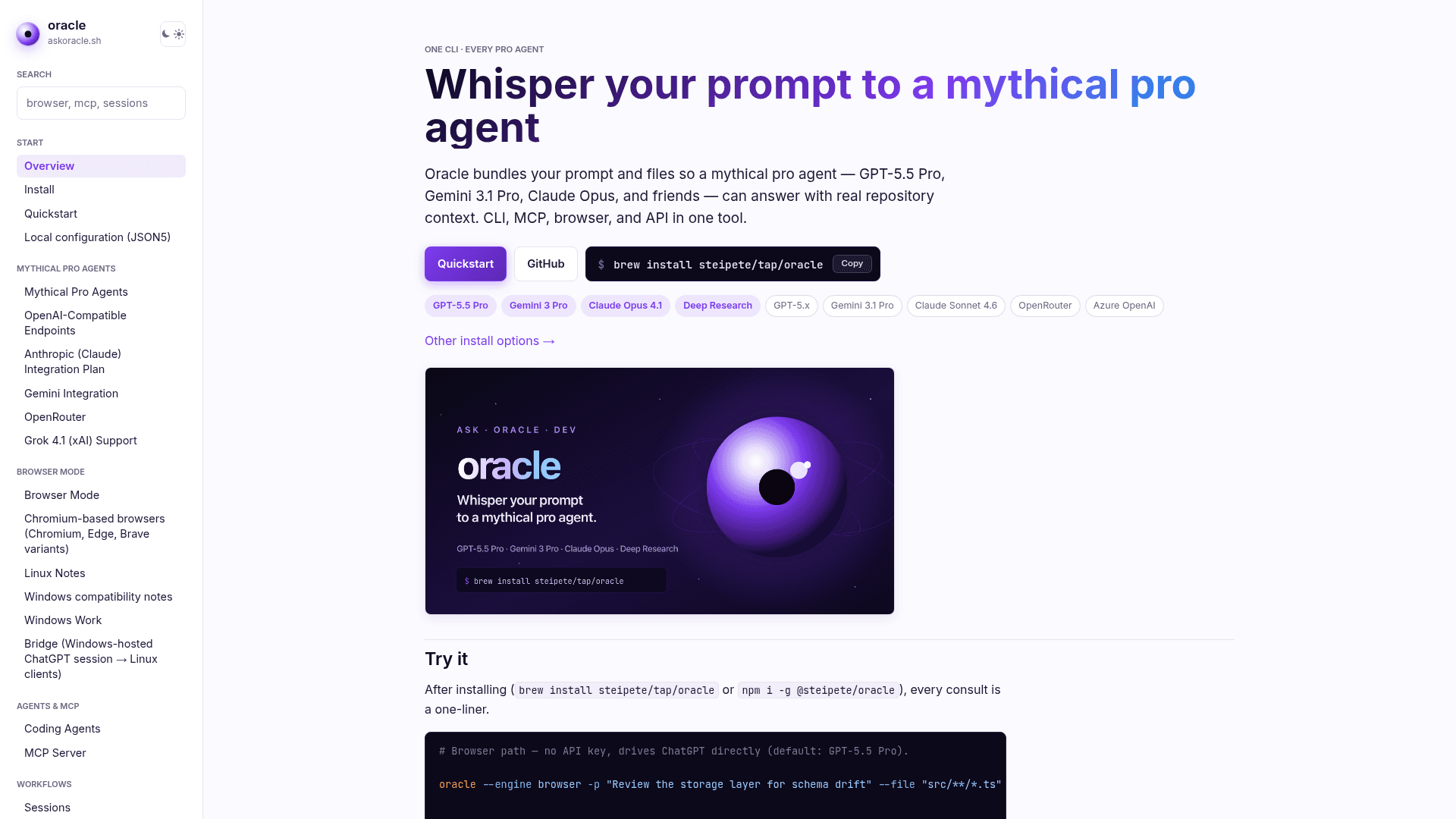
A CLI tool that bundles your prompt and files to query frontier AI models (GPT-5.5 Pro, Gemini 3.1 Pro, Claude Opus) via API or browser automation, with session management and MCP support.
At a Glance
About Ask Oracle
Oracle is an open-source CLI tool built by Peter Steinberger (steipete) that packages your prompt and repository files into a context bundle and sends it to frontier AI models for code review, architecture analysis, and debugging. It supports API mode with direct provider keys, browser automation mode via Chrome DevTools Protocol, and a manual copy-paste fallback. The project is actively developed under the MIT license with its source on GitHub.
What It Is
Oracle sits between your terminal and a roster of "mythical pro agents" — GPT-5.5 Pro (default), Gemini 3.1 Pro, Claude Opus 4.1, Claude Sonnet 4.6, and others — providing a single unified interface regardless of which provider you use. Rather than opening a chat window and pasting code manually, Oracle assembles a markdown bundle from file globs, applies size guards, and ships it to the model in one command. The result is a reproducible, session-tracked consultation that can be replayed, continued, or chained into multi-model advisory panels.
How the Engine System Works
Oracle offers three execution paths:
- API mode — uses
OPENAI_API_KEY,GEMINI_API_KEY, orANTHROPIC_API_KEYfor direct provider calls; GPT-5 Pro runs detach by default and can be reattached viaoracle session <id>. - Browser mode — drives a Chromium-based browser over CDP, letting you use ChatGPT Pro or Gemini without spending API tokens; stable on macOS, functional on Linux and Windows with extra flags.
- Render/copy mode — assembles the bundle and copies it to the clipboard for manual paste when automation is blocked.
Multi-model runs (--models gpt-5.5-pro,gemini-3-pro,claude-4.6-sonnet) aggregate cost, token usage, and lineage across providers in a single command, with --allow-partial to recover successful outputs when one provider fails.
Session and Lineage Model
Every Oracle run is stored under ~/.oracle/sessions/<id>/ with machine-readable metadata, transcripts, and any generated artifacts. The oracle status command displays parent/child lineage trees so you can trace follow-up chains. The --followup flag continues a saved ChatGPT browser conversation or an OpenAI Responses API run by session ID or resp_… response ID. Browser sessions save transcript.md and artifacts including Deep Research reports and generated images.
Coding Agent and MCP Integration
Oracle is designed to be called from within other AI coding agents. It ships an oracle-mcp stdio server that plugs into any MCP-aware client — Claude Code, Cursor, Codex — via .mcp.json or mcporter configuration. A bundled Codex skill can be copied to ~/.codex/skills/oracle and referenced in AGENTS.md/CLAUDE.md. The chatgpt-pro-heavy MCP preset targets ChatGPT browser mode with GPT-5.5 Pro and Pro Extended thinking for a compact second-opinion workflow from within another agent session.
Update: v0.14.1
The latest release is v0.14.1, published on 2026-06-18, according to the GitHub repository. The project was created in November 2025 and has seen continuous releases tracked in a CHANGELOG. Recent additions include Gemini browser mode with image generation and editing, browser auto-reattach for long Pro runs, multi-turn browser follow-ups, Project Sources management, performance tracing (--perf-trace), and Azure OpenAI endpoint support. The repository lists 2,597 stars and 265 forks as of the last data snapshot.
Community Discussions
Be the first to start a conversation about Ask Oracle
Share your experience with Ask Oracle, ask questions, or help others learn from your insights.
Pricing
Open Source
Fully free and open source under the MIT license. Install via npm or Homebrew.
- Full CLI with all engines (API, browser, render/copy)
- Multi-model runs
- Session persistence and replay
- MCP server (oracle-mcp)
- Browser automation mode
Capabilities
Key Features
- Multi-model API runs with aggregated cost and token usage
- Browser automation mode via Chrome DevTools Protocol (no API key required)
- Session persistence and replay under ~/.oracle/sessions/
- Follow-up and lineage chaining from saved sessions or response IDs
- MCP server (oracle-mcp) for integration with Claude Code, Cursor, Codex
- File glob bundling with size guards and --files-report
- Multi-turn browser consults with --browser-follow-up
- ChatGPT Deep Research activation via --browser-research deep
- Azure OpenAI endpoint support
- OpenRouter model ID support alongside first-party models
- Dry-run preview without spending tokens
- Performance tracing with --perf-trace
- Provider readiness checks via oracle doctor --providers
- Partial success recovery with --allow-partial
- Gemini browser mode with image generation and editing
- Project Sources management for ChatGPT browser projects
- Remote browser service via oracle serve
- TUI interactive mode