
Aster Universal MCP
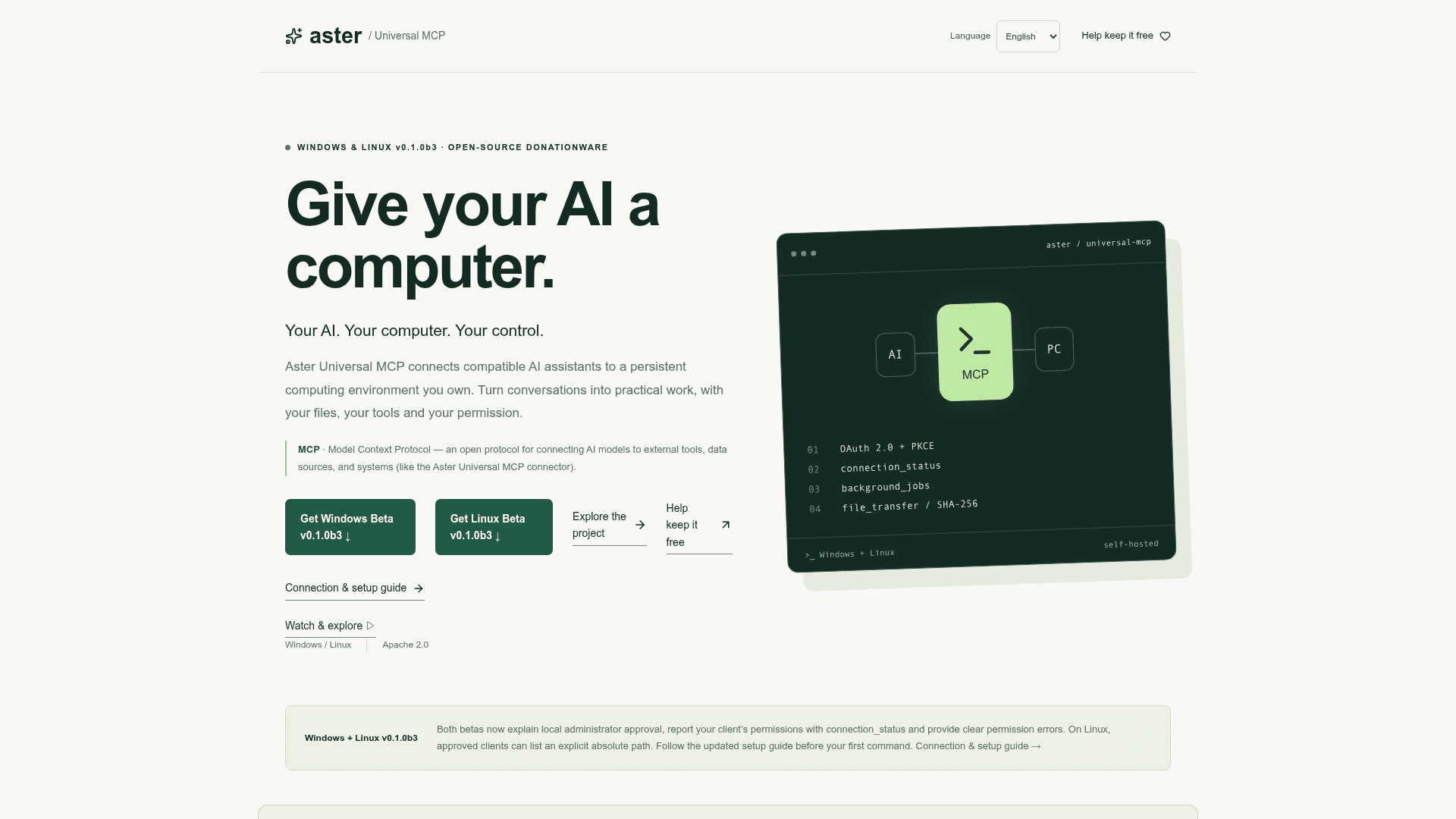
Open-source MCP connector that lets compatible AI assistants run permissioned commands, jobs and file transfers on your own Windows or Linux computer.
At a Glance
Self-hosted Aster Universal MCP for Windows and Linux, free for personal and commercial use under Apache License 2.0; supported by voluntary donations. Beta v0.1.0b3.
Engagement
Available On
Listed Oct 2026
About Aster Universal MCP
Aster Universal MCP is an open-source, donationware project by Tony Yustein that connects compatible AI assistants such as Claude or ChatGPT to a computer the user owns. The current release is v0.1.0b3, a manual technical beta with separate Windows and Linux source archives. Access uses OAuth 2.0 with PKCE pairing plus local administrator approval of each client.
What It Is
Aster is a self-hosted Model Context Protocol (MCP) gateway that runs on Windows or Linux. An AI client connects to its HTTPS MCP address, and authenticated tool requests pass through a tunnel to the local gateway. The AI model itself still runs with its provider. Once a client is approved, the assistant can work with real files, run commands and manage background jobs on the host.
How the Workflow Operates
The owner picks the machine, pairs the client over OAuth, and then approves that exact client ID locally from an administrator terminal. A remote request cannot approve itself. The connection_status tool reports the client's approval status, permissions and workspace. Setup counts as complete only after harmless native commands (hostname, whoami or id) return a completed status with exit code 0.
Documented tools include permission-controlled command execution (execute_command on Windows, run_command on Linux), directory listing, background jobs that can be inspected and cancelled, and chunked file transfer verified with SHA-256. The documentation describes a Cloudflare Tunnel as a way to publish a stable HTTPS hostname without router port forwarding.
Security Model and Limits
The project describes itself as a privileged administration beta, and recommends starting on a disposable machine. Commands inherit the gateway account's privileges on Windows and run as root on Linux; the workspace is not a sandbox. Startup is manual, with no installer, service or autostart. Qualified reference setups are Windows 11 with Python 3.11 x64 and Ubuntu 24.04 x86_64 with Python 3.12; macOS, WSL and ARM are not qualified. Multi-assistant collaboration, memory integrations and guided server setup are listed as roadmap goals, not current features.
Community Discussions
Be the first to start a conversation about Aster Universal MCP
Share your experience with Aster Universal MCP, ask questions, or help others learn from your insights.
Pricing
Open Source (Apache 2.0)
Self-hosted Aster Universal MCP for Windows and Linux, free for personal and commercial use under Apache License 2.0; supported by voluntary donations. Beta v0.1.0b3.
- Free for personal and commercial use under Apache License 2.0
- No Aster software subscription, activation server or artificial call caps
- Windows and Linux self-hosted
- Your AI provider, hardware, domain or hosting may have separate costs
- Donations are optional
Capabilities
Key Features
- OAuth 2.0 + PKCE pairing
- Local administrator approval of exact clients
- connection_status permission reporting
- Permission-controlled command execution on Windows and Linux
- Background jobs with progress inspection and cancellation
- Chunked file transfer with SHA-256 verification
- Directory listing with absolute paths after approval
- SHA-256 verified release archives
- Apache 2.0 open-source license