Atlassian Rovo MCP Server
Atlassian's official remote MCP server that securely connects Jira, Confluence, and other Atlassian products with external AI assistants, IDEs, and agent platforms.
At a Glance
Available to all Atlassian Cloud customers on the Free plan with site-level rate limits.
Engagement
Available On
Alternatives
Listed Aug 2026
About Atlassian Rovo MCP Server
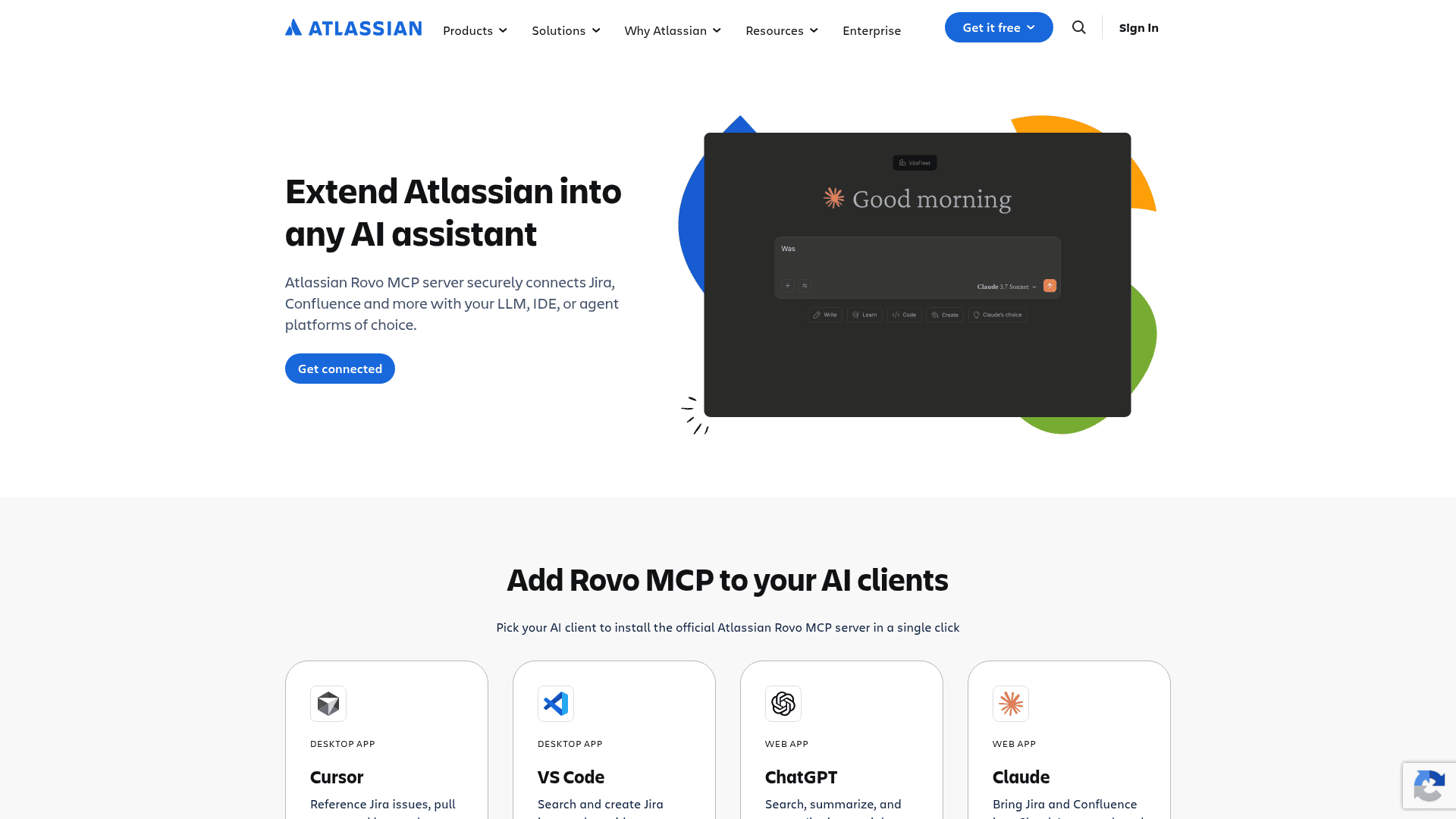
The Atlassian Rovo MCP Server is an official integration layer that lets external AI tools access Jira and Confluence data through the Model Context Protocol (MCP). It is available to all Atlassian Cloud customers and supports one-click installation into popular AI clients including Cursor, VS Code, ChatGPT, and Claude. The server acts as a secure proxy — not an AI model itself — bridging third-party AI clients to Atlassian's platform without storing or caching any Jira or Confluence content.
What It Is
The Atlassian Rovo MCP Server implements the Model Context Protocol to expose Atlassian data — spanning Jira issues, Confluence pages, people, services, and work items — to any compatible AI client or agent framework. It is distinct from Rovo, Atlassian's broader AI product suite (which includes search, chat, studio, and agentic capabilities). The MCP server specifically provides an integration layer: it exposes Rovo Search and fetch tools that give third-party AI clients structured ways to search and retrieve Atlassian data using the same prompting patterns Rovo relies on for deep research.
How It Connects to AI Clients
The server supports one-click installation into four major AI clients:
- Cursor (desktop app) — reference Jira issues, pull specs, and log work without leaving the codebase
- VS Code (desktop app) — search and create Jira issues alongside code via GitHub Copilot
- ChatGPT (web app) — search, summarize, and create Jira issues from within ChatGPT
- Claude (web app) — bring Jira and Confluence into Claude's research and coding workflows
Each client connects via the hosted endpoint at mcp.atlassian.com, authenticated through OAuth.
Security and Access Model
Authentication uses OAuth, and the server operates strictly within the permissions of the signed-in user — it only accesses data the user is already allowed to see. Atlassian provides a default list of supported AI domains, and admins can add or block domains to create a trusted list matching their organization's security policies. The server does not store or cache Jira or Confluence content. Atlassian notes the MCP server does not currently support FedRAMP or HIPAA requirements. Rate limits apply per site based on the underlying Jira and Confluence plan tier.
Agent-to-Agent (A2A) Gateway
Beyond direct MCP connections, the server also supports Atlassian's Agent2Agent (A2A) Gateway, which allows external AI agents to connect to Rovo and delegate complete goals — such as searching, summarizing, and creating across Jira and Confluence — rather than managing individual steps. The A2A integration works with compatible clients like Google Gemini, using a single Agent Card and OAuth connection with no custom integration required. Every action runs within the user's permissions and the organization's admin controls.
Audience and Deployment Model
The Rovo MCP Server targets developers, knowledge workers, and enterprise teams who already use Atlassian Cloud products and want to bring Atlassian context into their preferred AI tools. It is a hosted, remote MCP server — users do not run any local server process. All Atlassian Cloud customers have access, with site-level rate limits that scale with the Jira and Confluence plan in use. The page lists logos of organizations described as building with the remote MCP server, including AT&T, BMO, Booking.com, CVS Health, Bank of America, Visa, Lloyds Bank, NVIDIA, Pfizer, and Brambles, though these are presented as vendor-published partner logos rather than independently verified customer claims.
Community Discussions
Be the first to start a conversation about Atlassian Rovo MCP Server
Share your experience with Atlassian Rovo MCP Server, ask questions, or help others learn from your insights.
Pricing
Free
Available to all Atlassian Cloud customers on the Free plan with site-level rate limits.
- 500 MCP calls per hour
- Access to Jira and Confluence via MCP
- OAuth authentication
- One-click AI client installation
Standard
Available to Atlassian Cloud customers on the Standard plan.
- 1000 MCP calls per hour
- Access to Jira and Confluence via MCP
- OAuth authentication
- One-click AI client installation
Premium/Enterprise
Available to Atlassian Cloud customers on Premium or Enterprise plans with higher rate limits.
- 1000 base MCP calls per hour plus 20 additional calls per user
- Up to 10,000 calls per hour maximum
- Access to Jira and Confluence via MCP
- OAuth authentication
- Admin domain controls
Capabilities
Key Features
- One-click installation into Cursor, VS Code, ChatGPT, and Claude
- OAuth authentication for secure access
- Granular admin permission controls and domain allowlist/blocklist
- Rovo Search and fetch tools for structured Atlassian data retrieval
- Jira issue search, creation, and bulk operations
- Confluence page search and creation
- Agent2Agent (A2A) Gateway for multi-agent workflows
- Google Gemini A2A compatibility
- No local server process required (fully remote/hosted)
- Operates within signed-in user's existing permissions
- Does not store or cache Jira or Confluence content
- Site-level rate limits based on Jira/Confluence plan tier
Integrations
Demo Video