
Atomic Editor
A CodeMirror 6 React component that provides Obsidian-style inline live preview for markdown, rendering formatting as you type without a split preview pane.
At a Glance
Fully free and open source under the MIT license. Use, modify, and distribute freely.
Engagement
Available On
Alternatives
Listed Jun 2026
About Atomic Editor
Atomic Editor is an open-source React component built on CodeMirror 6 that brings Obsidian-style live preview to markdown editing. Created by Kenny Bergquist, it was extracted from the Atomic personal knowledge base project and published as a standalone MIT-licensed library. The editor renders headings, bold, tables, images, and task lists inline as you type, while keeping raw markdown as the underlying source of truth.
What It Is
Atomic Editor is a WYSIWYG-style markdown editor component for React applications. Unlike traditional split-pane editors, it renders formatting decorations directly in the editing surface — the raw syntax only appears on the line where the cursor is active, then hides when you move away. Because all decorations are view-only, copy, save, and round-trip behavior are byte-for-byte identical to a plain textarea full of markdown. It is distributed as an npm package (@atomic-editor/editor) and targets developers who want to embed a polished markdown editing experience in their own apps.
Core Features
- Inline live preview for headings, emphasis, links, images, and tables — no mode toggle or preview pane required
- WYSIWYG tables with in-place cell editing and horizontal scroll for wide tables
- Wiki links (
[[target]]/[[target|label]]) with async resolution, autocomplete, and click-to-open navigation - Smart lists that continue bullets and task checkboxes on Enter, dedent on empty items, and render
- [ ]as clickable checkboxes - Syntax-highlighted fenced code blocks for 20+ languages, each grammar lazy-loaded on first use
- Virtualized rendering via CM6's viewport-only approach, keeping large documents smooth even on iOS
- CSS variable theming with a dark default and a light variant activated by
data-theme="light"on any ancestor element - Minimal find panel (Ctrl/Cmd+F) and imperative handle API for toolbar integration
Architecture and Design Decisions
The README's design notes describe several deliberate engineering choices. Raw markdown is the single source of truth — decorations never mutate the document. Line heights remain stable regardless of cursor position, eliminating layout shifts when clicking into formatted lines. Decoration rebuilds use narrow invalidation, touching only lines whose content changed, so editing a paragraph in a large document costs O(change size) rather than O(document size). A mouse-freeze guard prevents decoration rebuilds mid-click, eliminating a class of cursor-drift bugs. iOS-specific issues — momentum-scroll halts, image remount jank, heightmap drift — were tracked and fixed, with the live demo's sample-size picker serving as a stress harness.
Extensibility
The component accepts a standard extensions prop that accepts any CodeMirror 6 extensions, enabling autocomplete sources, custom decorations, domain-specific keymaps, collaboration via yjs, vim mode, and more. For lower-level composition, every internal piece — inlinePreview, imageBlocks, tables, wikiLinks, atomicEditorTheme, atomicMarkdownSyntax — is exported individually so developers can assemble a fully custom editor outside the React wrapper. The wiki-links extension itself is built using this same hook.
Setup Path
Installation requires the editor package plus its peer dependencies (CodeMirror 6 core packages and React). Fenced-code language grammars are optional peers — only the languages a project needs must be installed. The component fills its parent container, so it should be wrapped in a height-bounded flex or grid element. An imperative handle ref exposes methods like focus, undo, redo, openSearch, revealText, and getMarkdown for external toolbar or keyboard integration.
Current Status
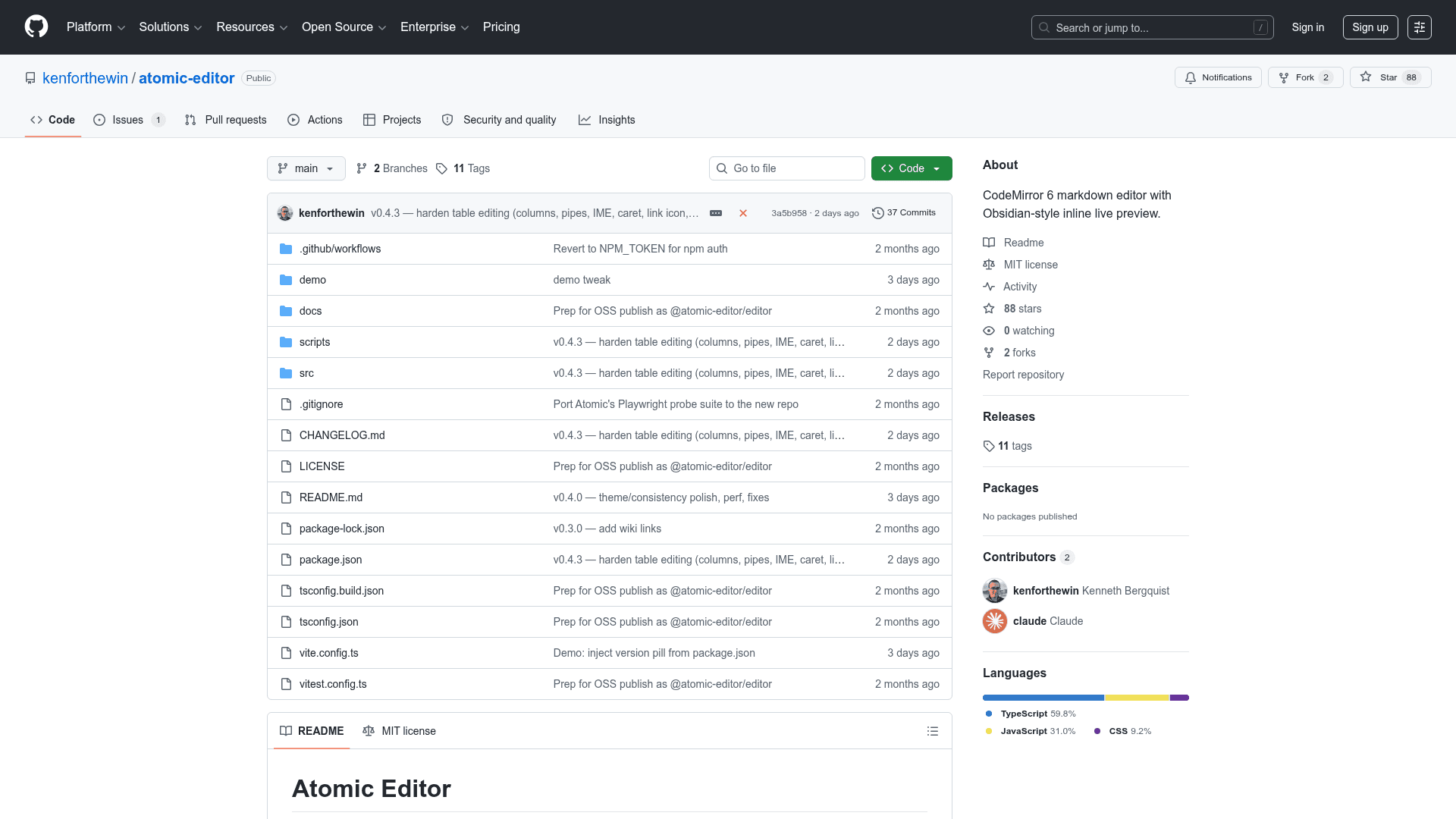
The repository was created in April 2026 and last pushed in May 2026, with 88 stars and 2 forks as of the available data. The project is actively maintained under the MIT license. A Playwright end-to-end suite covering around 50 probes — CLS during idle/scroll/typing, every block-type decoration, copy-as-raw-markdown, and more — serves as the primary regression tool. The editor continues to be hardened by real user documents from the parent Atomic knowledge base project.
Community Discussions
Be the first to start a conversation about Atomic Editor
Share your experience with Atomic Editor, ask questions, or help others learn from your insights.
Pricing
Open Source
Fully free and open source under the MIT license. Use, modify, and distribute freely.
- Full inline live preview markdown editor
- WYSIWYG tables
- Wiki links with autocomplete
- Syntax-highlighted code blocks
- CSS variable theming
Capabilities
Key Features
- Obsidian-style inline live preview
- WYSIWYG table editing
- Wiki links with async resolution and autocomplete
- Smart list continuation and task checkboxes
- Syntax-highlighted fenced code blocks for 20+ languages
- Virtualized rendering for large documents
- CSS variable theming with dark and light modes
- Minimal find panel (Ctrl/Cmd+F)
- Imperative handle API for toolbar integration
- CodeMirror 6 extension support via extensions prop
- Individual export of all internal extensions for low-level composition
- initialSearchText and initialRevealText props for search-result navigation
- iOS-optimized scrolling and rendering