
Atticus
A free, open-source voice assistant for macOS that controls apps, windows, files and the screen through Claude Code, with no API key needed.
At a Glance
Atticus itself is free and open source under the MIT license. It runs on the user's existing Claude Pro or Max plan, which is an external cost not sold by Atticus.
Engagement
Available On
Alternatives
Listed Oct 2026
About Atticus
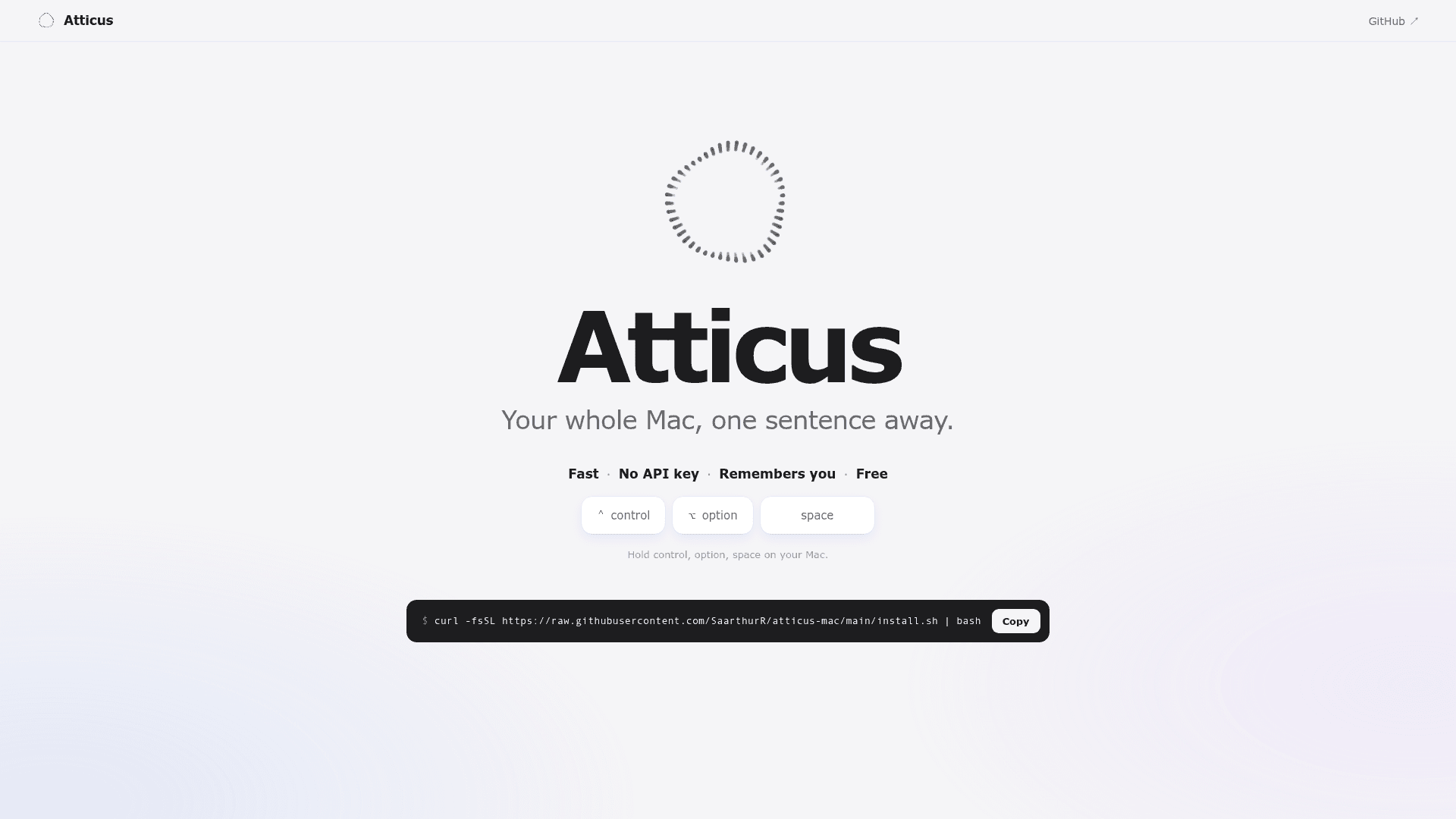
Atticus is an open-source macOS menu bar voice assistant made by SaarthurR. Hold Control, Option and Space, say what you need, and release; Atticus arranges windows, finds files, reads the screen and plays music. It runs on an existing Claude Pro or Max plan through Claude Code, so no separate API key is needed. The latest listed release is v1.0, published 2026-10-13.
What It Is
Atticus is a push-to-talk assistant for the Mac, built in Swift and Python. Speech is converted to text on-device using Apple's speech recognition, and the text is then handled either by built-in instant commands or by Claude through claude -p. Typical asks include opening apps, placing windows across displays, searching files by content, summarizing a page, answering questions about what is on screen, typing a reply into the active app (it never sends), and playing Spotify music.
Speed, Shortcuts and Memory
Simple requests such as opening apps or sites, moving windows, web searches and music skip the AI entirely. Actions asked for once can become learned shortcuts that run without AI. The project reports an app opening in 0.08 s and about 0.14¢ of plan usage per AI ask. Users can say "remember..." to save rules and facts, and corrections are saved so mistakes are not repeated; all of it is editable in Settings.
Safety and Privacy
Safe mode runs AI-issued commands in Claude Code's sandbox, limited to writing in a scratch folder. Atticus asks before deleting, sending, buying or changing files, and always blocks rm, sudo, disk tools and shutdown. Every exact command is recorded in the ask log. Audio stays on the Mac. A daily anonymous usage ping goes to PostHog and can be disabled, and an opt-in setting sends failed-task diagnostics with personal details stripped.
Meeting Copilot and Watching
Meeting Copilot, enabled in Settings, listens to a call, saves transcripts, speaker labels, notes and answers locally, and offers a searchable archive with Markdown export. Optional AI summaries and action items use the user's Claude plan. A watch feature checks a window or a coding agent's log every 5 seconds without AI and notifies the user when a condition is met.
Setup Path
Installation is a single Terminal command that downloads Atticus to ~/.atticus, builds the app in ~/Applications, and opens a setup window for Claude sign-in and macOS permissions. It requires macOS 26 or later, a Claude Pro or Max plan, and Apple's command line tools. It is released under the MIT license and updates itself by default.
Community Discussions
Be the first to start a conversation about Atticus
Share your experience with Atticus, ask questions, or help others learn from your insights.
Pricing
Open Source (MIT)
Atticus itself is free and open source under the MIT license. It runs on the user's existing Claude Pro or Max plan, which is an external cost not sold by Atticus.
- MIT License
- No API key required
- Requires macOS 26 or later
- Requires an existing paid Claude plan (Pro or Max) and Claude Code (external cost)
- Learned shortcuts run with no AI
Capabilities
Key Features
- Push-to-talk voice control with Control+Option+Space
- Instant commands that skip the AI
- Learned shortcuts that run without AI
- Persistent memory of user facts and rules
- Window arrangement across displays
- File search by content
- Screen reading and answering questions about the screen
- On-device speech-to-text
- Safe mode with Claude Code sandbox and blocked dangerous commands
- Meeting Copilot with local transcripts, summaries and action items
- Watch feature for notifications on task or page completion
- Spotify music playback