
Baroque
AI-powered design studio that generates production-ready web and mobile designs from a text prompt, with export to HTML/CSS and Figma.
At a Glance
Perfect for trying out Baroque.
Engagement
Available On
Listed Jun 2026
About Baroque
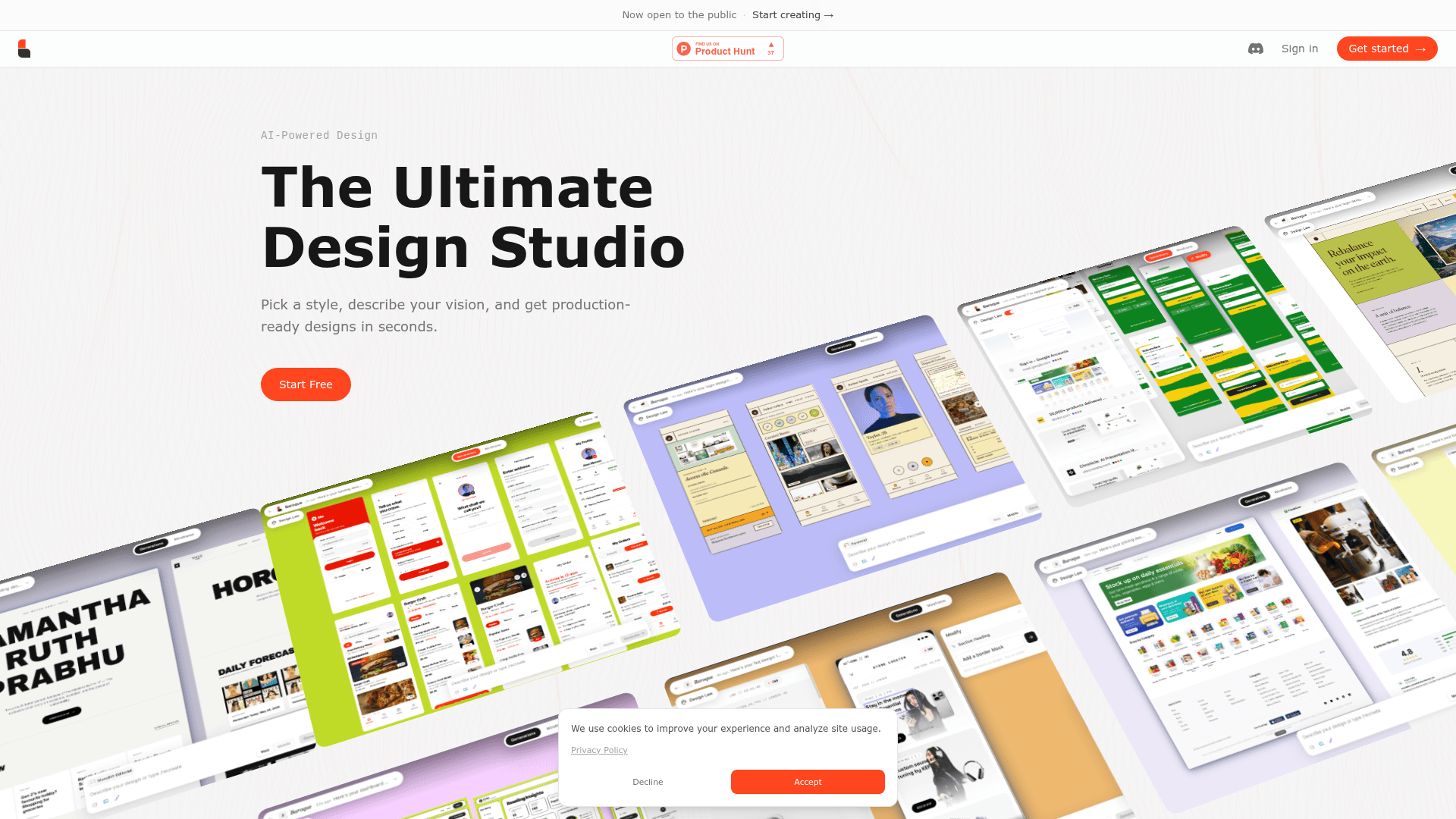
Baroque is an AI-powered design studio that lets users describe a layout, pick a style, and receive production-ready web or mobile designs in seconds. It is now open to the public and offers a credit-based model with a free starting tier. The tool targets designers and developers who want to move from idea to polished interface without writing code first.
What It Is
Baroque sits in the AI-assisted graphic and UI design category. Its core job is to take a natural-language description plus a chosen visual style and assemble a complete, pixel-perfect design — handling typography, grids, and component layout automatically. Outputs can be exported directly to HTML/CSS or Figma, making them usable in real production workflows rather than just for mockups.
Core Capabilities
- Wireframe generation — describe a layout and Baroque assembles a wireframe with components, grids, and typography in one prompt.
- Recreate — paste any live URL and Baroque reimagines the site in a chosen style, letting users preview a redesign before touching code.
- Templates — 100+ pre-built, fully editable templates covering SaaS landing pages, dashboards, e-commerce stores, portfolios, corporate sites, and more.
- Brand Kit — users can supply their own brand assets to keep generated designs on-brand.
- AI Illustrations — the tool can generate custom illustrations as part of the design output.
- Custom design laws — users can define design rules that Baroque applies consistently across generations.
- Export — finished designs export to HTML/CSS and Figma.
Supported Design Types
Baroque covers a broad range of interface categories out of the box:
- SaaS landing pages
- Dashboards and analytics interfaces
- E-commerce storefronts
- Portfolios
- Corporate websites
- Blog platforms
- Agency sites
- Mobile app screens (beta)
- Startup pages
- Magazine layouts
Workflow
The typical workflow starts on the homepage canvas: a user selects a design type (Web or Mobile), optionally pastes a URL to recreate, picks a visual style such as Wireframe, and types a description. Baroque then generates the design. From there, users can modify the output, apply a Brand Kit, add AI illustrations, or switch styles before exporting. The Recreate feature is positioned as a low-commitment way to explore a redesign — see the transformation before committing to any code changes.
Current Status
Baroque launched publicly and is described on its homepage as "Now open to the public." It is featured on Product Hunt. Mobile design support is marked as BETA. No version number or changelog is surfaced in the available pages.
Community Discussions
Be the first to start a conversation about Baroque
Share your experience with Baroque, ask questions, or help others learn from your insights.
Pricing
Starter
Perfect for trying out Baroque.
- 25 credits/month
- Web + Mobile designs
- 100+ templates & styles
- Brand Kit
- AI illustrations
Pro
Best for designers shipping regularly.
- 225 credits/month
- Web + Mobile designs
- 100+ templates & styles
- Brand Kit
- AI illustrations
- Custom design laws
- Export to HTML/CSS & Figma
Pro+
For teams that need maximum output.
- 625 credits/month
- Web + Mobile designs
- 100+ templates & styles
- Brand Kit
- AI illustrations
- Custom design laws
- Export to HTML/CSS & Figma
Capabilities
Key Features
- AI design generation from text prompts
- Wireframe generation
- URL Recreate — reimagine any live site in a new style
- 100+ templates across web and mobile categories
- Brand Kit support
- AI illustrations
- Custom design laws
- Export to HTML/CSS
- Export to Figma
- Web and Mobile (beta) design modes
- Style picker
- Credit-based usage system