
Beehive
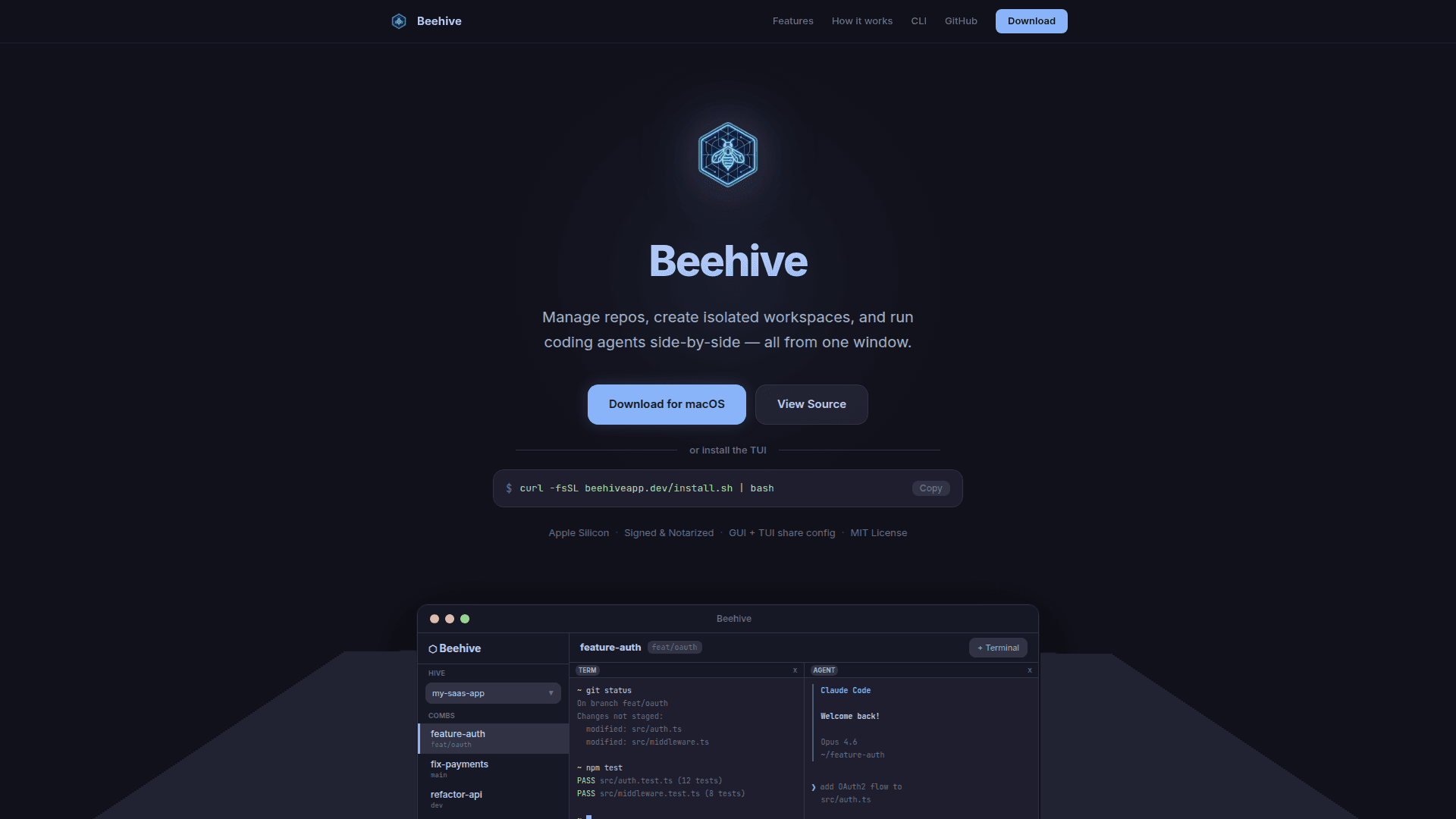
Manage multiple GitHub repos, create isolated git workspaces, and run coding agents side-by-side — all from one desktop or terminal window.
At a Glance
About Beehive
Beehive is a free, open-source desktop and terminal application for developers who work across multiple repositories and want to run AI coding agents alongside their terminals. It introduces two core concepts — Hives (linked GitHub repos) and Combs (isolated git clones on any branch) — to keep experiments and tasks cleanly separated. The app ships both a native macOS GUI and a TUI (terminal UI) that share the same config file, so you can switch between interfaces without losing context.
- Multi-repo management — Add GitHub repos by URL and switch between them instantly from a single sidebar, keeping all your projects in one window.
- Isolated workspaces (Combs) — Each Comb is a full git clone in its own directory on any branch, so experiments never interfere with each other.
- Persistent PTY terminals — Real terminal sessions stay alive when you switch repos or workspaces, preserving shell state and history.
- Agent panes — Launch Claude Code or any CLI-based coding agent in a flexible grid alongside your terminals; interact with agents and code simultaneously.
- Copy workspaces — Duplicate a Comb including uncommitted changes to experiment safely without risk to your working branch.
- Live branch tracking — The sidebar reflects your current branch in real time as you switch inside the terminal.
- TUI / CLI support — Install the terminal-native interface with a single
curlcommand; choosebhorbeehiveas your command name, no extra dependencies beyond git and gh. - Shared config — Both the GUI and TUI read from
~/.beehive, so settings and workspace state are always in sync. - Auto-update — The TUI checks for updates on startup to keep you on the latest release.
- MIT License — Fully open source; signed and notarized for Apple Silicon Macs.
Community Discussions
Be the first to start a conversation about Beehive
Share your experience with Beehive, ask questions, or help others learn from your insights.
Pricing
Free & Open Source
Fully free and open source under the MIT license. Download the desktop app or install the TUI with no cost.
- Multi-repo management
- Isolated workspaces (Combs)
- Persistent PTY terminals
- Agent panes
- Copy workspaces
Capabilities
Key Features
- Multi-repo management
- Isolated git workspaces (Combs)
- Persistent PTY terminals
- Agent panes for CLI coding agents
- Copy/duplicate workspaces
- Live branch tracking
- Desktop GUI (macOS)
- Terminal UI (TUI)
- Shared config between GUI and TUI
- Auto-update on startup
- Apple Silicon support
- Signed and notarized app