Bind AI
AI-powered IDE and code editor with access to Claude, GPT, and Gemini models for building full-stack web applications.
At a Glance
About Bind AI
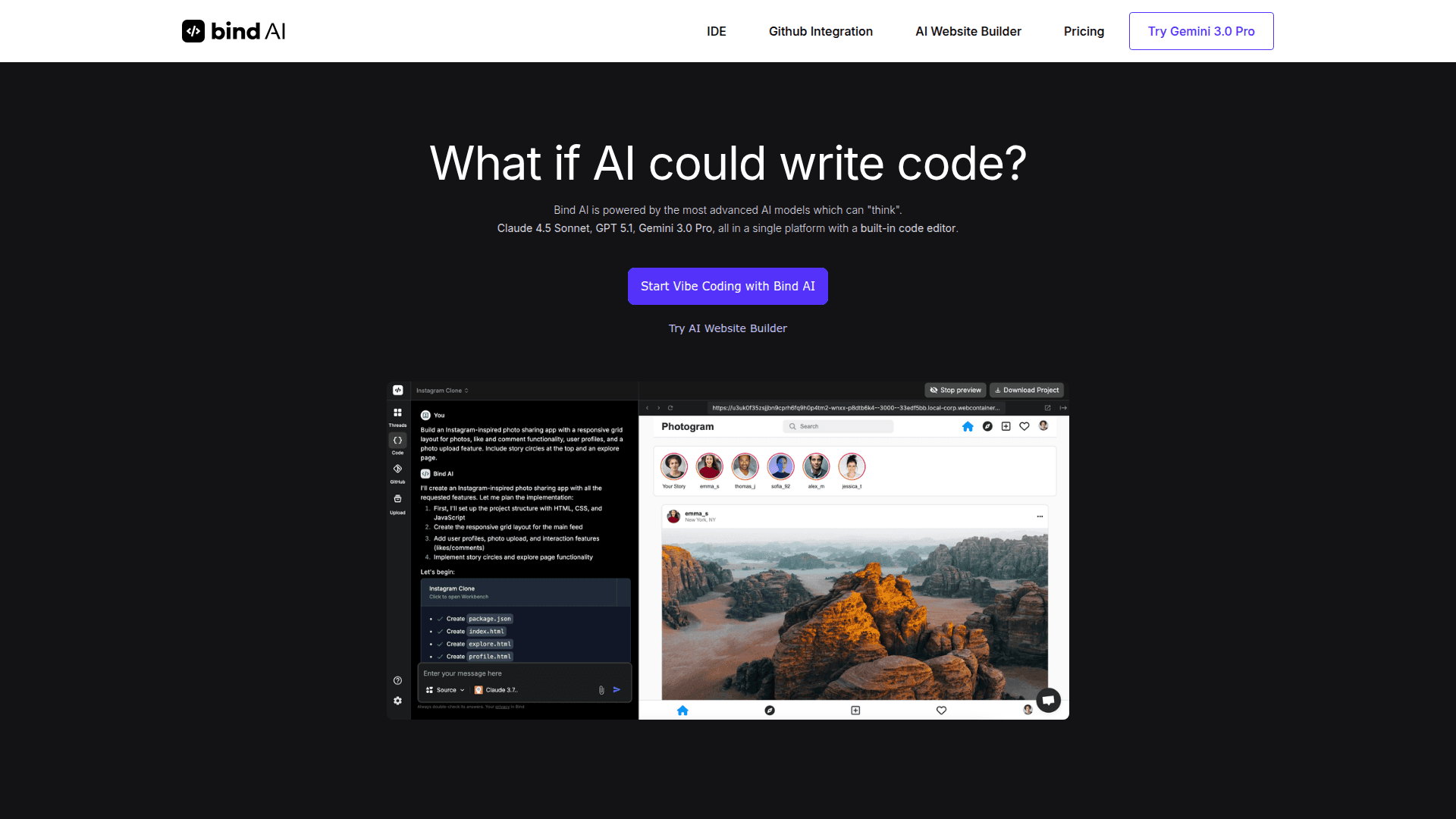
Bind AI is an AI-powered integrated development environment (IDE) and code editor that provides access to multiple advanced AI models including Claude 4.5 Sonnet, GPT-5.1, and Gemini 3.0 Pro in a single platform. It enables developers and founders to build full-stack web applications, WordPress plugins, and landing pages using natural language prompts and AI-assisted coding.
- Multi-Model AI Access provides access to 15+ AI models including Claude Sonnet, GPT, Gemini, DeepSeek R1, and Llama, allowing users to pick the best model for their specific task
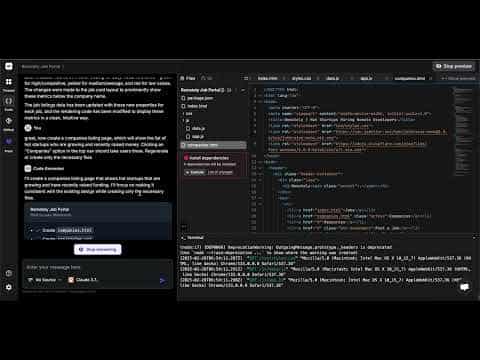
- Built-in Code Editor features a powerful IDE that lets you edit AI-generated code, execute Python, React, NextJS, and NodeJS applications, and preview results instantly
- GitHub Integration allows syncing of GitHub repositories and code files to iterate on new features, debug issues, or onboard new engineers with full codebase context
- AI Website Builder enables creation of complete web applications like Twitter clones, Airbnb-style marketplaces, e-commerce stores, and more using sample prompts
- Instant Deployment supports direct publishing to Vercel for quick deployment of projects
- Agent Mode provides advanced AI agent capabilities for complex coding tasks with dedicated query limits
- Custom GPT Agents allows creation of personalized AI agents tailored to specific workflows
- File Upload Support enables uploading images, code files, and documents for AI analysis and context
- Bring Your Own Key option lets users connect their own Claude and OpenAI API keys for higher usage limits
To get started with Bind AI, visit the website and sign up for a free account to access the Bind AI Copilot with GPT-4o mini, Claude 3.5 Haiku, and Llama 3 70B models. Premium users can access advanced reasoning models and the full IDE capabilities for building software applications with AI assistance.
Community Discussions
Be the first to start a conversation about Bind AI
Share your experience with Bind AI, ask questions, or help others learn from your insights.
Pricing
Free
Best for general use with models and code editor
- Unlimited access to Bind AI Copilot with GPT-4o mini, Claude 3.5 Haiku, Llama 3 70B models
- Access Free Tier of IDE
- Use your own Claude and OpenAI API keys with IDE
- Limited File Uploads with up to 1mb size
- Up to 2 Projects for Free Tier of IDE
Premium
Best for accessing Claude, Gemini, OpenAI models
- Chat with multiple AI models
- Advanced and Ultra Reasoning models including Claude Sonnet, DeepSeek R1, O3
- Bring your own Key: Use your Claude and OpenAI Keys for 3X higher limits
- Connect 1 Github Repository, up to 2 branches per Repo
- Up to 3 Custom GPT Agents
- File Uploads with Image, Code, Document files up to 2mb
- IDE: Create software with AI
- 100 Agent Mode queries
- Manage up to 10 Projects, Up to 50 downloads per month
- Publish 1 project to Vercel
Scale Plan
Best for creating software applications with IDE
- Chat with multiple AI models
- 3X higher limits for Advanced and Ultra Reasoning models including Claude 4 Sonnet, Gemini 2.5 Pro, GPT 4.1
- Bring your own Key: Use your Claude and OpenAI Keys for Unlimited usage
- Connect Multiple Github Repositories with multiple branches
- Create 15 Custom GPT Agents
- 5X limit for File uploads with up to 5mb per file
- IDE: Create software with AI
- 250 Agent Mode queries
- Unlimited Projects, Up to 150 downloads per month
- Publish up to 3 projects to Vercel
Capabilities
Key Features
- Multi-model AI access (Claude, GPT, Gemini, DeepSeek, Llama)
- Built-in code editor and IDE
- GitHub repository integration
- AI website builder
- Code execution for Python, React, NextJS, NodeJS
- Instant preview and Vercel deployment
- Agent mode for complex tasks
- Custom GPT agents
- File upload support (images, code, documents)
- Bring your own API key option
- Project management
- Dark mode toggle
Integrations
Demo Video