
borer
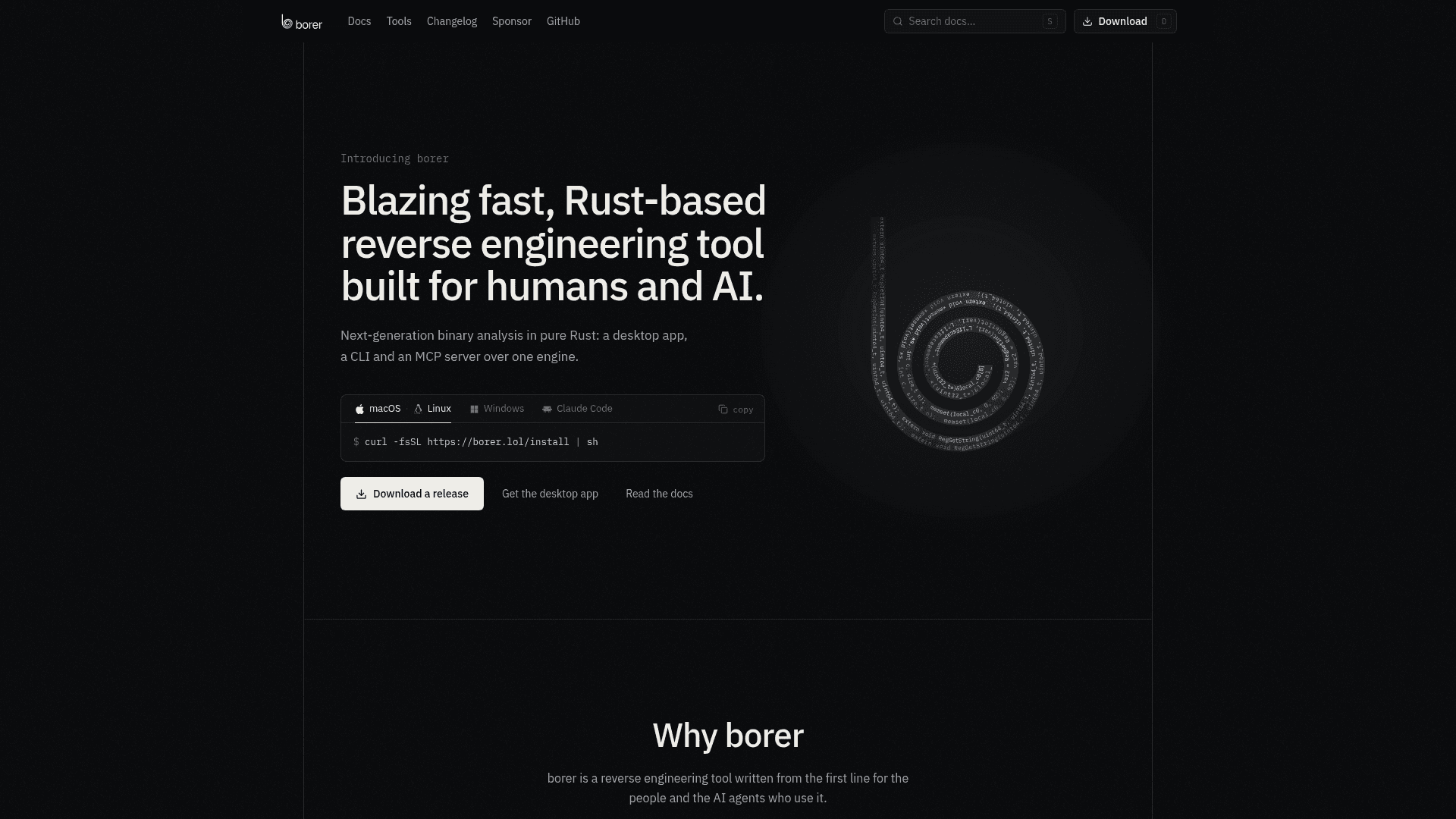
Rust-based reverse engineering tool offering a desktop app, CLI and MCP server over one binary analysis engine.
At a Glance
Desktop app, CLI and MCP server released as free software under AGPL-3.0-only; a commercial license is also offered.
Engagement
Available On
Listed Nov 2026
About borer
borer is a reverse engineering tool for binary analysis, published by the GitHub user imjustprism as open source under AGPL-3.0, with a commercial license also offered. It combines a loader, lifters, emulator and decompiler written in Rust, and exposes them as a desktop app, a command line and an MCP server. The latest release listed on GitHub is v0.3.1, and the README warns the project is early-stage, with tool names, output and resource URIs still changing between releases.
What It Is
borer analyzes PE, ELF and Mach-O binaries plus raw code and memory dumps. It disassembles and decompiles x86, x86-64, arm64, 32-bit ARM and RISC-V code. The README says it does not drive another reverse-engineering tool underneath; it builds on format and decoder crates such as goblin, iced-x86 and yaxpeax-arm. Users or AI agents load a file, triage it, read pseudo-C, follow cross-references and call graphs, and annotate names, comments and types.
Checked decompilation and emulation
The emulator replays decompiled blocks against the machine code, and each function header reports how much of the text was checked and what was not. The certify command runs the decompiled text as C beside the binary and grades agreement (x86 and x86-64). Code the tool cannot model is left as an asm comment rather than guessed. The emulator can run a single function on typed inputs without executing the file, and also drives solving, unpacking, devirtualization, taint and struct recovery on x86 and x86-64.
Three ways in
The desktop app, built on Zed's crates, offers a function list, decompile tabs, listing, graph and hex views, xrefs and a types editor. The CLI answers the same queries in a terminal and runs sandboxed Rhai scripts. The MCP server provides 42 tools plus borer:// resources, with paged answers, since= diffs to return only changes, and evidence ids. Renames and comments live in a project overlay and are dry runs until confirmed, so the binary is never modified. The installer registers the MCP server with the clients it finds.
Setup path
Install with a curl script on macOS and Linux or a PowerShell script on Windows. Package managers such as cargo, Homebrew, npm and pipx are also documented. Releases attach desktop installers for Windows, macOS and Linux. A live-process attach feature is available on Windows.
Community Discussions
Be the first to start a conversation about borer
Share your experience with borer, ask questions, or help others learn from your insights.
Pricing
Open Source (AGPL-3.0)
Desktop app, CLI and MCP server released as free software under AGPL-3.0-only; a commercial license is also offered.
- Desktop app, CLI and MCP server over one engine
- Licensed under AGPL-3.0-only
- Commercial license also available for the main workspace
- Early-stage: tool names, output and resource URIs still change between releases
Capabilities
Key Features
- Decompiler with emulator-based checking of pseudo-C against the binary
- certify command grading decompiled text
- Disassembly for x86, x86-64, arm64, 32-bit ARM and RISC-V
- Loader for PE, ELF, Mach-O, raw code and memory dumps
- Built-in emulator, input solving, unpacking, devirtualization, taint and struct recovery
- Paged, filtered answers with since= diffs and evidence ids
- Dry-run renames, comments and types stored in a project overlay
- Desktop app with function list, decompile, listing, graph and hex views
- CLI with sandboxed Rhai scripting
- MCP server with 42 tools and borer:// resources
- Read-only live process attach on Windows
- Deterministic output for identical queries