
Bugbot
Cursor's AI code review tool that reviews pull requests for bugs, security issues, and code quality problems.
At a Glance
About Bugbot
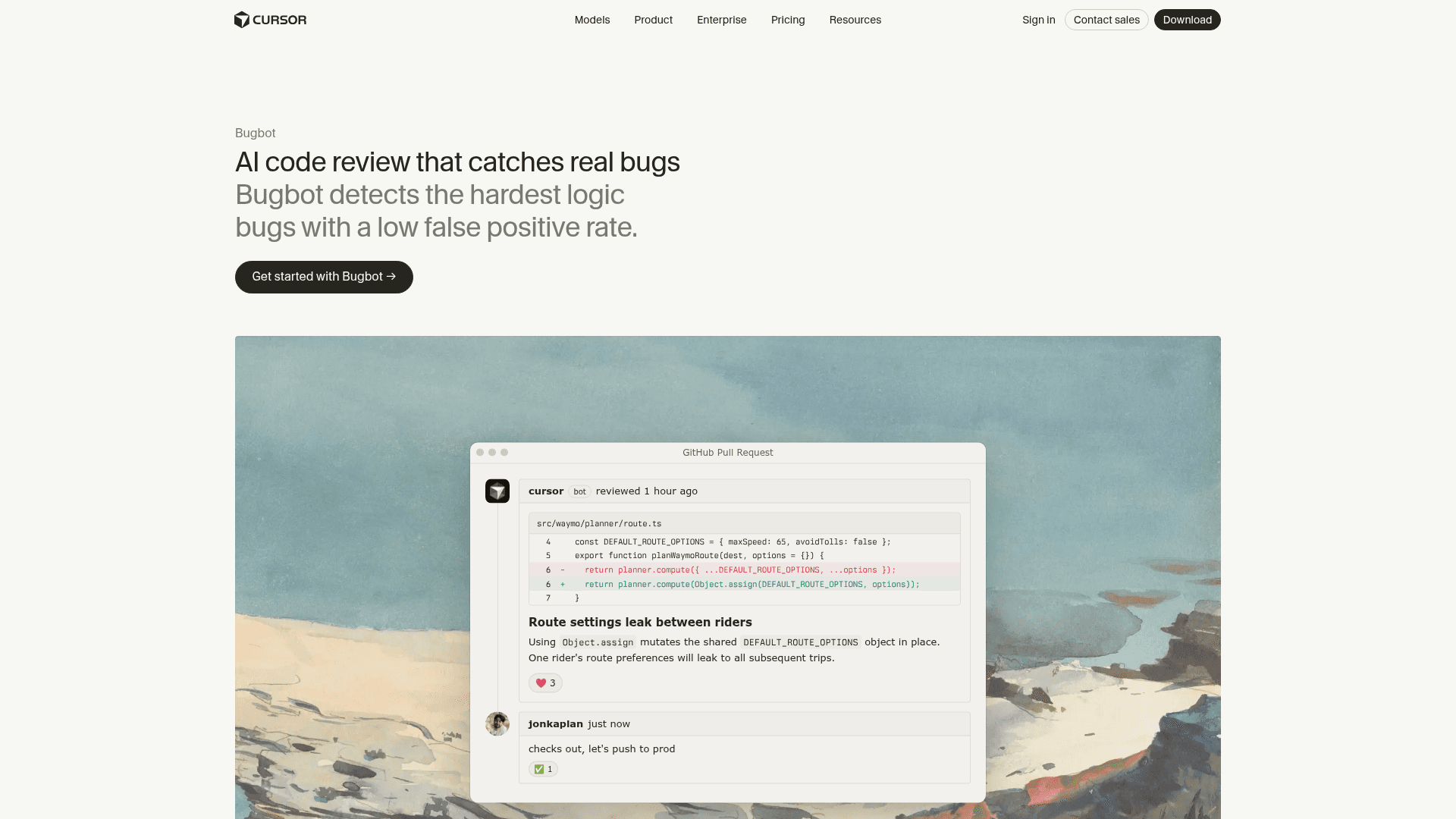
Bugbot is an AI code review product from Cursor (Anysphere, Inc.). It analyzes pull request diffs, leaves comments with explanations and fix suggestions, and can run automatically on each PR update or when triggered manually.
What It Is
Bugbot is a pull request reviewer that identifies bugs, security issues, and code quality problems. It connects to repositories on GitHub (including GitHub Enterprise Server), GitLab, Bitbucket, Azure DevOps, and Cursor's Origin. Findings appear as PR comments, and "Fix in Cursor" or "Fix in Web" links open issues in the editor or at cursor.com/agents. Cursor says it uses a combination of frontier and in-house models.
How Reviews Work
Reviews run on every PR update, or on demand by commenting cursor review or bugbot run. Bugbot reads existing top-level and inline PR comments to avoid duplicate suggestions. By default it reviews only the changes since its previous review, and it can write a PR summary into the description or as a comment. It publishes a CI status (such as a Cursor Bugbot check on GitHub) that can be required in branch protection. Effort levels (Low, Default, High, Smart) trade review depth against time and usage. Bugbot skips PRs above its size limit and leaves out files marked linguist-generated.
Rules and Customization
Teams guide reviews with team rules, .cursor/BUGBOT.md files, manual repository rules, and learned rules generated from PR activity. @cursor remember saves a fact as a rule. A repo-level .cursor/config/bugbot.yaml file, read from the base branch, controls triggers, effort, summaries, and autofix mode. Rule analytics show issues found and acceptance rate.
Autofix, Agent, and API
Bugbot Autofix spawns a Cloud Agent to fix reported bugs, pushing to a new or existing branch depending on provider and settings. The /review-bugbot and /review skills run Bugbot from the agent before pushing, and Bugbot skips remote reviews of an identical diff. Enterprise teams can trigger reviews and fetch per-review analytics through the Bugbot API, and admins can manage repositories and user access through an admin API. MCP support is available on Team and Enterprise plans.
Community Discussions
Be the first to start a conversation about Bugbot
Share your experience with Bugbot, ask questions, or help others learn from your insights.
Pricing
Bugbot (usage-based)
Usage-based code review; no separate Bugbot subscription on Individual and Teams plans. Average review costs $1.00–$1.50 depending on PR size and complexity.
- Code reviews on all PRs
- Analytics and reporting
- Set the effort level Bugbot uses for reviews
- Advanced rules and settings
- Individual plans: reviews use plan's included usage first, then on-demand usage if turned on
- Teams plans: reviews bill from on-demand usage / prepaid credit
- Average review costs $1.00–$1.50
Enterprise
Enterprise teams can arrange a Bugbot trial through their account team; Enterprise plan is custom priced.
- Bugbot API to trigger reviews and retrieve per-review analytics
- MCP support (Team and Enterprise plans only)
- Trial via account team
Capabilities
Key Features
- Automatic PR reviews on every update
- Manual trigger via cursor review or bugbot run comments
- Fix suggestions with Fix in Cursor and Fix in Web links
- Incremental reviews of changes since the last review
- PR summaries in description or comment
- Configurable effort levels (Low, Default, High, Smart)
- Team, repository, learned, and BUGBOT.md rules
- Repo-level bugbot.yaml configuration
- Autofix via Cloud Agents
- CI check statuses for branch protection
- Run from agent with /review-bugbot
- Review analytics and rule analytics
- Bugbot API and admin configuration API
- MCP server support on Team and Enterprise plans