
Build to Launch MCP
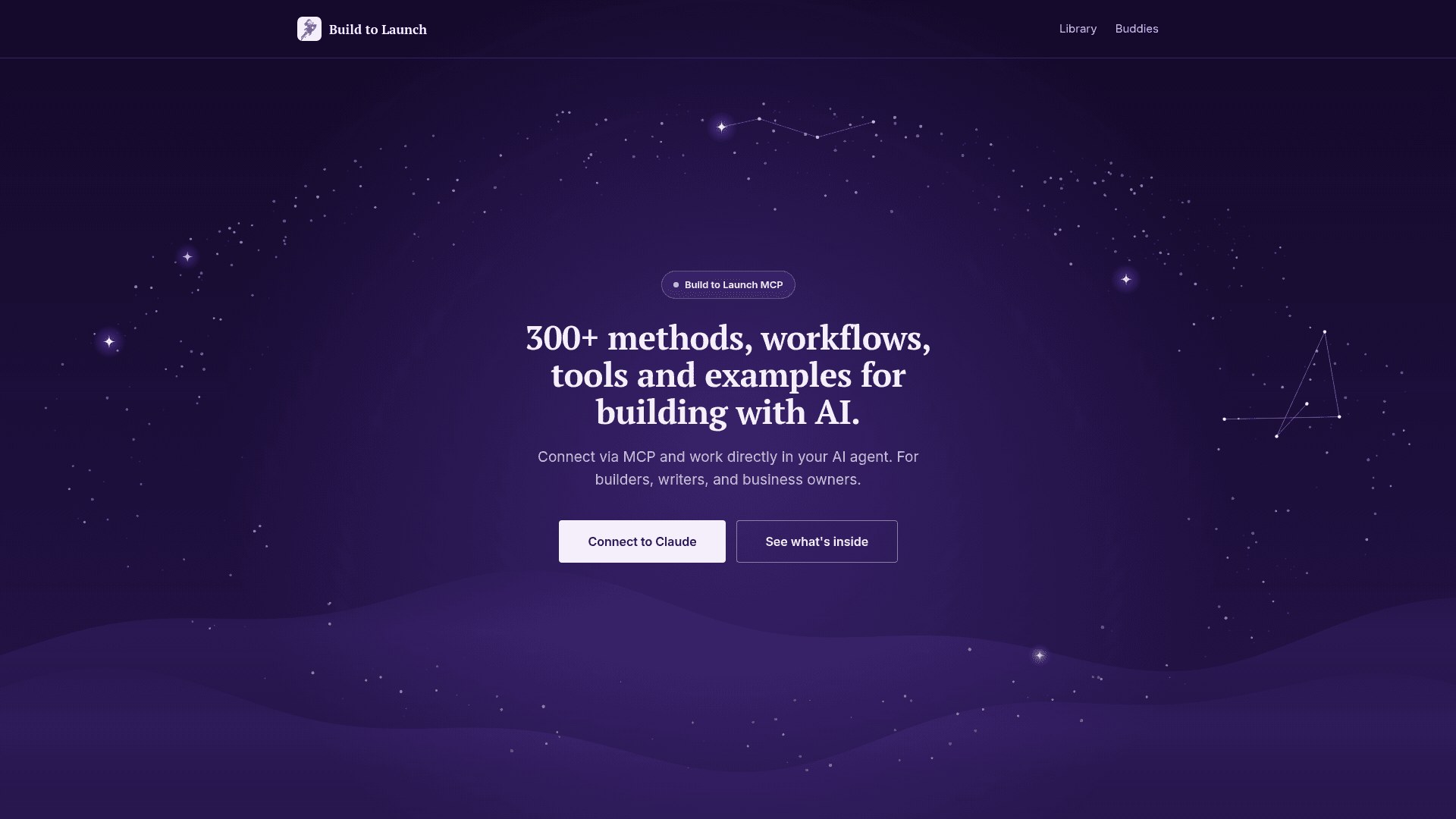
An MCP server that gives AI agents a library of 300+ methods, workflows, tools and examples for building with AI, plus 143 live-data buddies.
At a Glance
Without a membership you get the free items in the library after signing in with your email.
Engagement
Available On
Alternatives
Listed Nov 2026
About Build to Launch MCP
Build to Launch MCP is a remote MCP connector from Build to Launch that lets AI assistants such as Claude work directly with a library of methods, workflows, prompts, setups and examples for building solo with AI. The site describes the library as 300+ items organized into 10 jobs, plus 143 "buddies" that look up live data.
What It Is
Build to Launch MCP is a connector that exposes a curated toolkit to an AI agent. Users add one URL as a custom connector, sign in with their Build to Launch email, and then describe what they want to build; the agent picks the relevant tool. Members get the full library, while sign-in without a membership gives access to the free items.
The 10 jobs
The library is grouped into Get started, Research, Build, Automate, Write, Images and video, Sell and grow, Fix & maintain, Use cases, and Tools. Each job contains guides, setups, workflows, prompts and examples. For instance, the Build job covers planning an app, guiding the AI through the build, then testing, deploying and launching it. The homepage demos include App Prompter, which runs a short planning conversation and produces a Master Init Prompt and phased build sequence, the Claude Code Routines Playbook for recurring tasks, and a Production Deploy Checklist.
Live-data buddies
The 143 buddies look up live data for the AI. They are grouped into Search, SEO and the web (17), Social media and creators (101), Builders, research and markets (13), and Music and podcasts (12). Topics covered include search demand, page performance, creator and hashtag data, code, papers, models, prediction markets, domains and fact checks.
Setup path
In Claude, open Settings, then Connectors, add a custom connector, paste https://mcp.buildtolaunch.ai, leave the client ID and secret blank, and authorize with your email. A Claude install page and a paste-one-prompt install flow are offered for ChatGPT, Codex, Cursor and other AI clients. The site says new tools, prompts and guides are added weekly and the connector updates itself.
Community Discussions
Be the first to start a conversation about Build to Launch MCP
Share your experience with Build to Launch MCP, ask questions, or help others learn from your insights.
Pricing
Free
Without a membership you get the free items in the library after signing in with your email.
- Access to free library items
- Sign in with email and authorize via MCP
Capabilities
Key Features
- 300+ methods, workflows, tools and examples
- Library organized into 10 jobs
- 143 live-data buddies for search, SEO, social, research and music
- App Prompter planning flow producing a Master Init Prompt
- Claude Code Routines Playbook
- Production Deploy Checklist
- Sign-in with Build to Launch email
- One-URL custom connector setup
- Weekly library updates