Calyx
A native macOS terminal for running and supervising multiple coding agents side by side with live status, approvals, and diff review.
At a Glance
Calyx is free and open source under the MIT license; no paid tiers are published.
Engagement
Available On
Listed Nov 2026
About Calyx
Calyx is an open-source native macOS terminal built on libghostty for running and supervising coding agents such as Claude Code, Codex, OpenCode, Hermes, Grok, and pi in parallel. It shows live agent status, gathers permission prompts in one panel, keeps sessions alive across quits, and sends diff review comments back to the agent pane. It is released under the MIT license by Yuuichi Eguchi, with v0.50.1 as the latest release listed.
What It Is
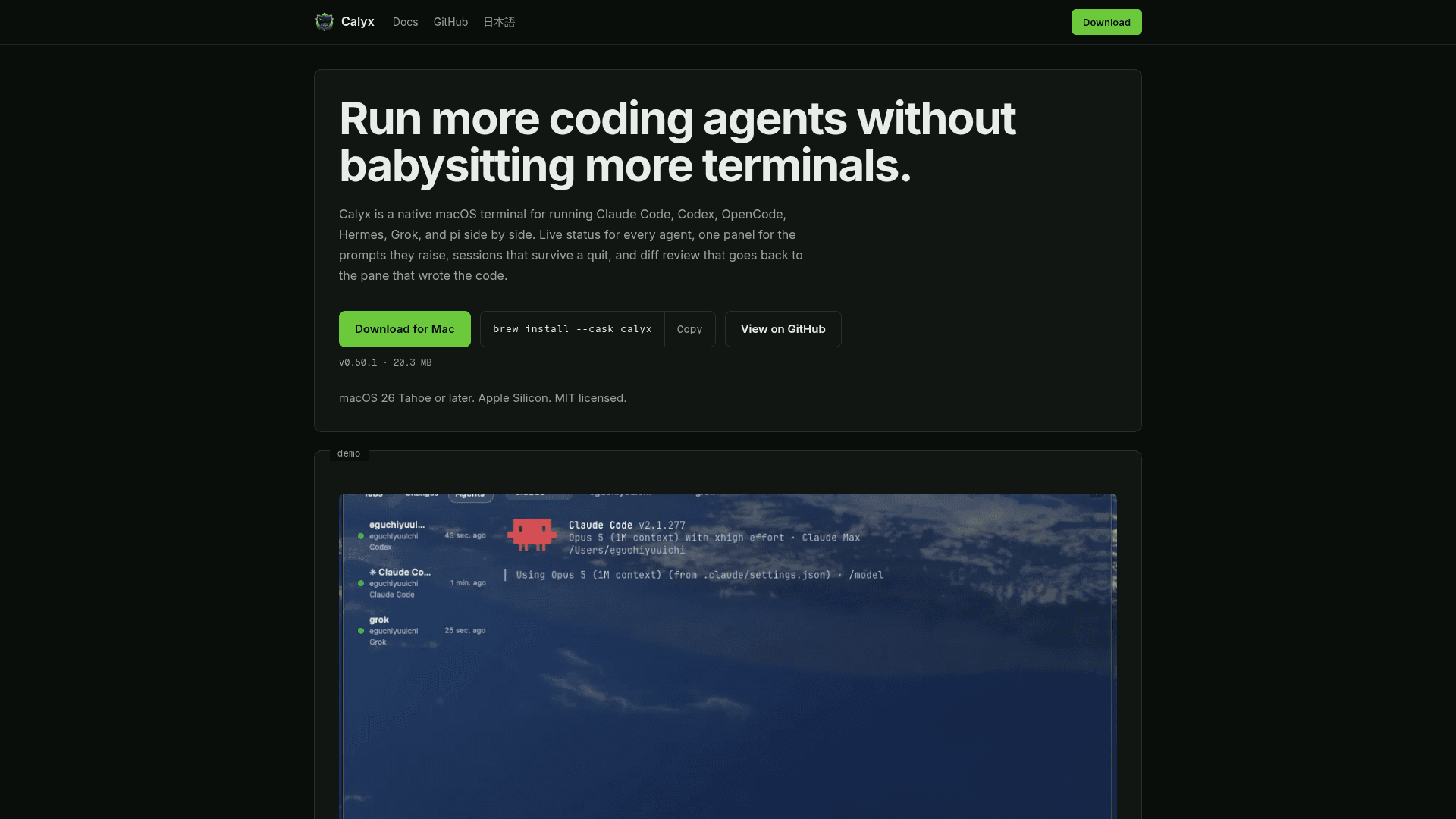
Calyx is a terminal emulator and agent supervision layer for developers who run several coding agents at once. It keeps the terminal workflow, adding an Agents Sidebar that marks each agent as working, blocked, idle, or done, along with unread badges and click-to-focus navigation. Panes running subagents expand into child rows for the CLIs that report them.
Approvals, Mission Map, and Review
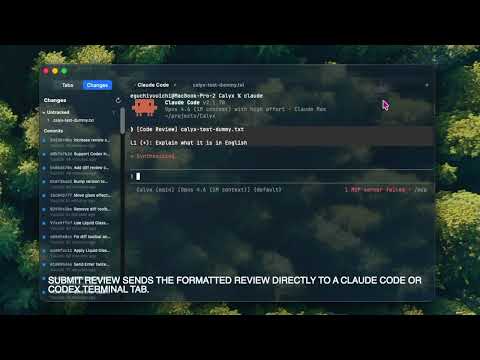
Claude Code and Codex permission prompts, always-approve Grok tool calls, and pi tool calls appear in a notification-style approval panel. The integration is opt-in, and auto-approval is a separate opt-in. Mission Map (Cmd+Shift+M) lays out every pane as a card with its agent state and shows message lines between agents. The Git sidebar covers working changes, staging, and commit history. Users can comment on individual diff lines and submit the whole review to an agent pane.
Agent Tooling over MCP
Calyx exposes panes, commands, captured output, browser tabs, language servers, and peer agents through MCP and a bundled calyx CLI. Command text and output are redacted for known secret patterns before agents can read them. Agents can message each other via AI Agent IPC, use LSP-backed tools, and drive browser tabs with 25 calyx browser commands. MCP servers added in Settings are republished to every agent CLI, and MCP Apps views dock beside the calling pane. Optional Usage Tracking records Claude Code token counts locally.
Sessions and Setup
Opt-in daemon-backed persistent sessions survive app quit and crashes, and a Session Browser reattaches them, including on SSH hosts running calyx-session. Calyx reads the Ghostty config, and adds tab groups, splits, a command palette, and a Liquid Glass appearance. It requires macOS 26 Tahoe or later on Apple Silicon and installs via Homebrew cask or a manual download. The site states there is no telemetry or analytics.
Community Discussions
Be the first to start a conversation about Calyx
Share your experience with Calyx, ask questions, or help others learn from your insights.
Pricing
Open Source
Calyx is free and open source under the MIT license; no paid tiers are published.
- MIT licensed
- Agents Sidebar with live status
- Approval inbox for permission prompts
- Git sidebar diff review
- Persistent sessions
Capabilities
Key Features
- Agents Sidebar with live status for each agent
- Approval inbox for permission prompts
- Subagent rows
- Mission Map of all panes
- Git sidebar with diff review comments sent to agent panes
- Persistent and remote SSH sessions
- Worktree tasks
- AI Agent IPC messaging between agents
- MCP exposure of panes, commands, and output with secret redaction
- LSP Proxy MCP tools
- MCP Apps support
- Scriptable browser tabs with 25 CLI commands
- Claude Code token usage tracking
- libghostty Metal rendering with Ghostty config compatibility
- Tab groups, splits, and command palette
- herdr integration
Integrations
Demo Video