
CC GUI (Claude, Codex and More)
A JetBrains IDE plugin that provides a graphical chat interface for Claude Code, OpenAI Codex, OpenCode and other AI coding CLIs.
At a Glance
CC GUI plugin for JetBrains IDEs, released under the MIT license. Underlying CLI/API usage (Anthropic, OpenAI, etc.) is billed separately by those providers.
Engagement
Available On
Alternatives
Listed Nov 2026
About CC GUI (Claude, Codex and More)
CC GUI is an MIT-licensed plugin for JetBrains IDEs, published on JetBrains Marketplace by MossX, that puts a visual chat interface in front of several AI coding CLIs. It was originally named Claude Code GUI and was renamed to reduce trademark risk. The latest listed release is v0.6.6-fix1.
What It Is
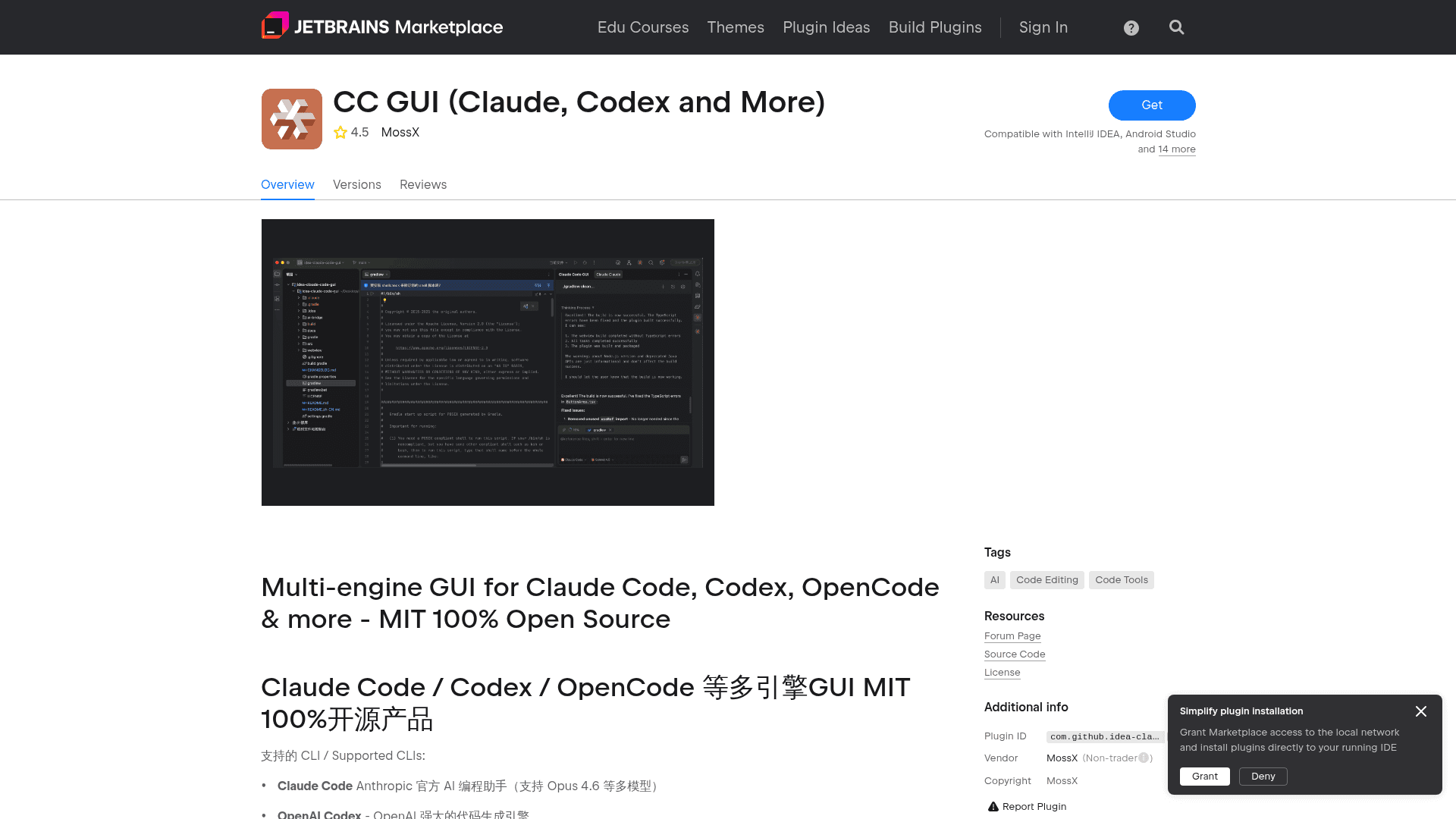
CC GUI adds a tool window to the IDE where you chat with an AI coding agent instead of working in a terminal. The Marketplace listing names these supported CLIs: Claude Code, OpenAI Codex, Grok CLI, Kimi CLI, OpenCode, PI CLI, OMP CLI and DeepSeek Harness. The latest release notes also mention MiniMax Code and ZCode.
You open the tool window from the right sidebar. You can select code and send it to the AI with Ctrl+Alt+K (Windows/Linux) or Cmd+Alt+K (Mac).
Workflow and Capabilities
- Context-aware chat with @file references and image attachments.
- An agent system, plus slash commands such as /init and /review.
- MCP server support to extend what the AI can do.
- Code diff views, file navigation, and an Edits panel with Keep All and Discard All.
- Permission modes (Default, Plan, Agent, Auto, Full Auto) and approval dialogs with Allow Once, Always Allow and Deny.
- Session history with search, favorites and export, conversation rewind, and usage statistics.
- Light and dark themes, IDE font synchronization, and localized UI.
Connection, Credentials and Privacy
The listing states that requests go directly to the official Anthropic or OpenAI API by default. Users can optionally configure a third-party or proxy endpoint, and the UI labels proxied routes. It says the plugin does not silently scan the disk for credentials. API keys are entered manually, or reading from ~/.claude/settings.json or a CLI login is authorized explicitly. Provider management is compatible with cc-switch.
Update: v0.6.6-fix1
The release notes list per-conversation API supplier selection, native Codex Ultra and Claude Ultracode, OMP over RPC, a Hooks settings page, balance display for relay vendors, and matching session history by Git remote. They also list fixes for slash command dispatch, Codex history restore, and loading project Claude settings only in trusted projects.
Setup Path
Install the plugin from JetBrains Marketplace. It is listed as compatible with IntelliJ IDEA, Android Studio and 14 more JetBrains IDEs. To build locally, install the webview and ai-bridge dependencies and run ./gradlew buildPlugin. The README suggests disabling JCEF GPU acceleration on macOS if scrolling lags.
Community Discussions
Be the first to start a conversation about CC GUI (Claude, Codex and More)
Share your experience with CC GUI (Claude, Codex and More), ask questions, or help others learn from your insights.
Pricing
Open Source (MIT)
CC GUI plugin for JetBrains IDEs, released under the MIT license. Underlying CLI/API usage (Anthropic, OpenAI, etc.) is billed separately by those providers.
- MIT licensed, 100% open source
- Multi-engine GUI for Claude Code, Codex, OpenCode, Grok CLI, Kimi CLI and more
- Context-aware assistant with @file references
- Agent system, Skills slash commands, MCP server support
- Code diff, session history and provider management
Capabilities
Key Features
- Multi-engine GUI for Claude Code, Codex, Grok CLI, Kimi CLI, OpenCode, PI CLI, OMP CLI and DeepSeek Harness
- Context-aware chat with @file references
- Image sending
- Agent system and slash commands
- MCP server support
- Code diff comparison and file navigation
- Permission modes and approval dialogs
- Conversation rewind
- Session history, favorites, search and export
- Provider management compatible with cc-switch
- Per-conversation API supplier selection
- Hooks management in settings
- Dark/light themes with IDE font sync
- Localized UI