
Mysti
Open-source VS Code extension that orchestrates Claude Code, Codex, Gemini, Copilot and other coding agents in one conversation.
At a Glance
Mysti VS Code extension, free and open source under Apache 2.0. Orchestrates your existing provider subscriptions and CLI tools; model access is not included.
Engagement
Available On
Alternatives
Listed Nov 2026
About Mysti
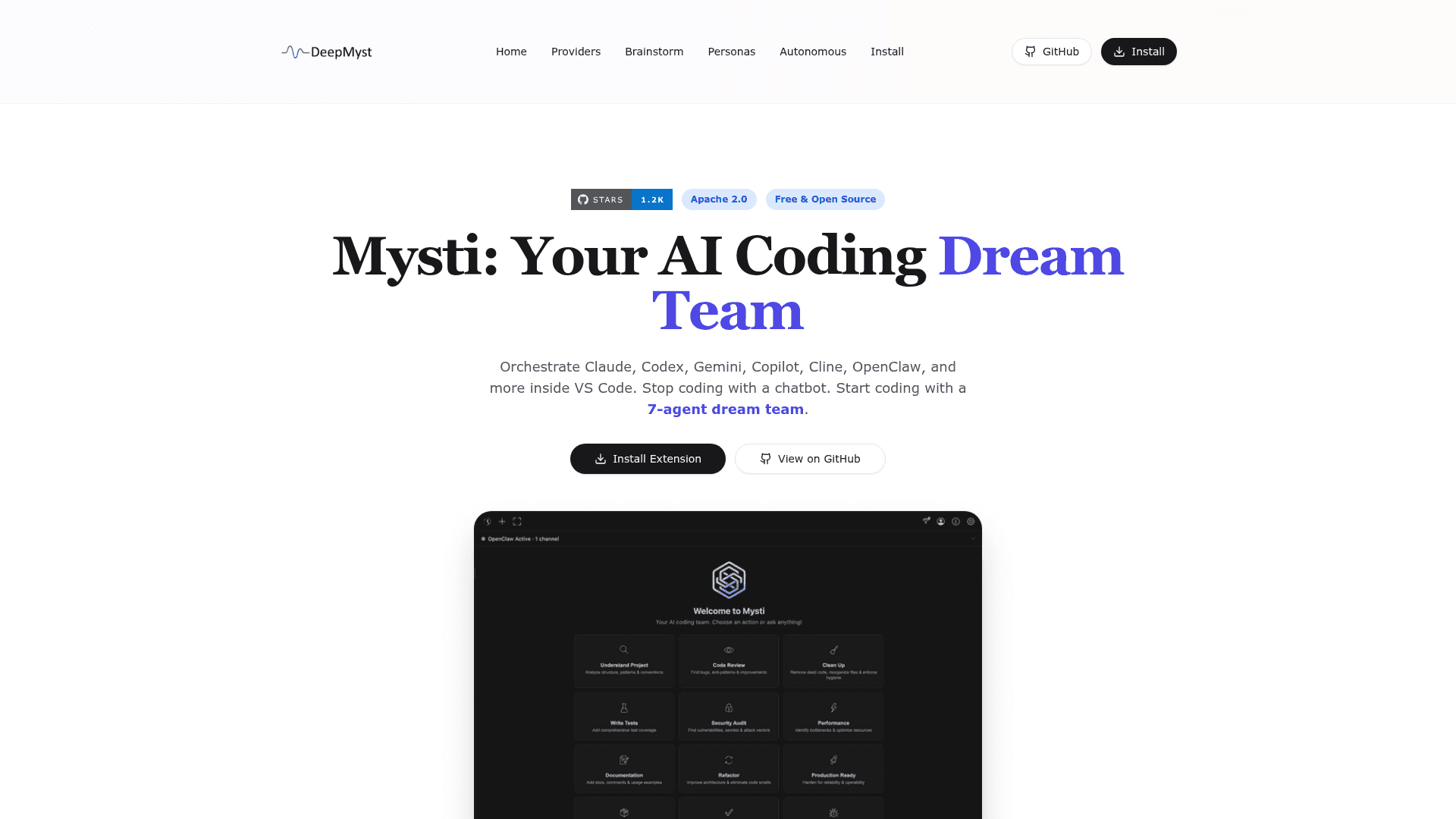
Mysti is an Apache-2.0 open-source VS Code extension from DeepMyst that brings multiple AI coding agents into a single panel. Users connect the provider CLIs or accounts they already have, address agents by name, hand work from one agent to another, and run structured discussions between two agents. The project remains in beta; the GitHub release listed is 2.0.2 Beta 3.
What It Is
Mysti is a multi-agent coding workspace inside VS Code. Rather than locking you to one model, it provides adapters for Claude Code, OpenAI Codex, Google Gemini CLI, GitHub Copilot CLI, Cline, Cursor, OpenClaw and others, plus local endpoints such as Ollama and LocalAI. The README lists 16 provider adapters plus a Mysti coordinator that uses the DeepMyst gateway or a direct OpenRouter key. Installing Mysti does not include model access; provider subscriptions and API usage are separate.
How Multi-Agent Workflows Work
You can tag agents with @-mentions to get independent opinions, for example asking two agents to review the same code and seeing their answers separately. An explicit "then" makes a second agent wait for the first agent's completed result, for example design then review. Independent read-only assignments can run concurrently, while work that may change the workspace runs serially. Context can be supplied through file mentions, selected code, diagnostics and Git summaries.
Brainstorm, Personas and Autonomy
Brainstorm mode pairs two configured agents under one of five strategies: Quick, Debate, Red Team, Perspectives or Delphi. The project site describes 16 personas and 12 toggleable skills, and custom personas can be written in markdown. Autonomous mode has conservative, balanced and aggressive levels, and a semi-autonomous countdown option. Access modes range from read-only to full access, depending on what the selected provider supports.
Canvas, Visual Test and Proactive Watches
Canvas shows live-previewed design artifacts with device and theme controls. Visual Test collects screenshots, findings and reports from a running app, and browser setup may be required. A Proactive inbox surfaces local Git changes and supported connected GitHub or Slack sources for review; this monitoring is read-only.
Setup Path and Status
Mysti requires VS Code 1.86 or newer, a trusted local workspace on Windows, macOS or Linux, and at least one configured provider. A second provider is needed for two-agent workflows. It can be installed from the VS Code Marketplace or from a downloaded VSIX. The README states that Mysti remains beta, with full native provider and account coverage and long-duration testing still incomplete.
Community Discussions
Be the first to start a conversation about Mysti
Share your experience with Mysti, ask questions, or help others learn from your insights.
Pricing
Open Source
Mysti VS Code extension, free and open source under Apache 2.0. Orchestrates your existing provider subscriptions and CLI tools; model access is not included.
- Apache License 2.0
- Multi-agent brainstorming
- Multiple provider adapters (Claude, Codex, Gemini, Copilot, Cline, Cursor, OpenClaw)
- Provider subscriptions/CLI tools are separate external costs
- Currently beta
Capabilities
Key Features
- Multi-agent @-mention routing
- Sequential agent handoffs with "then"
- Brainstorm strategies: Quick, Debate, Red Team, Perspectives, Delphi
- 16 personas and 12 toggleable skills
- Autonomous and semi-autonomous modes with audit log
- Read-only, ask-permission and full-access modes
- File, diagnostics and Git context mentions
- Canvas visual artifacts
- Visual Test for running apps
- Proactive inbox for Git and connected sources
- Conversation history, forks and checkpoints
- Context compaction
- Local model support via Ollama and LocalAI