
cc-remote
Runs Claude Code as an ACP agent for Zed, paseo and other clients, with the model on a remote server over ssh and file and shell tools on your own machine.
At a Glance
cc-remote is free: the source is public on GitHub and you build the binary yourself, with no paid tier. The repository has no license file, so it is not formally open source. Running it needs a logged-in Claude Code on your server, which requires a Claude subscription or API access billed by Anthropic.
Engagement
Available On
Alternatives
Listed Nov 2026
About cc-remote
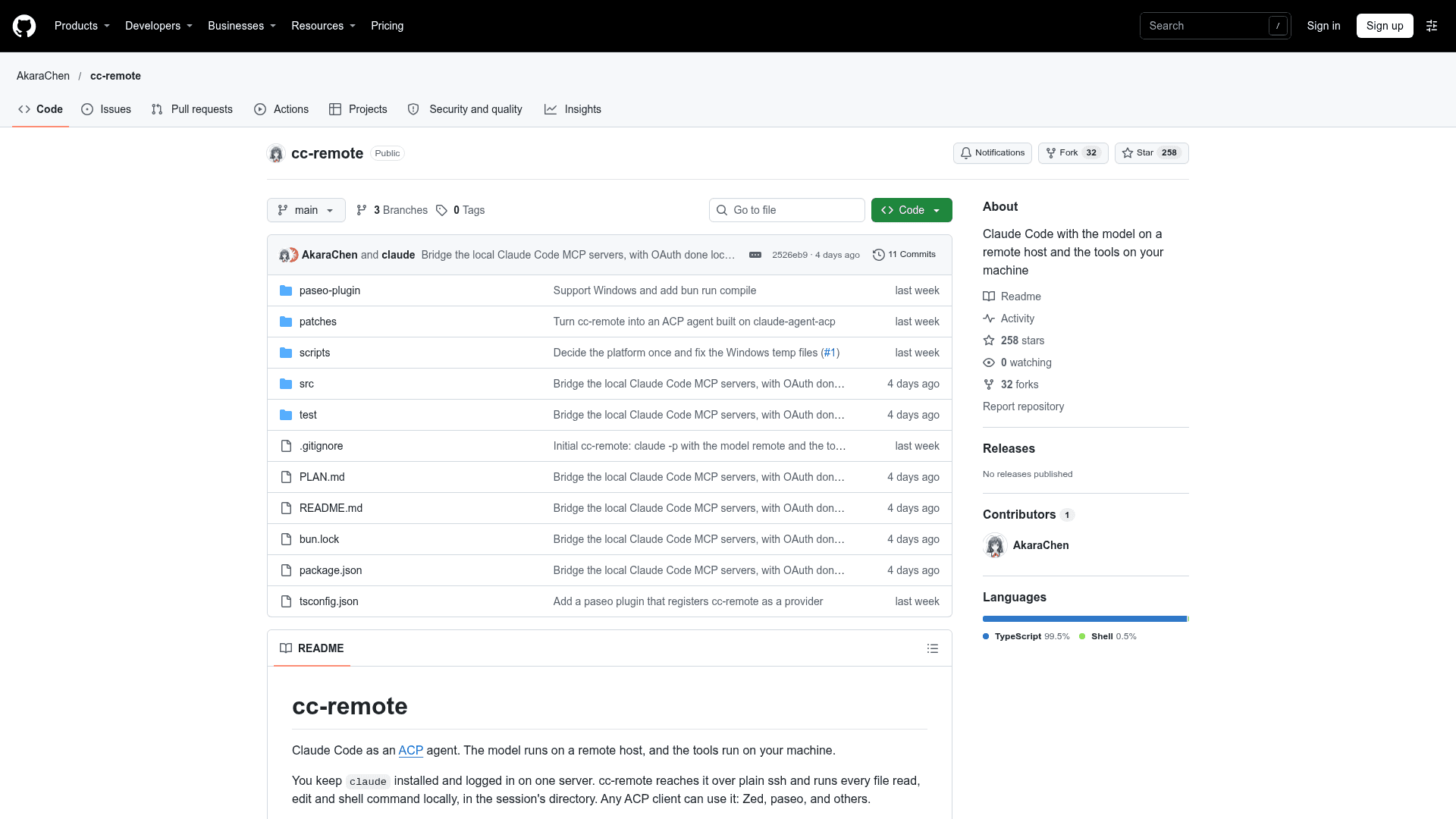
cc-remote is a TypeScript project by AkaraChen that exposes Claude Code as an Agent Client Protocol (ACP) agent. The model and session run on a remote server reached over plain ssh, while file reads, edits and shell commands run on your own machine in the session's directory. Any ACP client, such as Zed or paseo, can use it.
What It Is
cc-remote is claude-agent-acp with one change: the claude process it starts runs on a server instead of locally. You keep Claude Code installed and logged in on one server, version 2.1.248 or later with a POSIX login shell, and nothing else gets installed there. Your machine does not need claude at all. Sessions, permission prompts, modes, models, forks and diffs behave as they do in claude-agent-acp.
How the Split Works
The server keeps the model, the system prompt, the session, web search, subagents, skills, and its own settings and MCP servers. Your machine runs Read, Write, Edit, NotebookEdit, Bash (PowerShell on Windows), Glob and Grep, along with your CLAUDE.md files, git status and environment. The built-in file and shell tools are turned off on the server and replaced with local versions that have the same names and inputs. A proxy on the ssh stream renames those tools back to their built-in names and maps server paths to local ones, so clients render diffs and terminals as usual.
Permissions, Sessions and MCP
Permission requests go to your ACP client. Reads and searches never ask, accept-edits mode approves file changes inside the session's directory, and shell approvals cover a command prefix such as npm test:* rather than all of Bash; commands with pipes, redirects, chaining or substitution are never approved automatically. Each session is mirrored to ~/.claude/projects/ locally, so clients can list, replay, load and fork sessions, and a session the server has never seen is copied to it first.
Besides your client's MCP servers, cc-remote starts the ones your local Claude Code config would, from ~/.claude.json, per-directory settings and approved .mcp.json servers, and runs them on your machine. HTTP or SSE servers that need OAuth offer an authenticate tool that opens the login page in your local browser.
Setup and Usage
You clone the repository and build a dependency-free binary with Bun, or build every platform at once. You point it at a host with --host, $CC_REMOTE_HOST or a host file, set a custom ssh command through CC_REMOTE_SSH if needed, and check the link with cc-remote doctor. cc-remote --cli runs any claude command on the server, such as logging in. Zed is configured through agent_servers in its settings, and paseo through its config or a bundled plugin with a settings screen. Sessions share one ssh connection with keep-alives so a dead link fails in about a minute, except on Windows, where each session opens its own.
Limits to Know
Your project's .claude/ directory, including commands, skills, agents and settings, is not sent to the server. File checkpoints and rewind are recorded on the server and cannot see local edits. Bridged client MCP servers expose tools only, not resources or prompts, and LSP, Monitor and worktree tools are turned off. On Windows, Grep needs ripgrep on PATH. The repository does not include a license file.
Community Discussions
Be the first to start a conversation about cc-remote
Share your experience with cc-remote, ask questions, or help others learn from your insights.
Pricing
Free
cc-remote is free: the source is public on GitHub and you build the binary yourself, with no paid tier. The repository has no license file, so it is not formally open source. Running it needs a logged-in Claude Code on your server, which requires a Claude subscription or API access billed by Anthropic.
- Full source on GitHub
- Build for macOS, Linux and Windows (x64 and arm64) with Bun
- Bundled paseo plugin
Capabilities
Key Features
- Claude Code exposed as an ACP agent for any ACP client
- Model, session, web search, subagents and skills run on a remote host over ssh
- Read, Write, Edit, NotebookEdit, Bash, Glob and Grep run locally
- No local Claude Code install needed
- Tool-name and path proxy so clients render diffs and terminals normally
- Permission requests routed to your ACP client
- Prefix-based Bash and PowerShell approvals
- Never auto-approves commands with pipes, redirects, chaining or substitution
- Sessions mirrored to local ~/.claude/projects for list, replay, load and fork
- Starts MCP servers from your local Claude Code config
- OAuth authenticate tool for HTTP and SSE MCP servers
- Shared ssh connection via ControlMaster with keep-alives
- Custom ssh command via CC_REMOTE_SSH
- Host from --host, $CC_REMOTE_HOST or a host file
- doctor command to check ssh and the remote claude version
- --cli to run any claude command on the server
- Windows support with PowerShell 7 or Windows PowerShell 5.1
- Dependency-free compiled binary
- paseo plugin with a settings screen